
This interactive demo was created free with Storylane in 2 minutes. Create your own demo
Start free
All Tutorials /GoTo Meeting

How to Record a GoTo Meeting Session

Updated on:
June 5, 2026
By:
Madhav Bhandari
Use this interactive demo to learn how to start recording a live GoTo Meeting session in minutes.

Quick summary

Recording a GoTo Meeting session takes just a few clicks — start your meeting, confirm your settings, and hit the Record button from the in-meeting toolbar. This guide walks you through each step so you can capture every meeting without missing a moment.


Steps

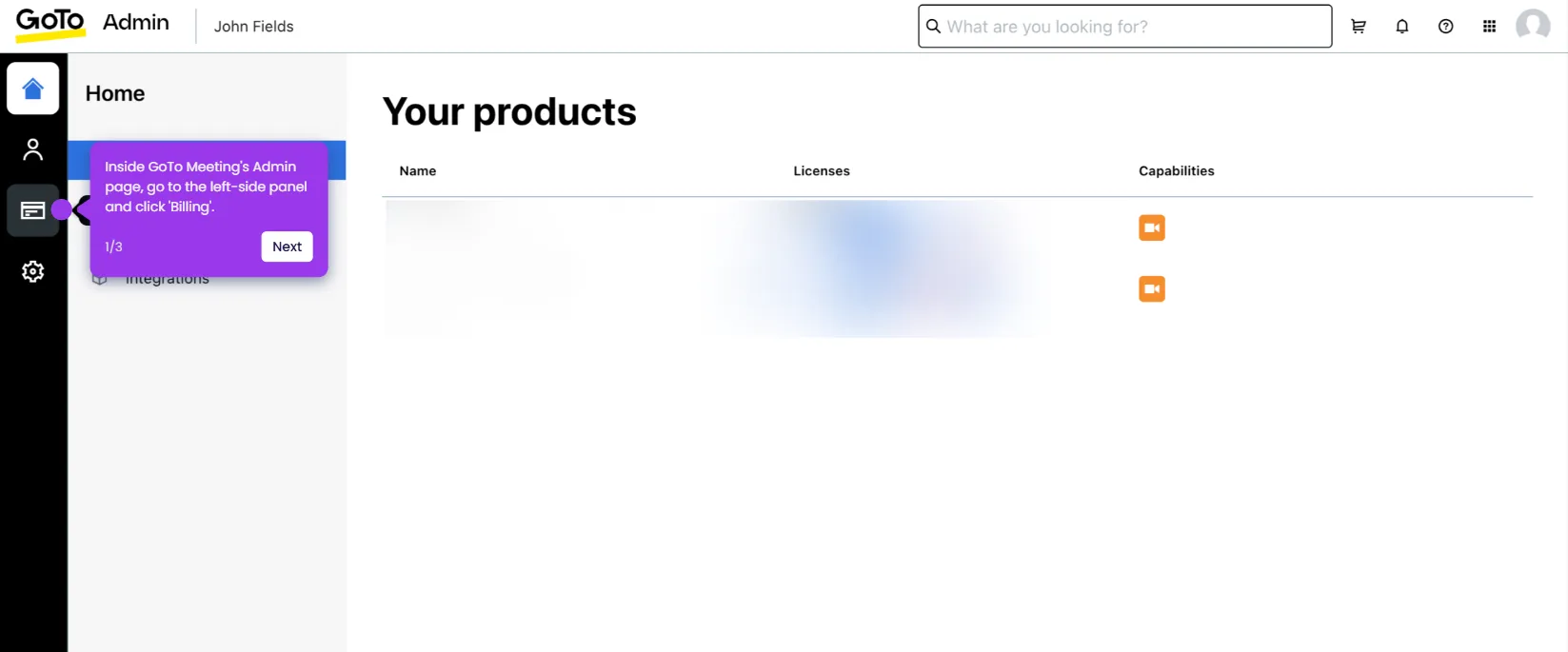
  1. In the GoTo Meeting dashboard, locate the meeting you want to host and click its Start button.
  2. Review and configure your meeting settings, then click "OK, I'm Ready" to launch the session.
  3. Inside the active meeting, open the menu bar in the bottom-left corner and click Record.
  4. Your GoTo Meeting session is now being recorded — all subsequent meeting content will be captured automatically.

📌 Why this matters

Recording GoTo Meeting sessions ensures that important discussions, decisions, and presentations are never lost. Teams can share meeting recordings with absent colleagues, use them for onboarding and training, and maintain a reliable audit trail of key conversations. GoTo Meeting's built-in recording feature makes it easy to capture sessions directly from the in-meeting toolbar without third-party tools. This makes GoTo Meeting a practical choice for remote teams and businesses that need consistent, accessible meeting documentation.
Your product deserves an interactive demo
Start free
Similar Articles
GoTo Meeting

How to Integrate GoTo Meeting with Salesforce

Madhav Bhandari
Director of Marketing @ Storylane
GoTo Meeting

How to Cancel the GoTo Meeting Subscription

Madhav Bhandari
Director of Marketing @ Storylane
GoTo Meeting

How to Create Breakout Rooms in GoTo Meeting

Madhav Bhandari
Director of Marketing @ Storylane
No items found.
Platform
Interactive Demos
Sandbox Demos
Hubs
RepX
Integrations
Solutions
Product Marketers
Growth & Demand Gen
Sales Reps & AEs
Presales & SEs
Customer Success
Product Managers
Customers
Demo Showcase
Customer Stories
Finer Demos Club
Features
Demo Signals
Personalization
Deal Intelligence
Resources
Blog
The Plot
Tutorials
Help Docs
What’s New
Demo Dundies
Company
Careers
Pricing
Partners
Contact
Trust Center
Backed by
Chrome Extension Icon
Chrome extension
Download
Desktop app
Download
Built in San Francisco Bay Area - ©2026 Storylane
Privacy PolicyTerms & Conditions
X Corp (formerly Twitter)LinkedIn
This website uses cookies to ensure you get the best experience on our website. Learn More
Got it
This website uses cookies to ensure you get the best experience on our website. Learn More
Got it