
This interactive demo was created free with Storylane in 2 minutes. Create your own demo
Start free
All Tutorials /GoTo Meeting

How to Record a GoTo Meeting Session as an Attendee

Updated on:
June 5, 2026
By:
Madhav Bhandari
Use this interactive demo to learn how to record a GoTo Meeting session as an attendee.

Quick summary

This tutorial shows how to record a GoTo Meeting session as an attendee by joining a meeting and activating the Record button from the in-meeting toolbar. Note that the recording feature is only available to users assigned as an organizer or co-organizer.


Steps

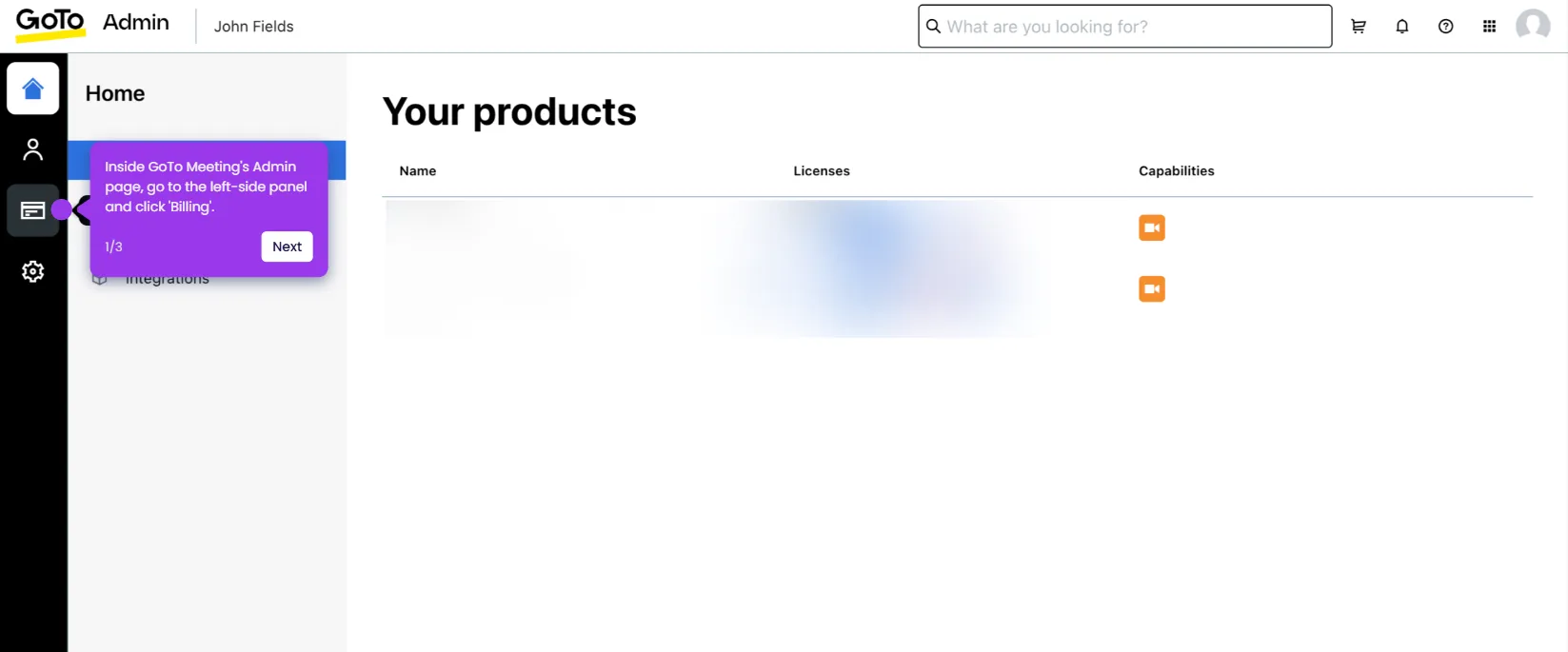
  1. In the GoTo Meeting dashboard, navigate to the left-side panel and enter the meeting name or ID into the Join a Meeting input field.
  2. Tap the Join icon to proceed into the meeting.
  3. Configure the required meeting settings, then click OK, I'm Ready to enter the session.
  4. In the bottom menu bar, click the Record button — note this option is only enabled if your account is set as an organizer or co-organizer.
  5. Once these steps are complete, your GoTo Meeting session will begin recording automatically going forward.

📌 Why this matters

Recording GoTo Meeting sessions allows teams to capture important discussions, decisions, and presentations for future reference, compliance, or knowledge sharing. The ability to start recording directly from the in-meeting toolbar makes it fast and accessible for authorized attendees without requiring IT assistance. GoTo Meeting's role-based recording control — limited to organizers and co-organizers — ensures that session capture is managed securely and intentionally. This feature is essential for remote teams, training workflows, and organizations that need reliable meeting documentation.
Your product deserves an interactive demo
Start free
Similar Articles
GoTo Meeting

How to Integrate GoTo Meeting with Salesforce

Madhav Bhandari
Director of Marketing @ Storylane
GoTo Meeting

How to Cancel the GoTo Meeting Subscription

Madhav Bhandari
Director of Marketing @ Storylane
GoTo Meeting

How to Create Breakout Rooms in GoTo Meeting

Madhav Bhandari
Director of Marketing @ Storylane
No items found.
Platform
Interactive Demos
Sandbox Demos
Hubs
RepX
Integrations
Solutions
Product Marketers
Growth & Demand Gen
Sales Reps & AEs
Presales & SEs
Customer Success
Product Managers
Customers
Demo Showcase
Customer Stories
Finer Demos Club
Features
Demo Signals
Personalization
Deal Intelligence
Resources
Blog
The Plot
Tutorials
Help Docs
What’s New
Demo Dundies
Company
Careers
Pricing
Partners
Contact
Trust Center
Backed by
Chrome Extension Icon
Chrome extension
Download
Desktop app
Download
Built in San Francisco Bay Area - ©2026 Storylane
Privacy PolicyTerms & Conditions
X Corp (formerly Twitter)LinkedIn
This website uses cookies to ensure you get the best experience on our website. Learn More
Got it
This website uses cookies to ensure you get the best experience on our website. Learn More
Got it