Quick summary
This tutorial shows how to remove the scroll bar in Bubble.io by adding a custom HTML element with a CSS snippet that works across Chrome, Firefox, and Edge. It takes just a few clicks inside the Bubble visual editor and requires no plugins or third-party tools.
Steps
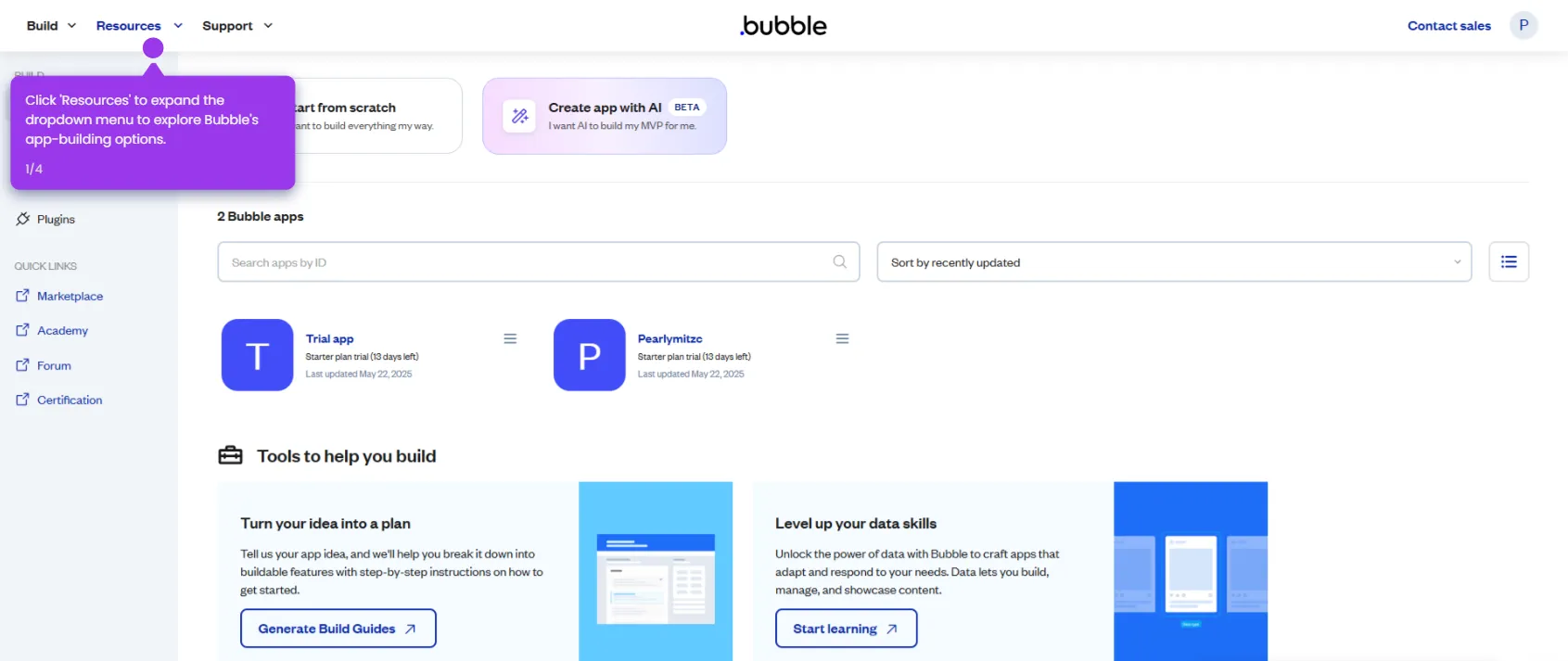
- Access your app in your Bubble.io account from the apps dashboard.
- Open the HTML editor to customize your page with advanced formatting options.
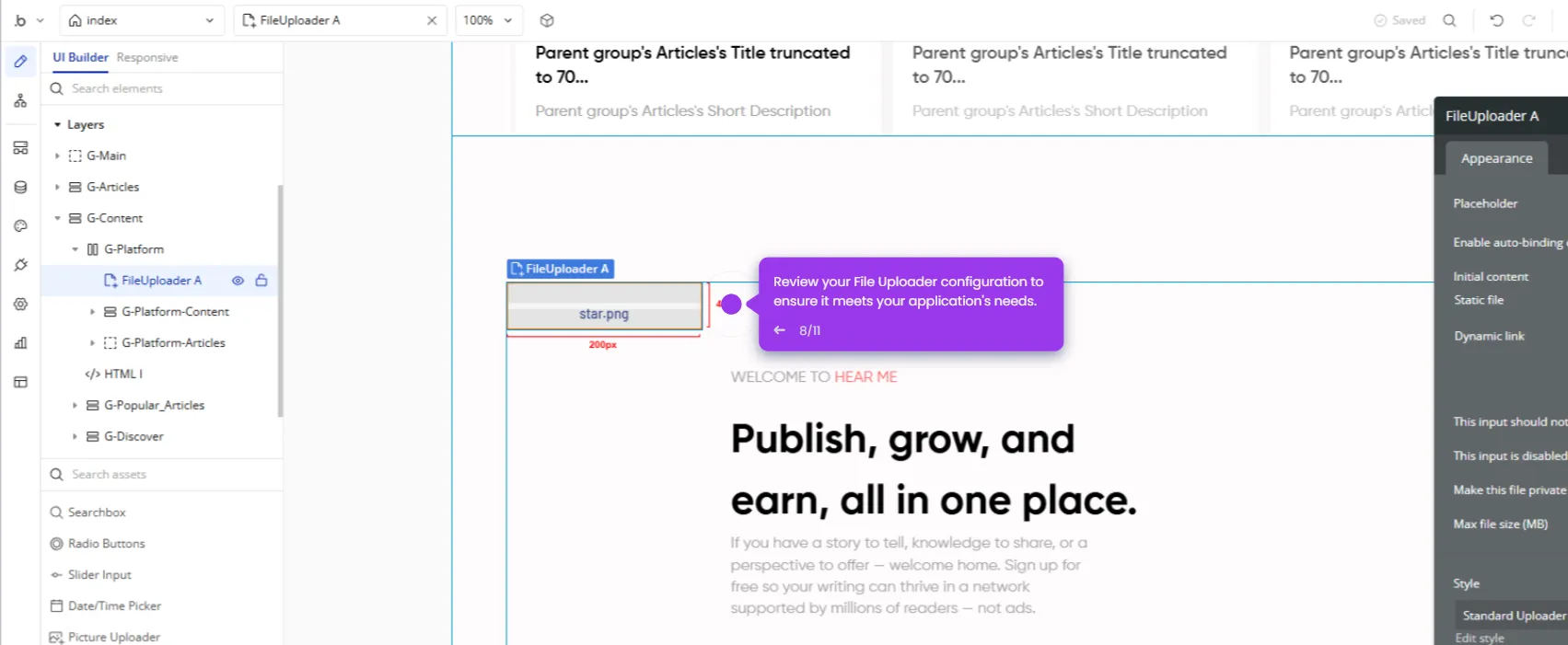
- Drag an HTML element onto the page in the Bubble visual editor.
- Paste the CSS code into the HTML field to target scrollbar styles.
- Confirm the code removes scrollbars for all browsers, including Chrome, Firefox, and Edge.
- Click Deploy to finalize your design and publish your no-code application.