Quick summary
Resetting ManyChat for Instagram involves navigating to Settings, selecting the Instagram channel, and refreshing permissions to restore full messaging automation connectivity. This process ensures your ManyChat account maintains the correct access levels needed to send and manage Instagram messages.
Steps
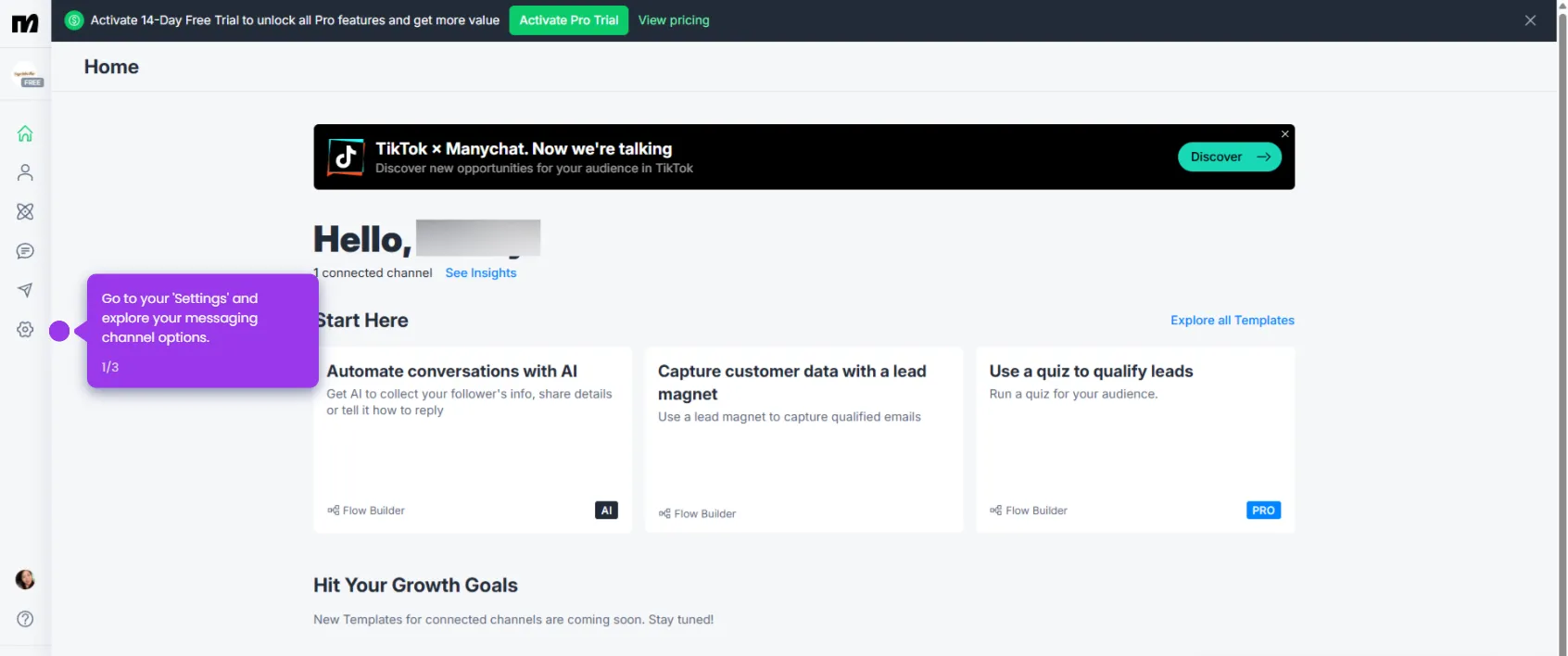
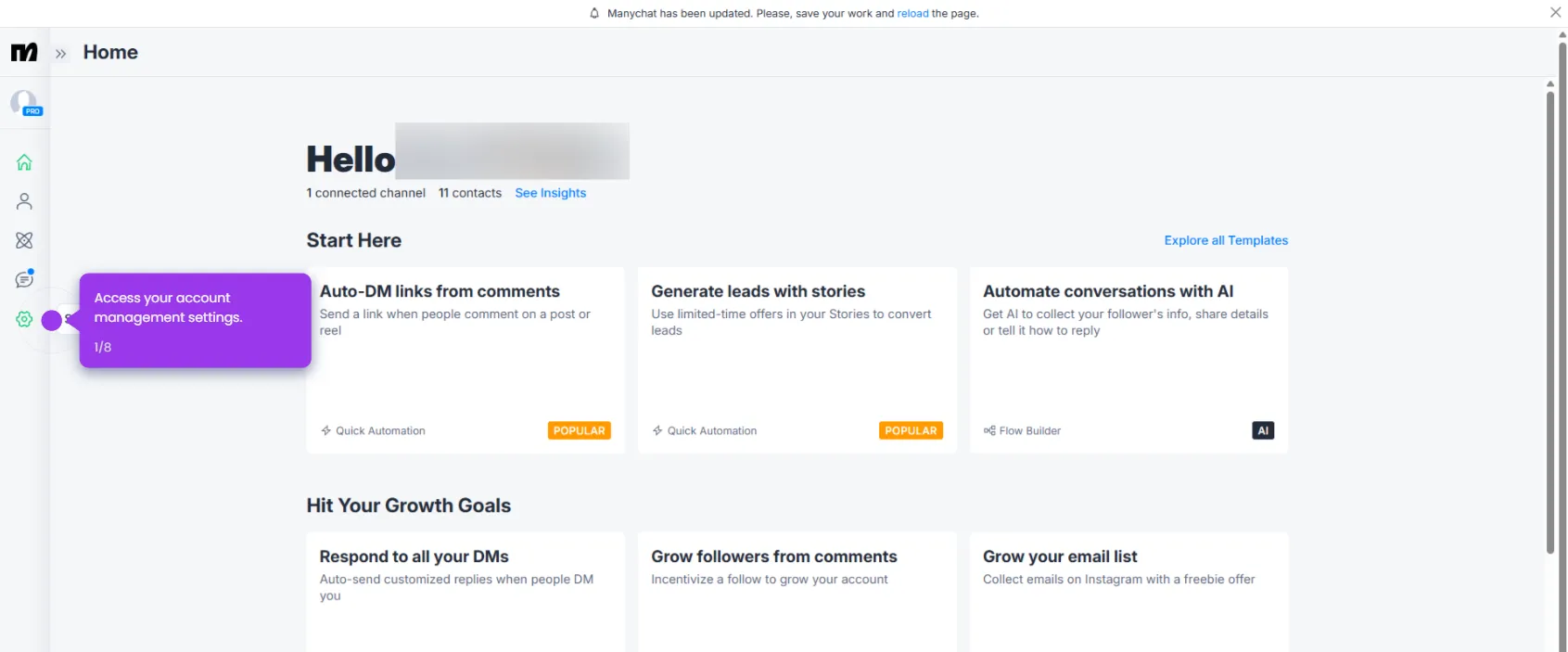
- Go to your Settings menu.
- Under Channels, select Instagram.
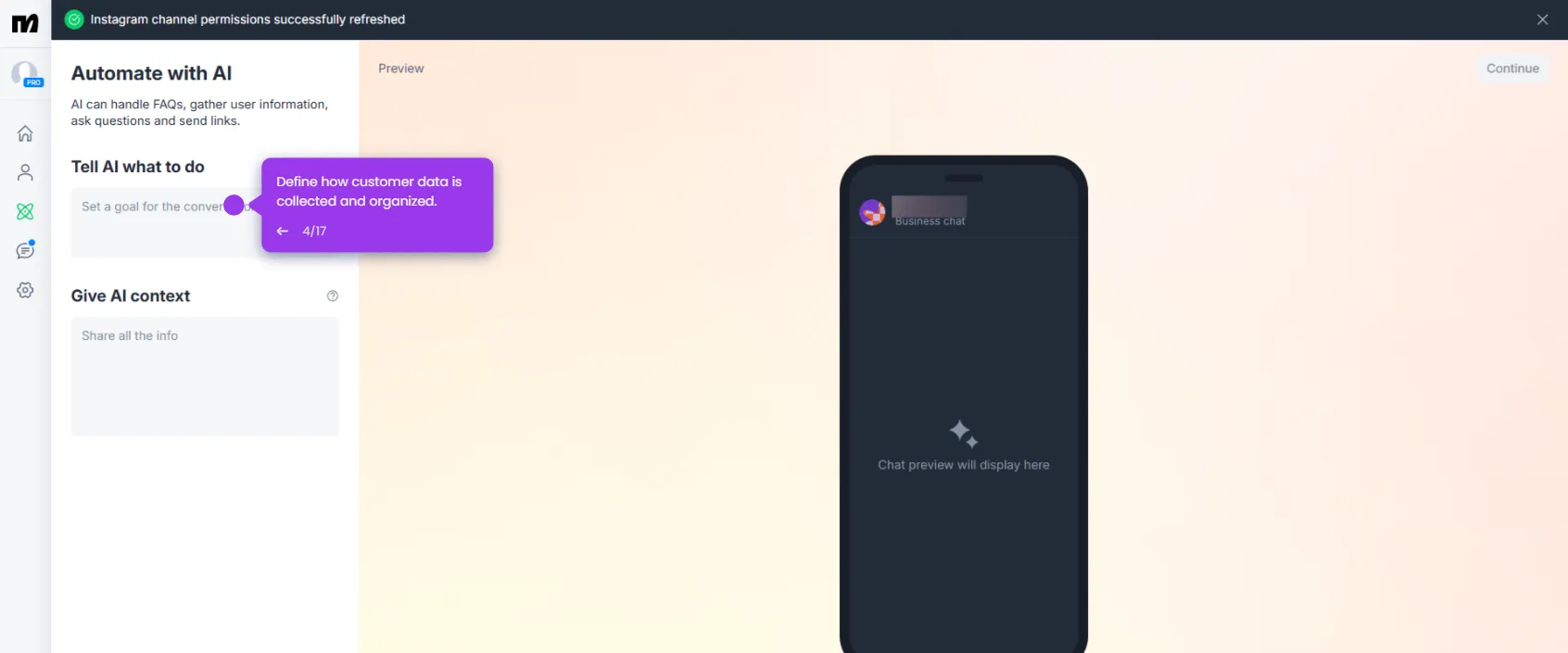
- Click Refresh Permissions to update your access levels and ensure optimal connectivity.
- Click Allow to confirm permissions and activate Instagram messaging automation.