


- Launch the WebEx app.
- On the left-side pane, click Meetings.
- Click Schedule a meeting.
- In the Schedule a meeting window, enter your meeting details, then click Recurrence.
- In the Recurrence window, choose your preferred repeat settings, then click Save.
- Once everything looks correct, click Schedule.
- To confirm it was created, check your meeting calendar and look for the recurring meeting.
How to Schedule a Recurring Meeting in WebEx
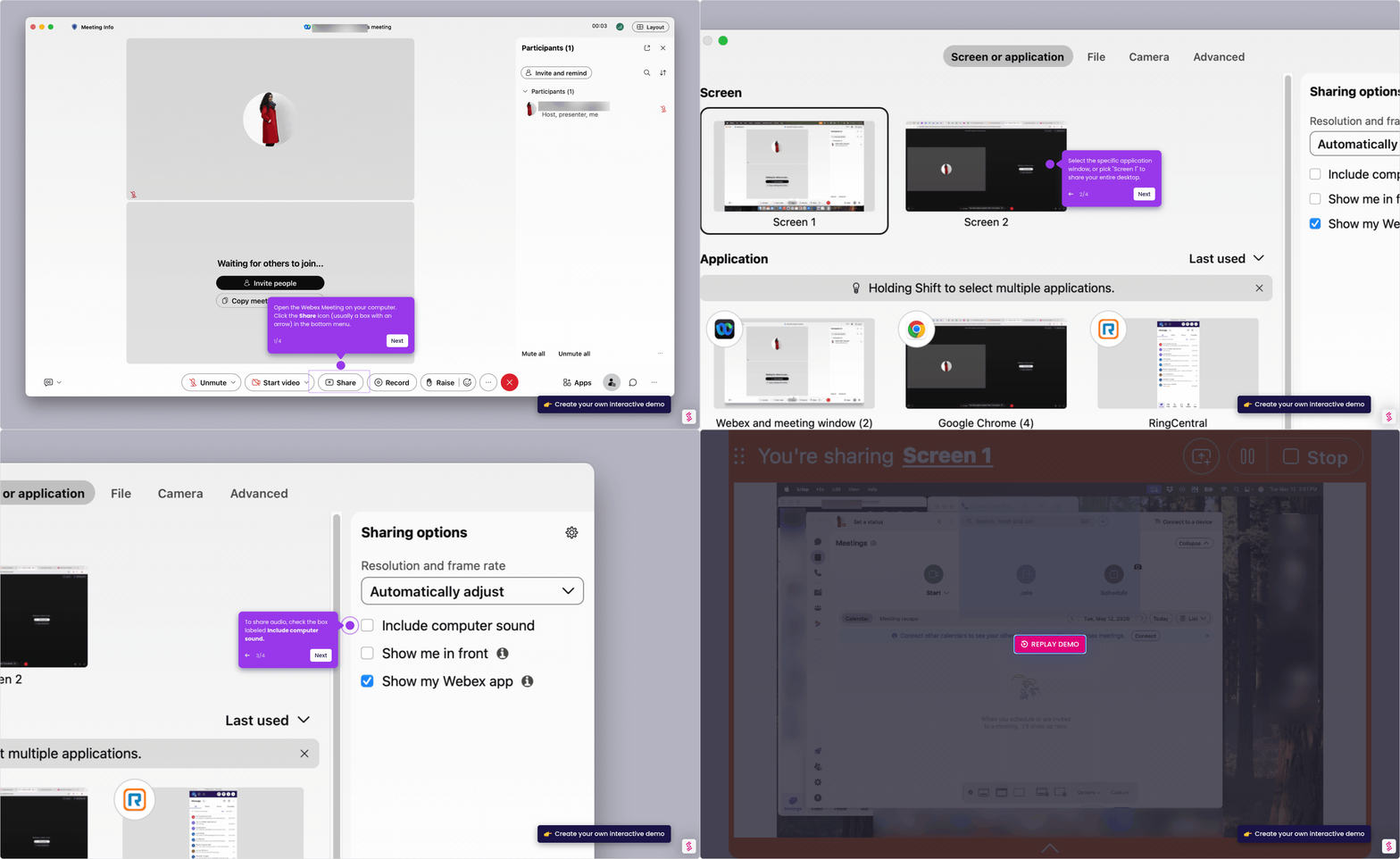
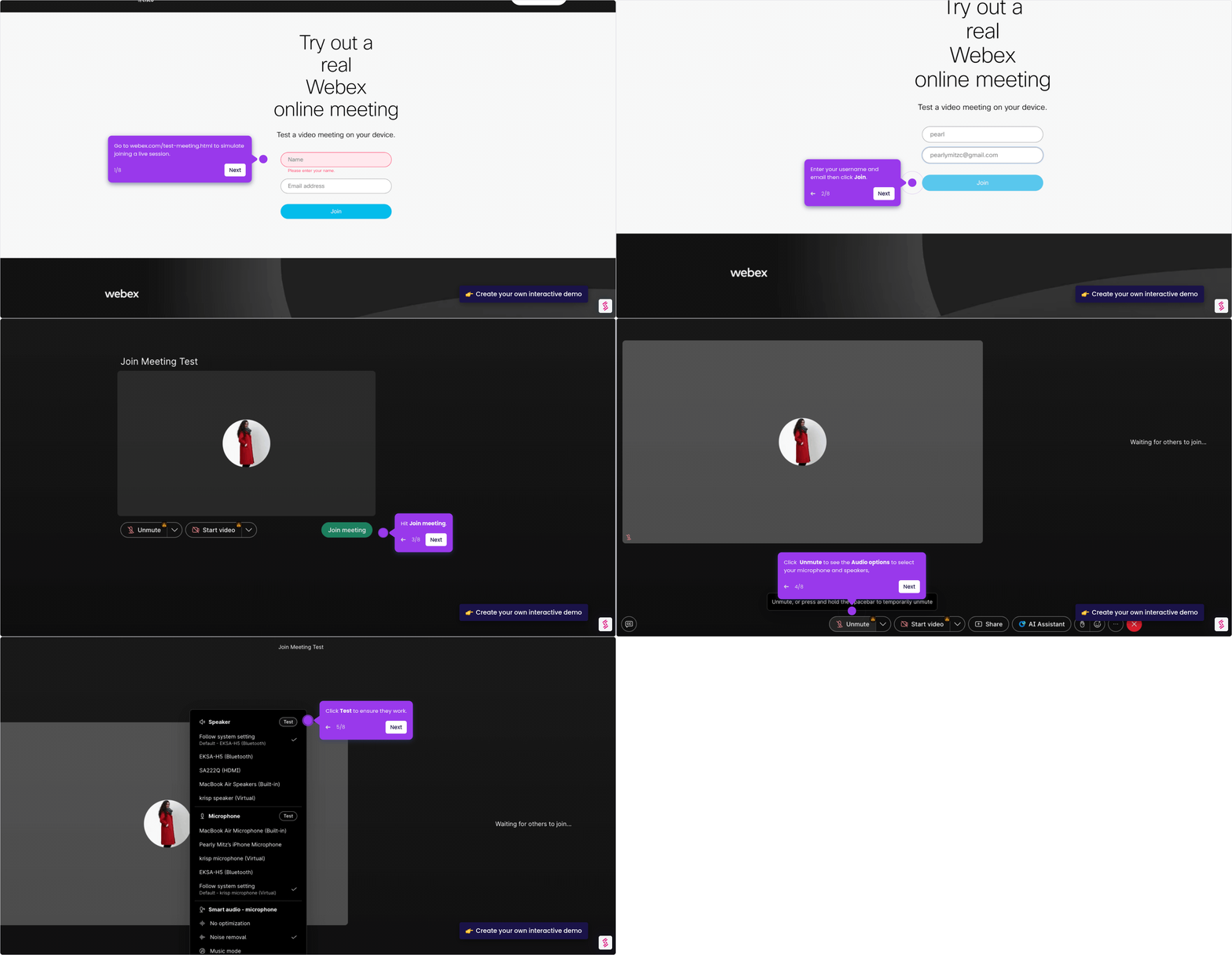
Follow this interactive demo to learn how to schedule a recurring meeting in Webex.
Your product deserves an interactive demo
Similar Articles

No items found.