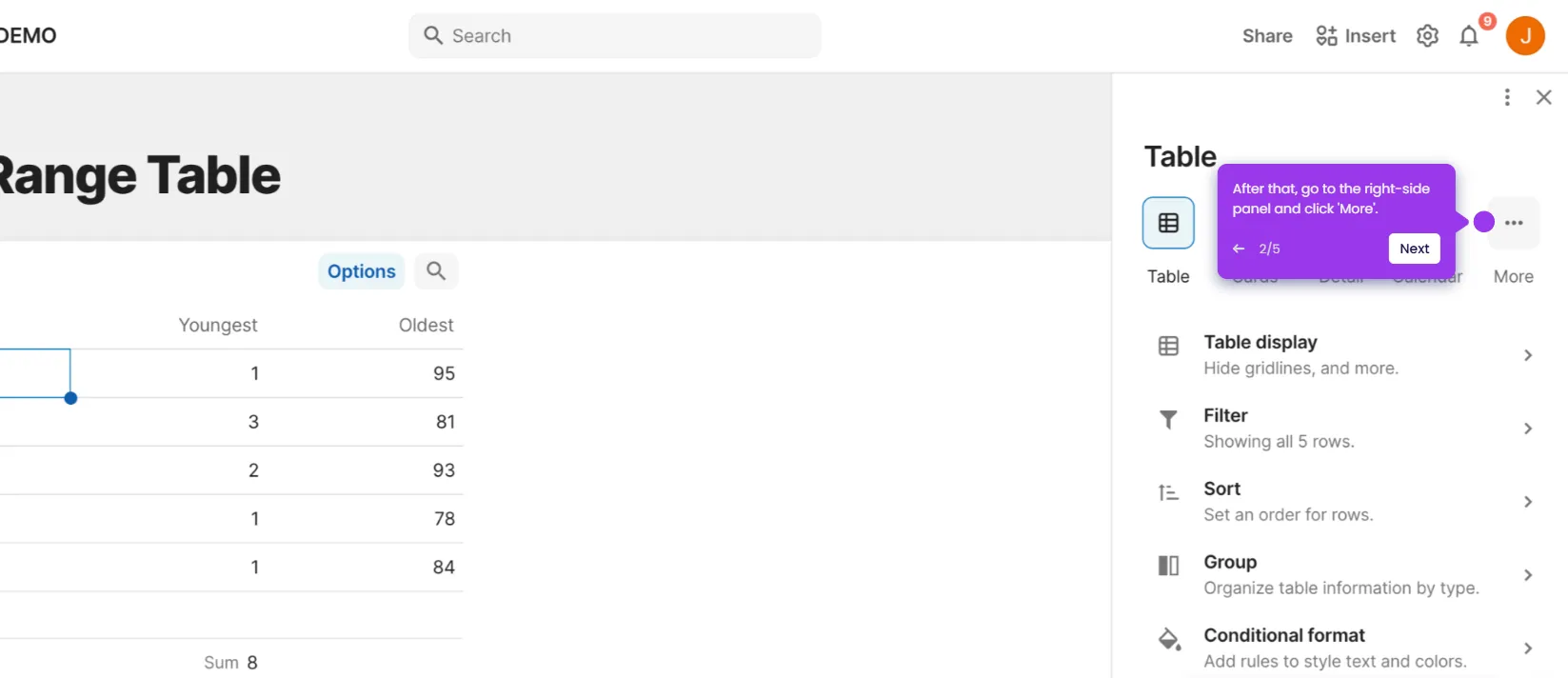
This interactive demo was created free with Storylane in 2 minutes. Create your own demo
Start free
All Tutorials /Coda

How to Set Up Team Billing in Coda

Updated on:
June 5, 2026
By:
Madhav Bhandari
Use this interactive demo to learn how to configure team billing and upgrade your Coda workspace plan.

Quick summary

Setting up team billing in Coda requires navigating to Admin Settings and selecting the right workspace plan to upgrade. This guide walks workspace admins through every step — from accessing the Profile icon to completing payment details for the Team plan.


Steps

  1. Click the Profile icon in the top-right corner of your Coda workspace.
  2. Select Admin Settings from the dropdown list of options.
  3. Navigate to the Billing section and click Workspace Plan.
  4. Find your current active plan and click its corresponding Upgrade button.
  5. Click the Upgrade button under the Team option to select the Team plan.
  6. Enter your required payment details into the respective input fields.
  7. Click Upgrade to process your payment and complete your Coda team billing setup.

📌 Why this matters

Upgrading to a team billing plan in Coda unlocks collaborative workspace features that help teams manage shared docs, permissions, and members at scale. Coda's team plan provides centralized billing and admin controls, making it easier for workspace administrators to oversee costs and access across the entire organization. Setting up team billing correctly ensures uninterrupted access to Coda's full suite of productivity tools for every member. For growing teams, this is a critical step toward structured, scalable workspace management.
Your product deserves an interactive demo
Start free
Similar Articles
Coda

How to Use Coda’s REST API

Madhav Bhandari
Director of Marketing @ Storylane
Coda

How to Create Approval Workflows in Coda

Madhav Bhandari
Director of Marketing @ Storylane
Coda

How to Create Data Visualizations From Tables in Coda

Madhav Bhandari
Director of Marketing @ Storylane
No items found.
Platform
Interactive Demos
Sandbox Demos
Hubs
RepX
Integrations
Solutions
Product Marketers
Growth & Demand Gen
Sales Reps & AEs
Presales & SEs
Customer Success
Product Managers
Customers
Demo Showcase
Customer Stories
Finer Demos Club
Features
Demo Signals
Personalization
Deal Intelligence
Resources
Blog
The Plot
Tutorials
Help Docs
What’s New
Demo Dundies
Company
Careers
Pricing
Partners
Contact
Trust Center
Backed by
Chrome Extension Icon
Chrome extension
Download
Desktop app
Download
Built in San Francisco Bay Area - ©2026 Storylane
Privacy PolicyTerms & Conditions
X Corp (formerly Twitter)LinkedIn
This website uses cookies to ensure you get the best experience on our website. Learn More
Got it
This website uses cookies to ensure you get the best experience on our website. Learn More
Got it