Quick summary
Triggering a lightbox in Unbounce requires assigning a click action to a button element inside the page editor. Once configured and saved, the lightbox will open automatically whenever a visitor clicks that button on your landing page.
Steps
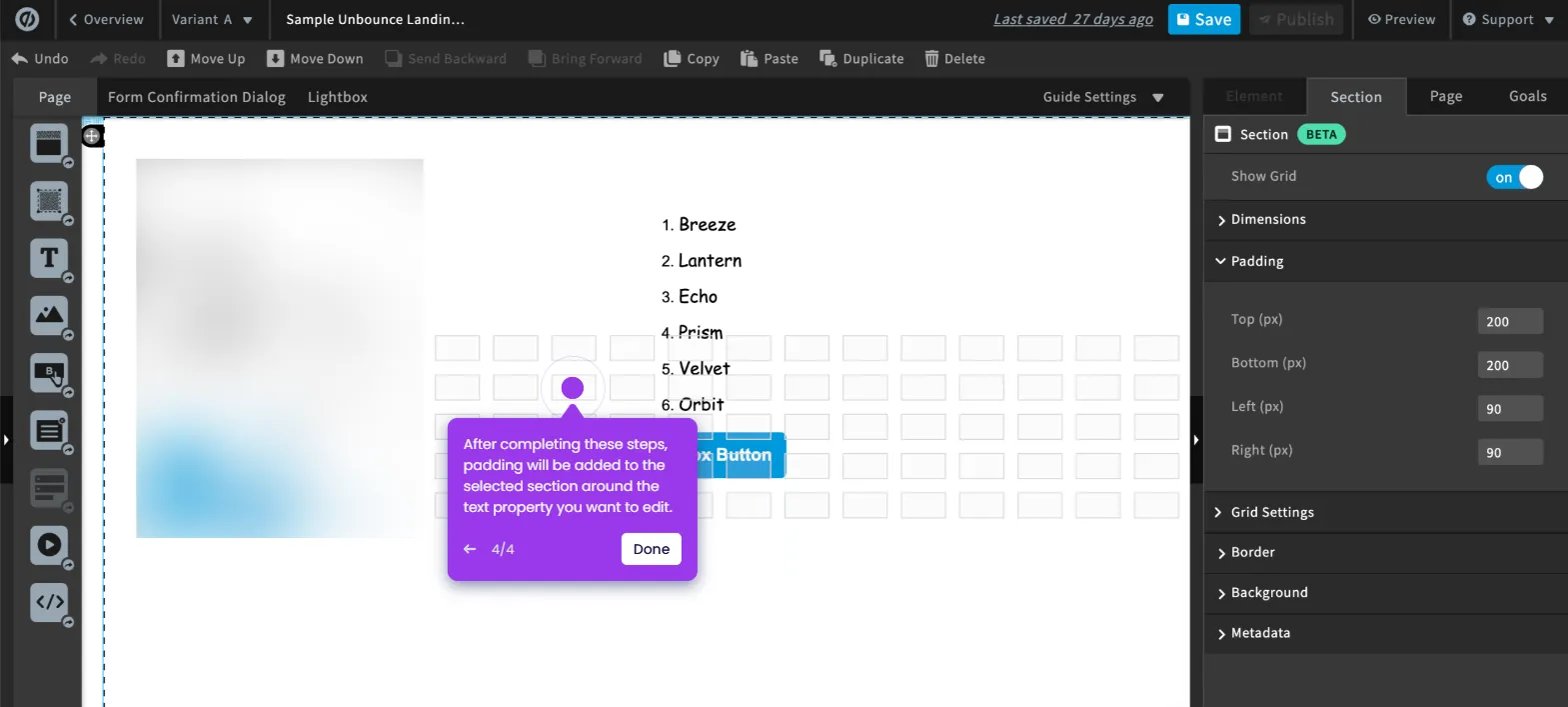
- Inside Unbounce's page editor, find and select the lightbox button you want to edit.
- Under the Element tab, go to the Click Action section and tap the drop-down menu next to Action.
- Select Show a Lightbox from the list of available options.
- Tap the Lightbox menu and pick one from the available choices.
- Click Save to apply the changes.
- After completing these steps, the Unbounce lightbox will be triggered when the button is clicked.