


- Launch the WebEx App
- Join or start a meeting in Webex.
- In the meeting controls, click Start video (camera icon). Make sure that a camera is connected on your desktop.
How to Turn On Video in Webex Audio-Only Mode
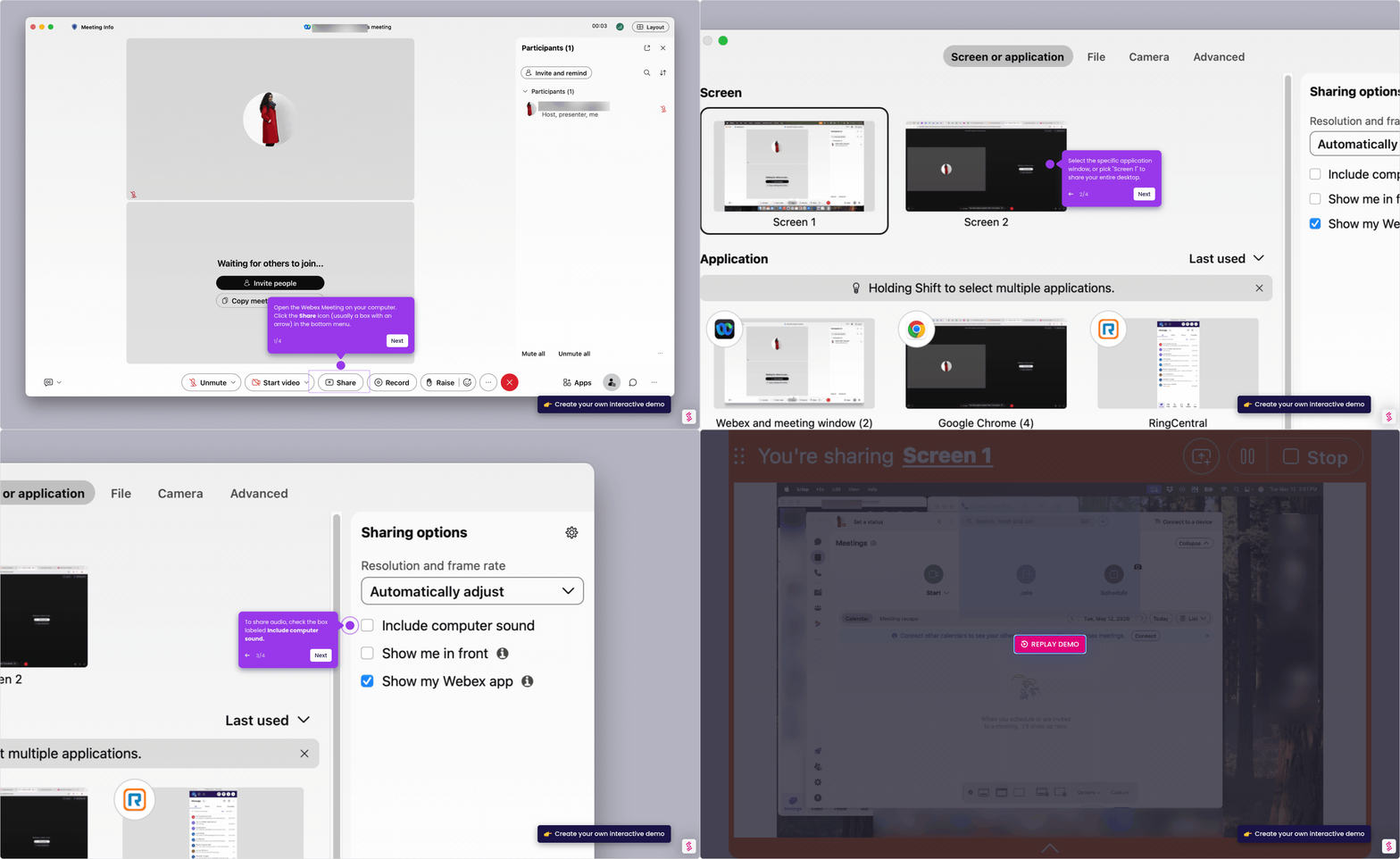
Follow this interactive demo to learn how to turn your on video in Webex audio-only mode.
Your product deserves an interactive demo
Similar Articles
No items found.