Quick summary
Updating Sourcetree involves using the built-in Refresh button or enabling background remote status refresh through the repository's Advanced settings. Both methods ensure your local Sourcetree client stays in sync with the latest remote changes.
Steps
- Open your Sourcetree account.
- Click the Refresh button located in the lower left corner of your Sourcetree account.
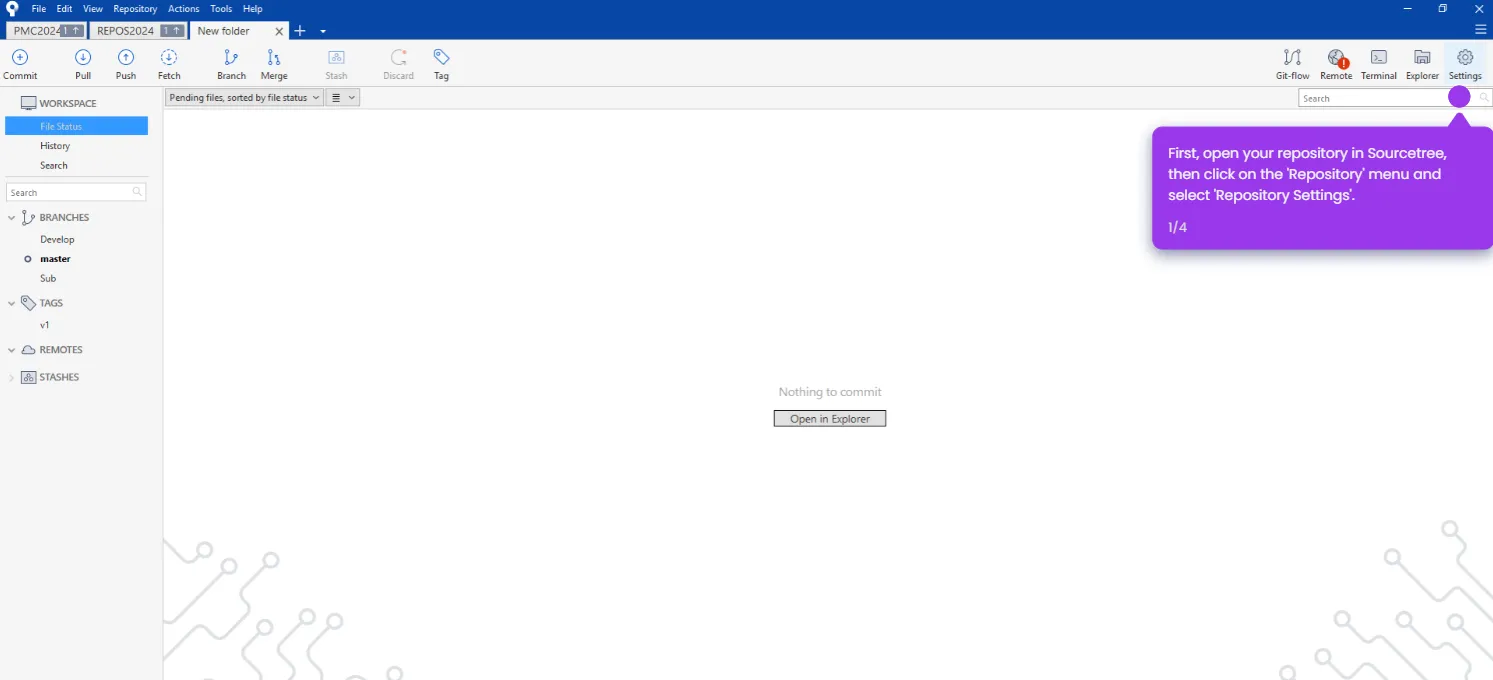
- Alternatively, open your repository and click on Settings.
- Click the Advanced tab inside the repository settings.
- Enable the Refresh remote status in the background option by checking its checkbox.
- Click OK to apply and update your Sourcetree configuration.