
This interactive demo was created free with Storylane in 2 minutes. Create your own demo
Start free
All Tutorials /Claude

How to Use Claude for Code Explanation

Updated on:
June 5, 2026
By:
Madhav Bhandari
Use this interactive demo to learn how to get instant code explanations from Claude AI.

Quick summary

Claude's code explanation feature lets developers paste any code snippet and receive a clear, detailed breakdown in seconds. By submitting a well-structured prompt through Claude's dashboard, users can instantly understand complex logic and ask follow-up questions for deeper clarity.


Steps

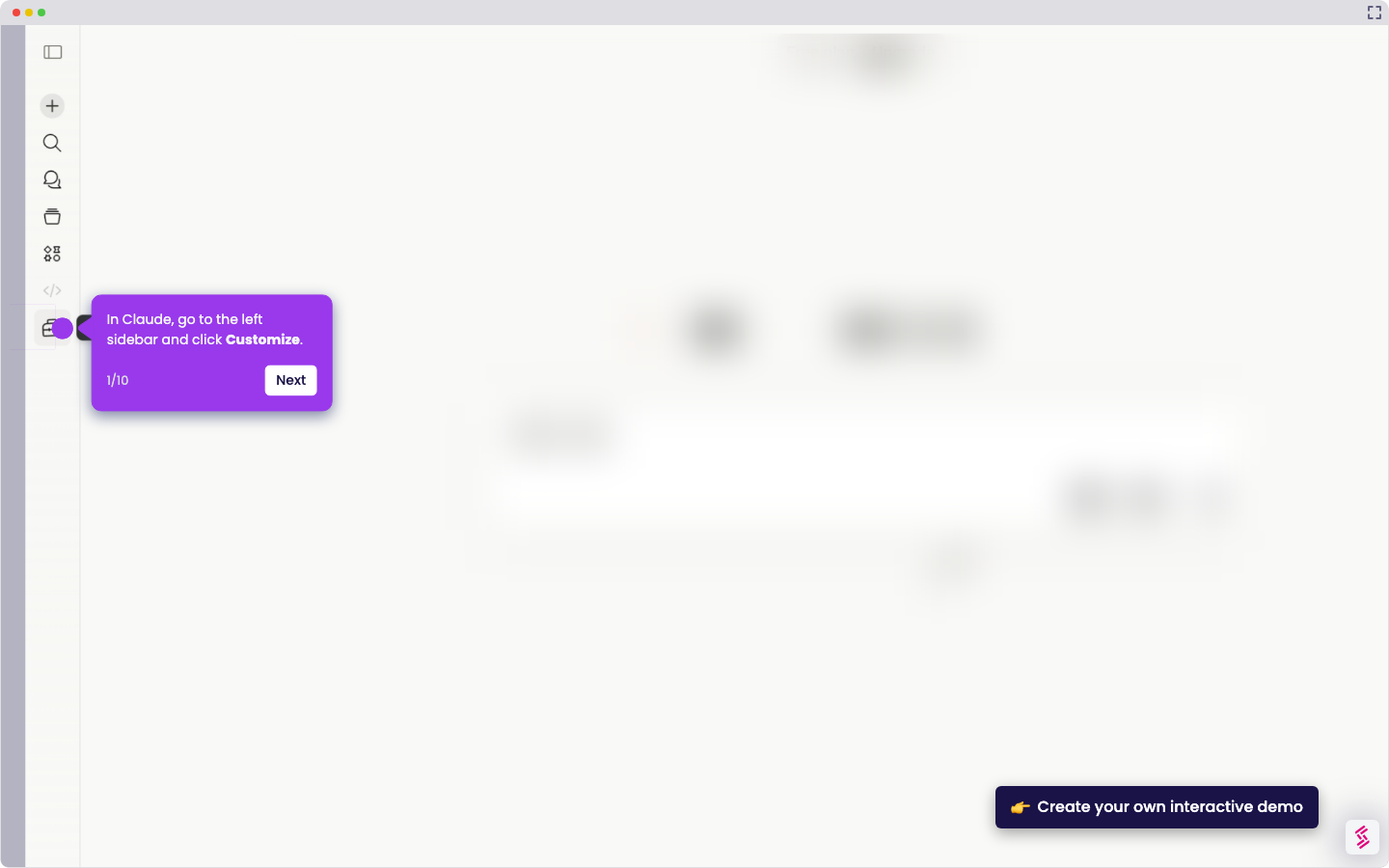
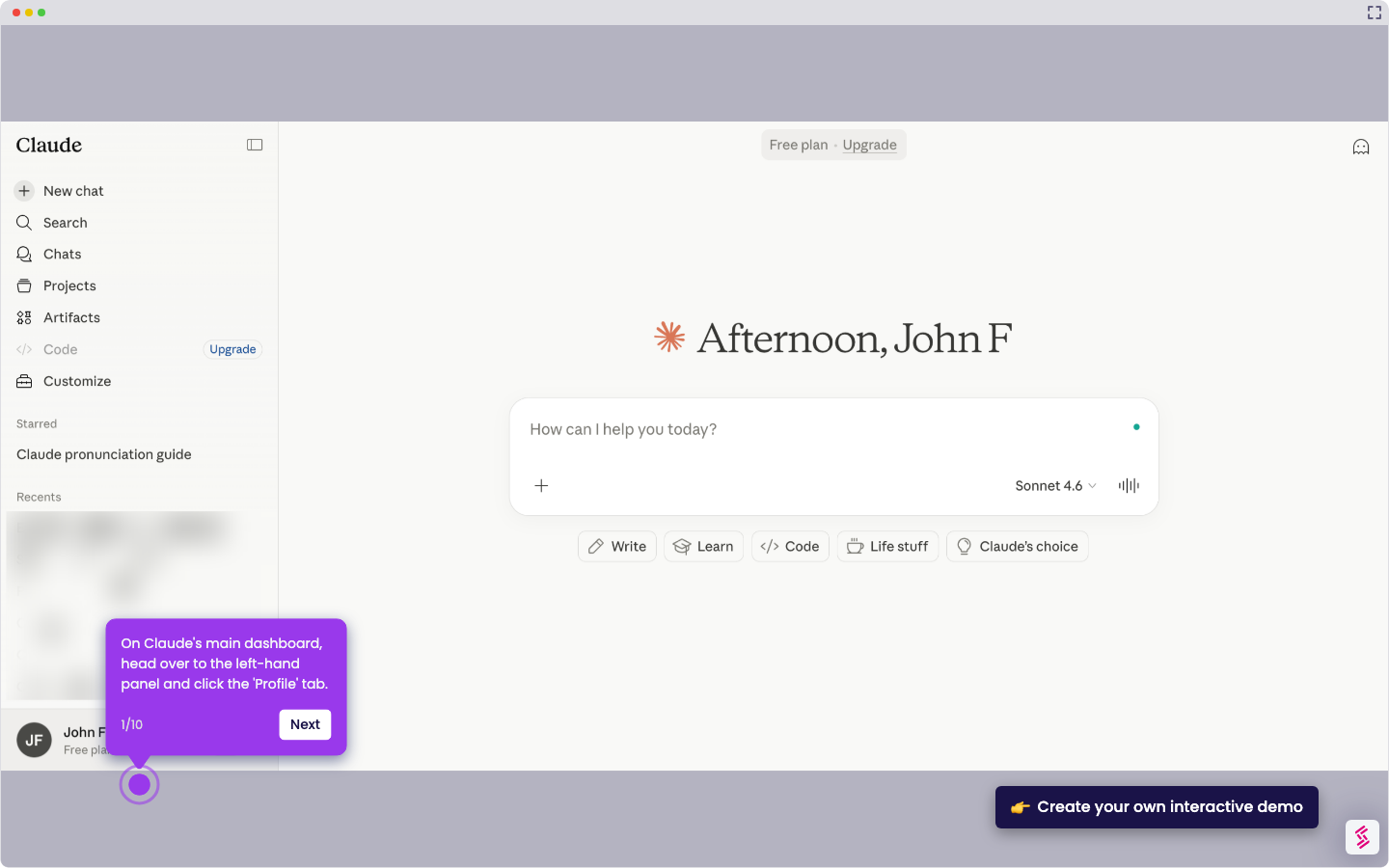
  1. On Claude's main dashboard, head over to the input box and type a prompt asking Claude about the code you want to understand.
  2. Review your prompt carefully to ensure it includes all the necessary information about the code.
  3. Once done, tap the Send button to submit your prompt to Claude.
  4. After a few seconds, Claude will provide a clear and detailed code explanation. If you need more information, ask Claude follow-up questions to go deeper.
📌 Why this matters

Claude's code explanation capability matters because it dramatically reduces the time developers spend deciphering unfamiliar or complex code. By accepting natural-language prompts alongside code snippets, Claude delivers structured, plain-English breakdowns that accelerate onboarding, code reviews, and debugging workflows. Teams evaluating AI coding assistants will find Claude's ability to handle follow-up questions especially valuable for iterative understanding. This makes Claude a practical tool for both individual developers and engineering teams looking to improve code comprehension at scale.
Your product deserves an interactive demo
Start free
Similar Articles
Claude

How to Integrate Notion with Claude

Madhav Bhandari
Director of Marketing @ Storylane
Claude

How to Integrate Jira with Claude

Madhav Bhandari
Director of Marketing @ Storylane
Claude

How to Integrate Replit with Claude

Madhav Bhandari
Director of Marketing @ Storylane
No items found.
Platform
Interactive Demos
Sandbox Demos
Hubs
RepX
Integrations
Solutions
Product Marketers
Growth & Demand Gen
Sales Reps & AEs
Presales & SEs
Customer Success
Product Managers
Customers
Demo Showcase
Customer Stories
Finer Demos Club
Features
Demo Signals
Personalization
Deal Intelligence
Resources
Blog
The Plot
Tutorials
Help Docs
What’s New
Demo Dundies
Company
Careers
Pricing
Partners
Contact
Trust Center
Backed by
Chrome Extension Icon
Chrome extension
Download
Desktop app
Download
Built in San Francisco Bay Area - ©2026 Storylane
Privacy PolicyTerms & Conditions
X Corp (formerly Twitter)LinkedIn
This website uses cookies to ensure you get the best experience on our website. Learn More
Got it
This website uses cookies to ensure you get the best experience on our website. Learn More
Got it