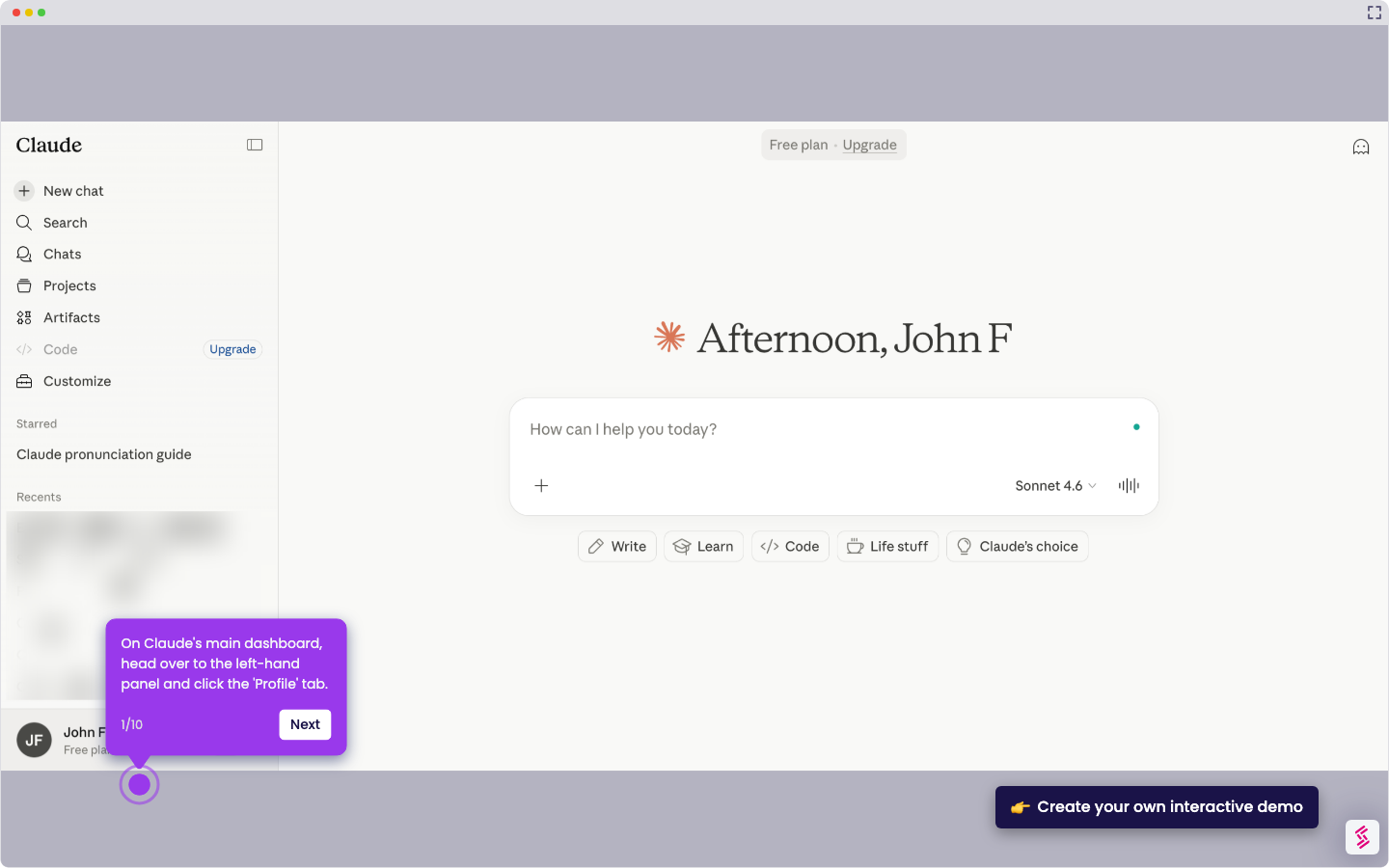
This interactive demo was created free with Storylane in 2 minutes. Create your own demo
Start free
All Tutorials /Claude

How to Use Claude for Writing Articles

Updated on:
June 5, 2026
By:
Madhav Bhandari
Use this interactive demo to learn how to write articles using Claude AI prompts.

Quick summary

Claude AI can generate full articles from a single chat prompt by letting users specify tone, length, and structure before submission. Using Extended Thinking and prompt refinement features, Claude produces well-structured written content tailored to any audience or format.


Steps

  1. On Claude's main dashboard, navigate to the chat box and type your prompt to begin.
  2. Review your prompt carefully, ensuring all key details are included such as article length, tone, structure, and target audience.
  3. Personalize the prompt further by clicking the 'Add' and 'Extended Thinking' buttons to include additional relevant inputs.
  4. Click the 'Send' button to submit your prompt and proceed.
  5. Claude will generate the article based on your provided prompt and specifications.

📌 Why this matters

Claude AI streamlines article writing by allowing users to generate structured, audience-specific content directly from a chat prompt. By supporting detailed prompt customization — including tone, length, and Extended Thinking mode — Claude helps writers, marketers, and content teams produce high-quality articles faster. This makes AI-assisted writing accessible even to non-technical users who want consistent, well-formatted output without manual drafting. For teams scaling content production, Claude offers a reliable and flexible AI writing workflow within a simple chat interface.
Your product deserves an interactive demo
Start free
Similar Articles
Claude

How to Integrate Notion with Claude

Madhav Bhandari
Director of Marketing @ Storylane
Claude

How to Integrate Jira with Claude

Madhav Bhandari
Director of Marketing @ Storylane
Claude

How to Integrate Replit with Claude

Madhav Bhandari
Director of Marketing @ Storylane
No items found.
Platform
Interactive Demos
Sandbox Demos
Hubs
RepX
Integrations
Solutions
Product Marketers
Growth & Demand Gen
Sales Reps & AEs
Presales & SEs
Customer Success
Product Managers
Customers
Demo Showcase
Customer Stories
Finer Demos Club
Features
Demo Signals
Personalization
Deal Intelligence
Resources
Blog
The Plot
Tutorials
Help Docs
What’s New
Demo Dundies
Company
Careers
Pricing
Partners
Contact
Trust Center
Backed by
Chrome Extension Icon
Chrome extension
Download
Desktop app
Download
Built in San Francisco Bay Area - ©2026 Storylane
Privacy PolicyTerms & Conditions
X Corp (formerly Twitter)LinkedIn
This website uses cookies to ensure you get the best experience on our website. Learn More
Got it
This website uses cookies to ensure you get the best experience on our website. Learn More
Got it