This interactive demo was created free with Storylane in 2 minutes. Create your own demo
Start free
All Tutorials /Manychat

How to Use ManyChat on Facebook Messenger

Updated on:
June 5, 2026
By:
Madhav Bhandari
Use this interactive demo to learn how to connect your Facebook Page to ManyChat Messenger.

Quick summary

This walkthrough shows you how to set up ManyChat on Facebook Messenger by connecting your Facebook business page and configuring your Messenger channel settings to enable automated chatbot messaging.


Steps

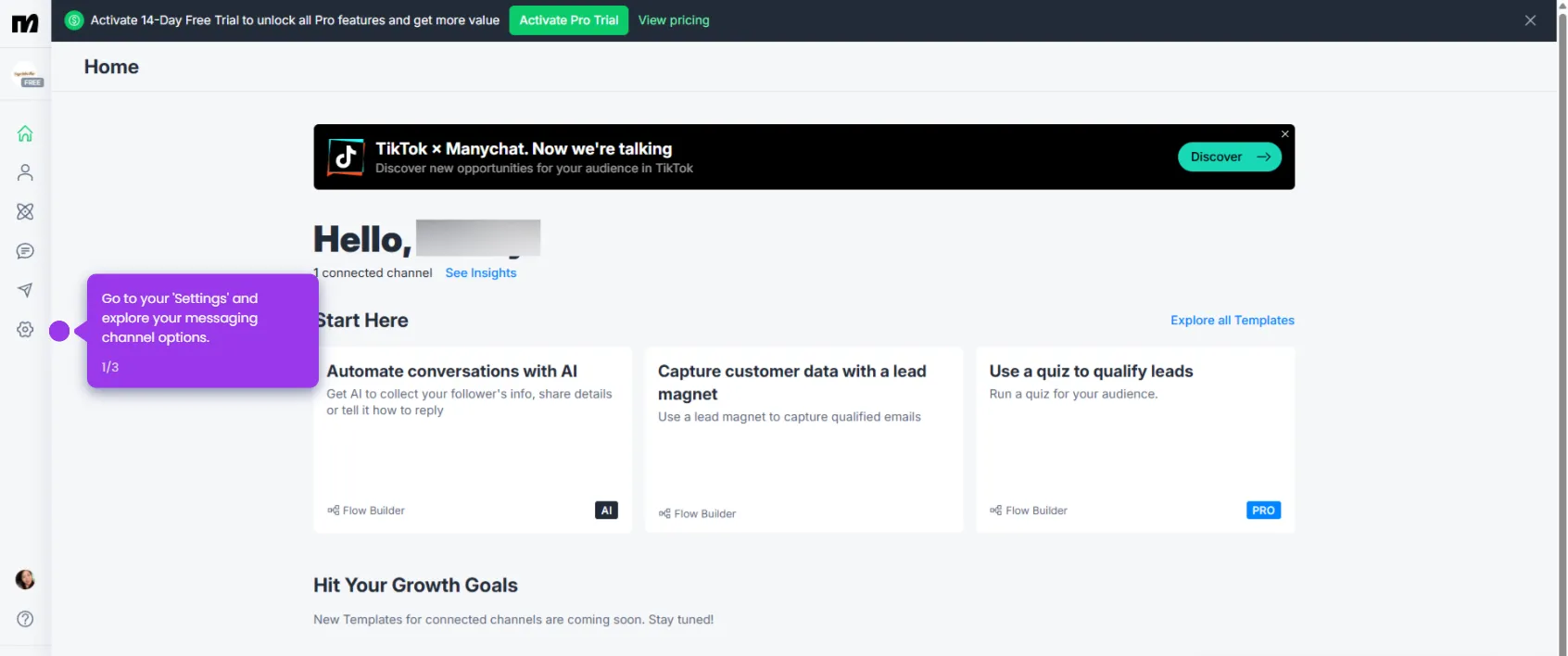
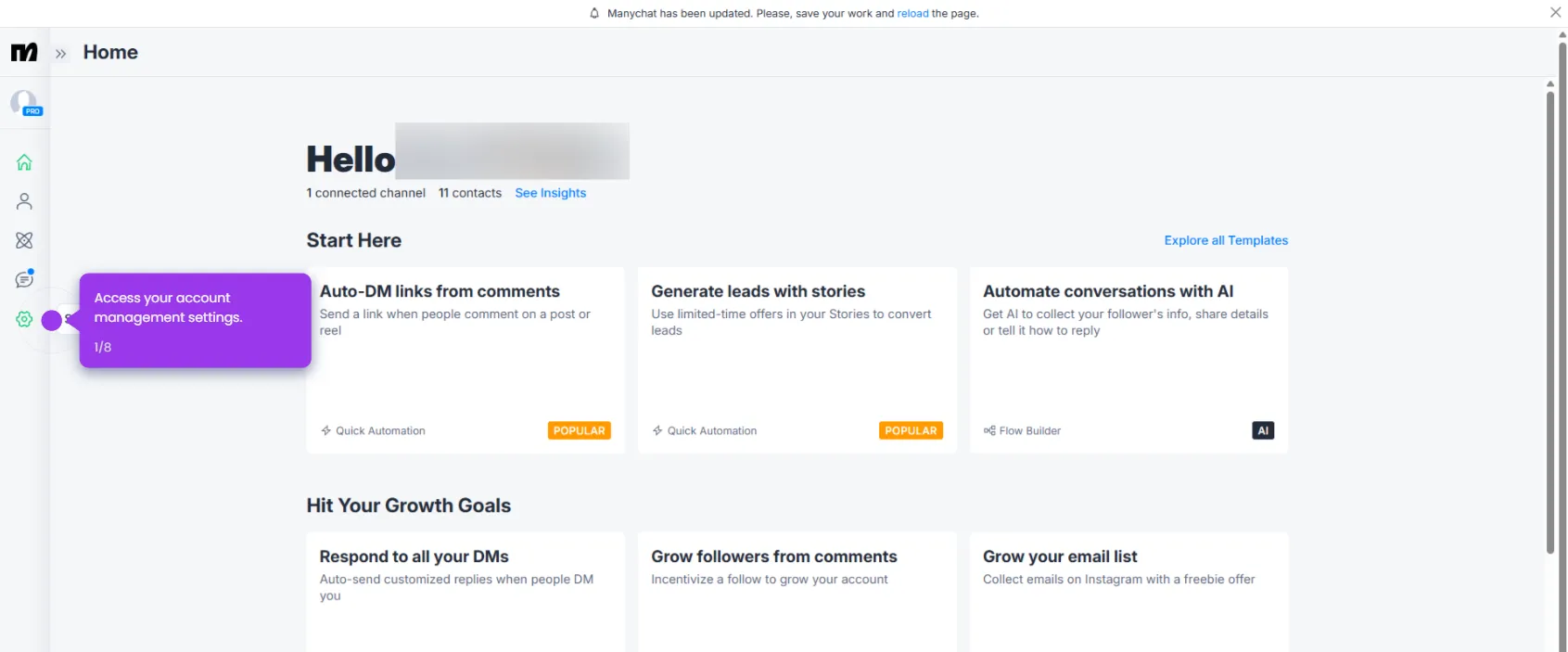
  1. Access Settings to customize your chatbot's behavior and capabilities.
  2. Go to Channels and select Messenger to set up your Messenger channel and reach customers where they're most responsive.
  3. Click Connect to establish the connection and enable automated messaging for your business.
  4. Click Sign In With Facebook to link your Facebook account and leverage your business page for customer engagement.
  5. Authorize your account to begin building your chatbot.
  6. Select specific Facebook Pages for ManyChat to manage, giving you precise control over your messaging channels.
  7. Click Save to grant ManyChat permissions to your accounts for seamless future expansion.
  8. Confirm the successful account connection to proceed with your setup.
  9. Select your business page to begin building custom automations.
  10. Navigate to Settings to customize your automation preferences.
  11. Access Messenger settings to customize your chatbot experience.
  12. Explore the Messenger integration to engage with your audience in real-time conversations.
📌 Why this matters

Connecting ManyChat to Facebook Messenger allows businesses to automate customer conversations at scale, reducing response time and increasing engagement without manual effort. ManyChat's Messenger chatbot integration enables businesses to send targeted automated messages, qualify leads, and support customers directly inside Facebook Messenger — one of the world's most widely used messaging platforms. Setting up this integration correctly is the foundation for building powerful marketing and customer service automation flows. For e-commerce brands and service businesses alike, a properly configured ManyChat Messenger channel can drive higher conversion rates and improve customer retention.
Your product deserves an interactive demo
Start free
Similar Articles
Manychat

How to Create a Flow in ManyChat

Madhav Bhandari
Director of Marketing @ Storylane
Manychat

How to Do SMS Marketing at Every Stage of Your Funnel ManyChat

Madhav Bhandari
Director of Marketing @ Storylane
Manychat

How to Cancel ManyChat Subscription

Madhav Bhandari
Director of Marketing @ Storylane
No items found.
Platform
Interactive Demos
Sandbox Demos
Hubs
RepX
Integrations
Solutions
Product Marketers
Growth & Demand Gen
Sales Reps & AEs
Presales & SEs
Customer Success
Product Managers
Customers
Demo Showcase
Customer Stories
Finer Demos Club
Features
Demo Signals
Personalization
Deal Intelligence
Resources
Blog
The Plot
Tutorials
Help Docs
What’s New
Demo Dundies
Company
Careers
Pricing
Partners
Contact
Trust Center
Backed by
Chrome Extension Icon
Chrome extension
Download
Desktop app
Download
Built in San Francisco Bay Area - ©2026 Storylane
Privacy PolicyTerms & Conditions
X Corp (formerly Twitter)LinkedIn
This website uses cookies to ensure you get the best experience on our website. Learn More
Got it
This website uses cookies to ensure you get the best experience on our website. Learn More
Got it