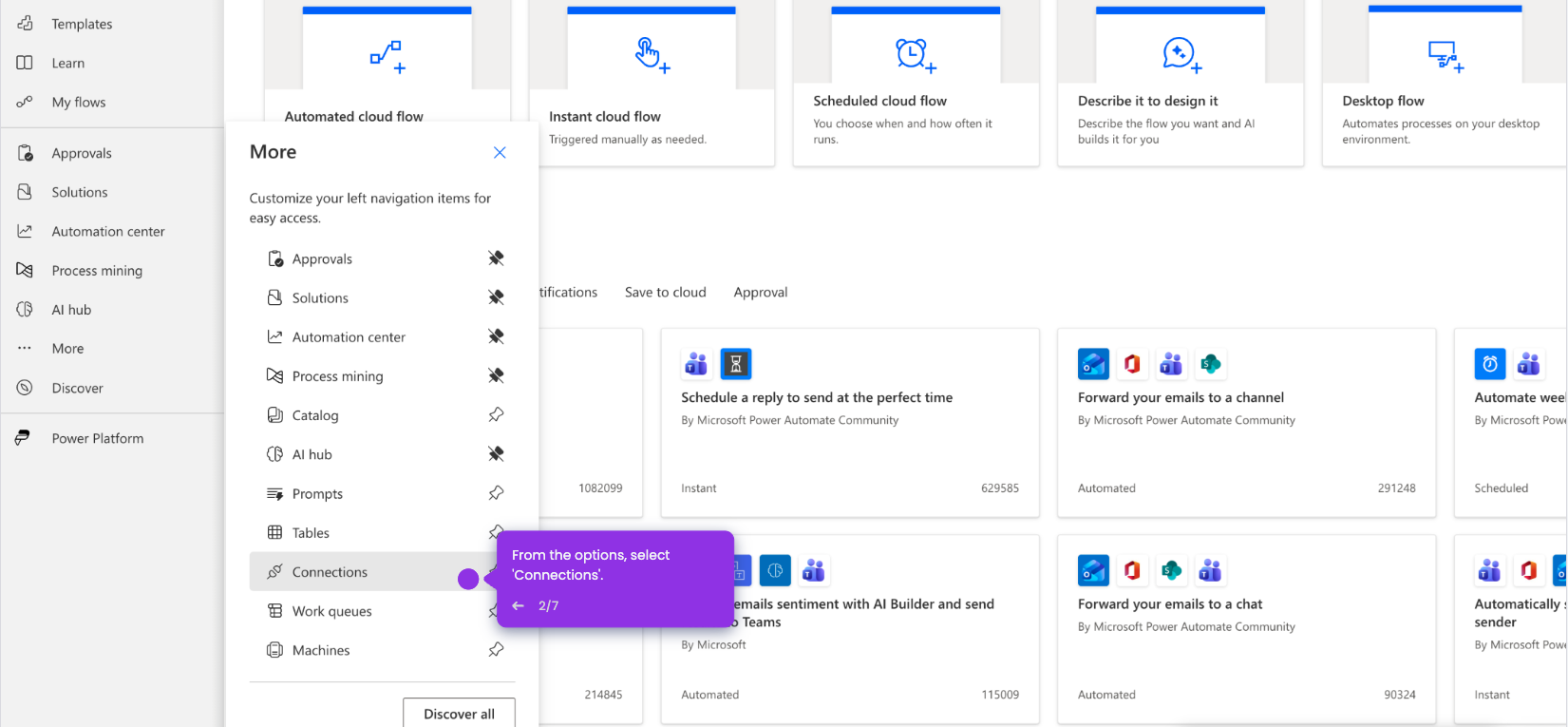
This interactive demo was created free with Storylane in 2 minutes. Create your own demo
Start free
All Tutorials /Microsoft Copilot

How to Use Microsoft Copilot on Mac

Updated on:
June 5, 2026
By:
Madhav Bhandari
Use this interactive demo to learn how to install and start using Microsoft Copilot on your Mac.

Quick summary

This tutorial shows how to download, sign in, and use Microsoft Copilot on a Mac by walking through each setup step from the official Microsoft 365 download page to your first Copilot prompt.


Steps

  1. Click 'Download for Mac' on the Microsoft 365 Copilot download page to start the installation.
  2. Enter your Microsoft 365 credentials and click 'Sign in' to authenticate your account.
  3. Launch the Copilot app and wait for the application to load.
  4. Ask Copilot questions or give it tasks to start working with the AI assistant.

📌 Why this matters

Microsoft Copilot brings AI-powered assistance directly to Mac users, enabling them to ask questions, automate tasks, and boost productivity without switching away from their preferred operating system. Getting Copilot set up correctly on macOS — from downloading the app to signing in with Microsoft 365 credentials — is the first step to unlocking its full potential. For teams already invested in the Microsoft 365 ecosystem, having Copilot available as a native Mac app means faster workflows, smarter task management, and seamless integration with existing tools. This demo makes the setup process clear and friction-free so users can start prompting Copilot in minutes.
Your product deserves an interactive demo
Start free
Similar Articles
Microsoft Copilot

How to Integrate Microsoft Copilot with ChatGPT

Madhav Bhandari
Director of Marketing @ Storylane
Microsoft Copilot

How to Integrate Microsoft Copilot with Gmail

Madhav Bhandari
Director of Marketing @ Storylane
Microsoft Copilot

How to Integrate Microsoft Copilot with Power Automate

Madhav Bhandari
Director of Marketing @ Storylane
No items found.
Platform
Interactive Demos
Sandbox Demos
Hubs
RepX
Integrations
Solutions
Product Marketers
Growth & Demand Gen
Sales Reps & AEs
Presales & SEs
Customer Success
Product Managers
Customers
Demo Showcase
Customer Stories
Finer Demos Club
Features
Demo Signals
Personalization
Deal Intelligence
Resources
Blog
The Plot
Tutorials
Help Docs
What’s New
Demo Dundies
Company
Careers
Pricing
Partners
Contact
Trust Center
Backed by
Chrome Extension Icon
Chrome extension
Download
Desktop app
Download
Built in San Francisco Bay Area - ©2026 Storylane
Privacy PolicyTerms & Conditions
X Corp (formerly Twitter)LinkedIn
This website uses cookies to ensure you get the best experience on our website. Learn More
Got it
This website uses cookies to ensure you get the best experience on our website. Learn More
Got it