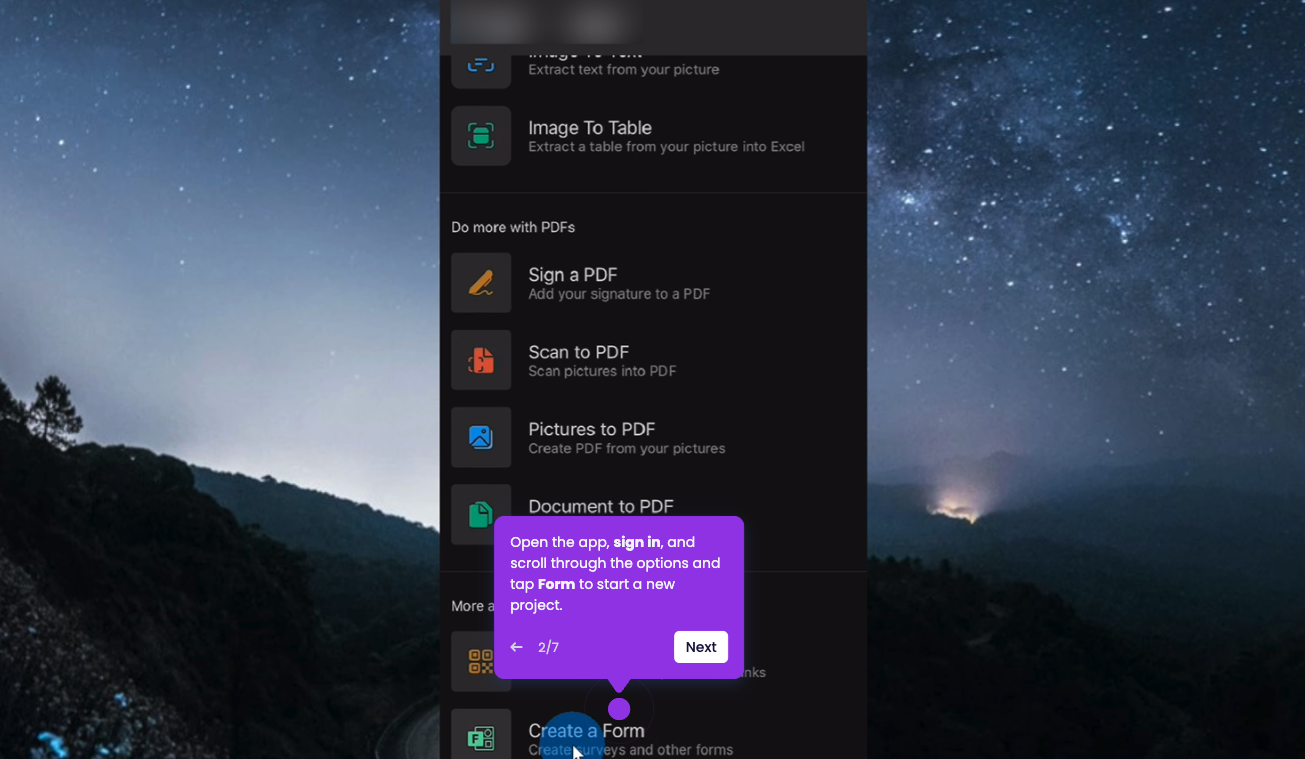
This interactive demo was created free with Storylane in 2 minutes. Create your own demo
Start free
All Tutorials /MS Forms

How to Use Microsoft Forms for Event Registration

Updated on:
June 5, 2026
By:
Madhav Bhandari
Try this interactive demo to learn how to use Microsoft Forms for event registration.

‍

‍

To establish an organized registration process for your 2026 event, you can use the built-in templates to collect attendee data. Here’s the simple guide:

‍

  1. On your Microsoft 365 main dashboard, click Apps to see all apps.
  2. Click on Forms to open Microsoft Forms.
  3. Click on the Registration button to start with a pre-built event layout.
  4. Click Templates to browse ready-made form layouts that save you setup time, or start from scratch.
  5. From the menu, select Event registration to load a template built for capturing attendee details.
  6. If you wish to add questions, Click Add new question button to insert additional fields.
  7. Click Collect responses to generate a shareable link for your form.
  8. Click Copy link and paste it in email, chat, or social.

Your product deserves an interactive demo
Start free
Similar Articles
MS Forms

How to Make Survey Sections with Microsoft Forms

Madhav Bhandari
Director of Marketing @ Storylane
MS Forms

How To Get Response ID in Microsoft Forms

Madhav Bhandari
Director of Marketing @ Storylane
MS Forms

How to Access Microsoft Forms on iPhone

Madhav Bhandari
Director of Marketing @ Storylane
No items found.
Platform
Interactive Demos
Sandbox Demos
Hubs
RepX
Integrations
Solutions
Product Marketers
Growth & Demand Gen
Sales Reps & AEs
Presales & SEs
Customer Success
Product Managers
Customers
Demo Showcase
Customer Stories
Finer Demos Club
Features
Demo Signals
Personalization
Deal Intelligence
Resources
Blog
The Plot
Tutorials
Help Docs
What’s New
Demo Dundies
Company
Careers
Pricing
Partners
Contact
Trust Center
Backed by
Chrome Extension Icon
Chrome extension
Download
Desktop app
Download
Built in San Francisco Bay Area - ©2026 Storylane
Privacy PolicyTerms & Conditions
X Corp (formerly Twitter)LinkedIn
This website uses cookies to ensure you get the best experience on our website. Learn More
Got it
This website uses cookies to ensure you get the best experience on our website. Learn More
Got it