This interactive demo was created free with Storylane in 2 minutes. Create your own demo
Start free
All Tutorials /Bubble.io

How to Use Repeating Groups in Bubble.io

Updated on:
June 5, 2026
By:
Madhav Bhandari
Use this interactive demo to learn how to build and filter a Repeating Group in Bubble.io.

Quick summary

A Repeating Group in Bubble.io lets you display dynamic database records in a structured, repeating layout on your page. This tutorial walks you through adding a search input, configuring the repeating group's data source, designing the cell template, and wiring up a filter workflow — all without writing code.


Steps

  1. Add a search input to the page to filter your repeating group content.
  2. Customize the input field so it can be used to search through items in the repeating group.
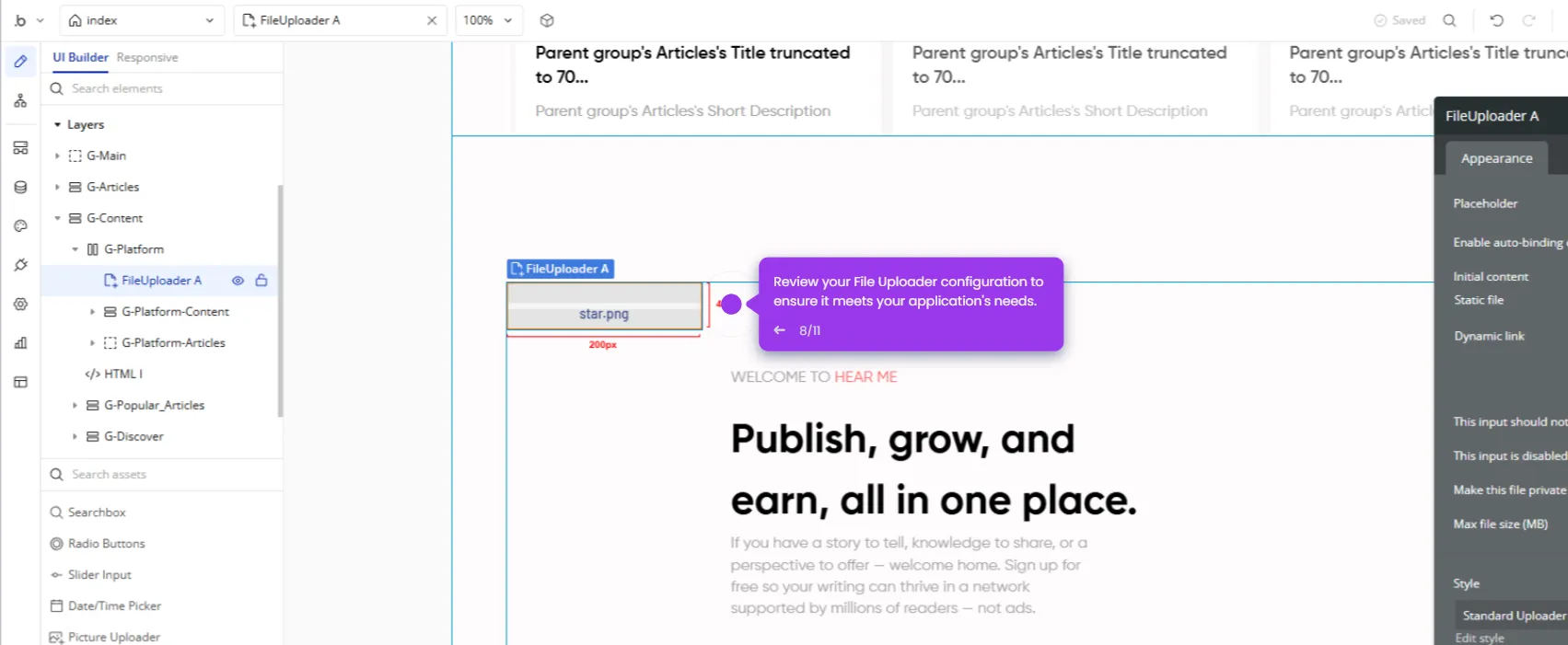
  3. Set a placeholder text like "Search Input" to help users understand what the field does.
  4. Rename the input field to "Search Input" so it can be easily referenced in workflows.
  5. In the element search bar, type "Repeating Group" to find the element.
  6. Drag a Repeating Group element onto your page to display multiple data items in a structured format.
  7. Set the Data Source by selecting which database objects the repeating group should display.
  8. Configure the Type of Content to tell the repeating group what kind of data it is working with.
  9. Click inside the repeating group cell to design the template for each repeated item.
  10. Add elements inside the cell and connect them to the Current Cell's Item data.
  11. Set up a workflow that filters the repeating group whenever the text in the search input changes.
📌 Why this matters

Repeating Groups are one of the most essential elements in Bubble.io, enabling no-code developers to display, filter, and manage dynamic database records without writing a single line of code. Understanding how to correctly configure a Repeating Group's data source, cell template, and filter workflow is a foundational skill for building any data-driven web app in Bubble. This demo matters because it closes the most common knowledge gap for Bubble beginners — connecting real database content to a searchable, structured UI in just a few steps. Mastering this feature unlocks the ability to build product listings, user directories, dashboards, and virtually any list-based interface inside Bubble.io.
Your product deserves an interactive demo
Start free
Similar Articles
Bubble.io

How to Use API Connector in Bubble.io

Madhav Bhandari
Director of Marketing @ Storylane
Bubble.io

How to Set File Uploads in Bubble.io

Madhav Bhandari
Director of Marketing @ Storylane
Bubble.io

How to Add Custom Domains in Bubble.io

Madhav Bhandari
Director of Marketing @ Storylane
No items found.
Platform
Interactive Demos
Sandbox Demos
Hubs
RepX
Integrations
Solutions
Product Marketers
Growth & Demand Gen
Sales Reps & AEs
Presales & SEs
Customer Success
Product Managers
Customers
Demo Showcase
Customer Stories
Finer Demos Club
Features
Demo Signals
Personalization
Deal Intelligence
Resources
Blog
The Plot
Tutorials
Help Docs
What’s New
Demo Dundies
Company
Careers
Pricing
Partners
Contact
Trust Center
Backed by
Chrome Extension Icon
Chrome extension
Download
Desktop app
Download
Built in San Francisco Bay Area - ©2026 Storylane
Privacy PolicyTerms & Conditions
X Corp (formerly Twitter)LinkedIn
This website uses cookies to ensure you get the best experience on our website. Learn More
Got it
This website uses cookies to ensure you get the best experience on our website. Learn More
Got it