Quick summary
The Miro ChatGPT integration lets you add AI-powered assistance directly to your Miro board using the Open GPT for Miro app from the Marketplace. Setting it up takes just a few clicks through Miro's built-in tools and integrations panel.
Steps
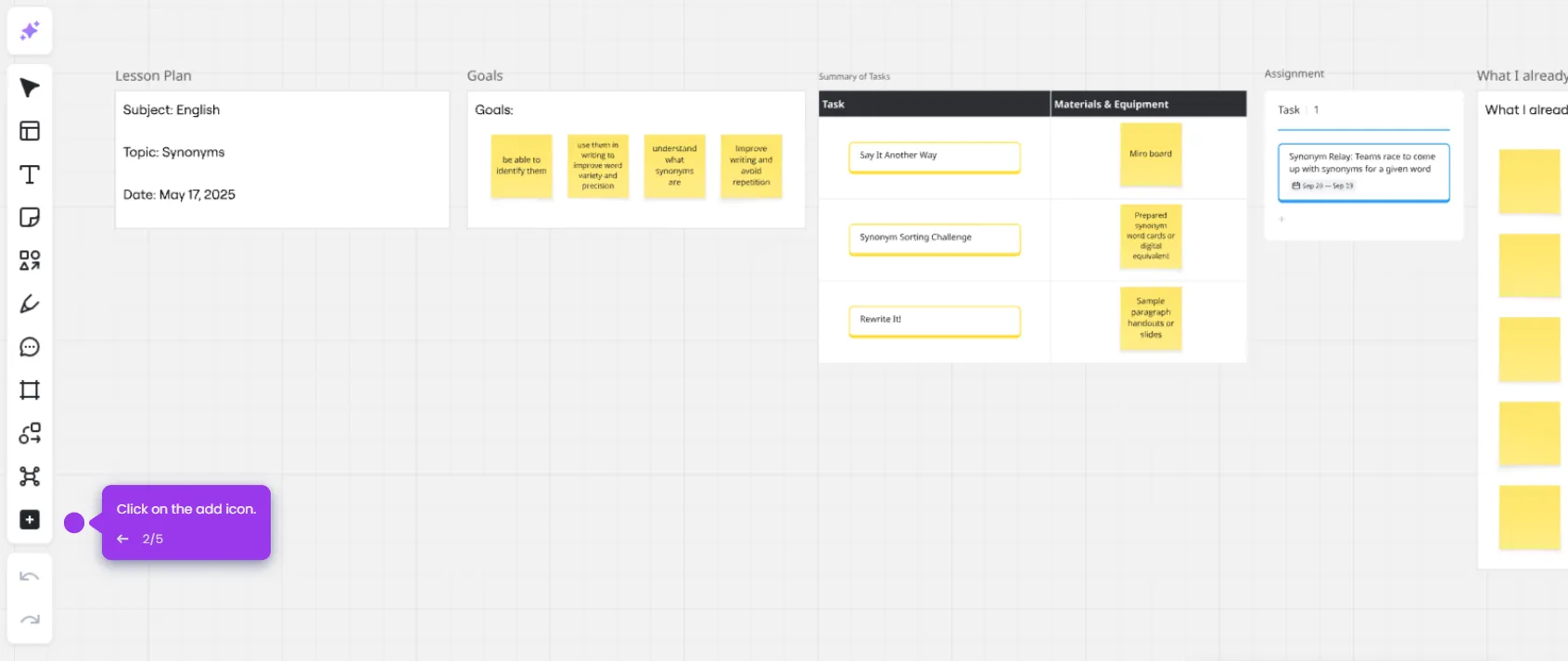
- Open your Miro board where you want to enable the ChatGPT integration.
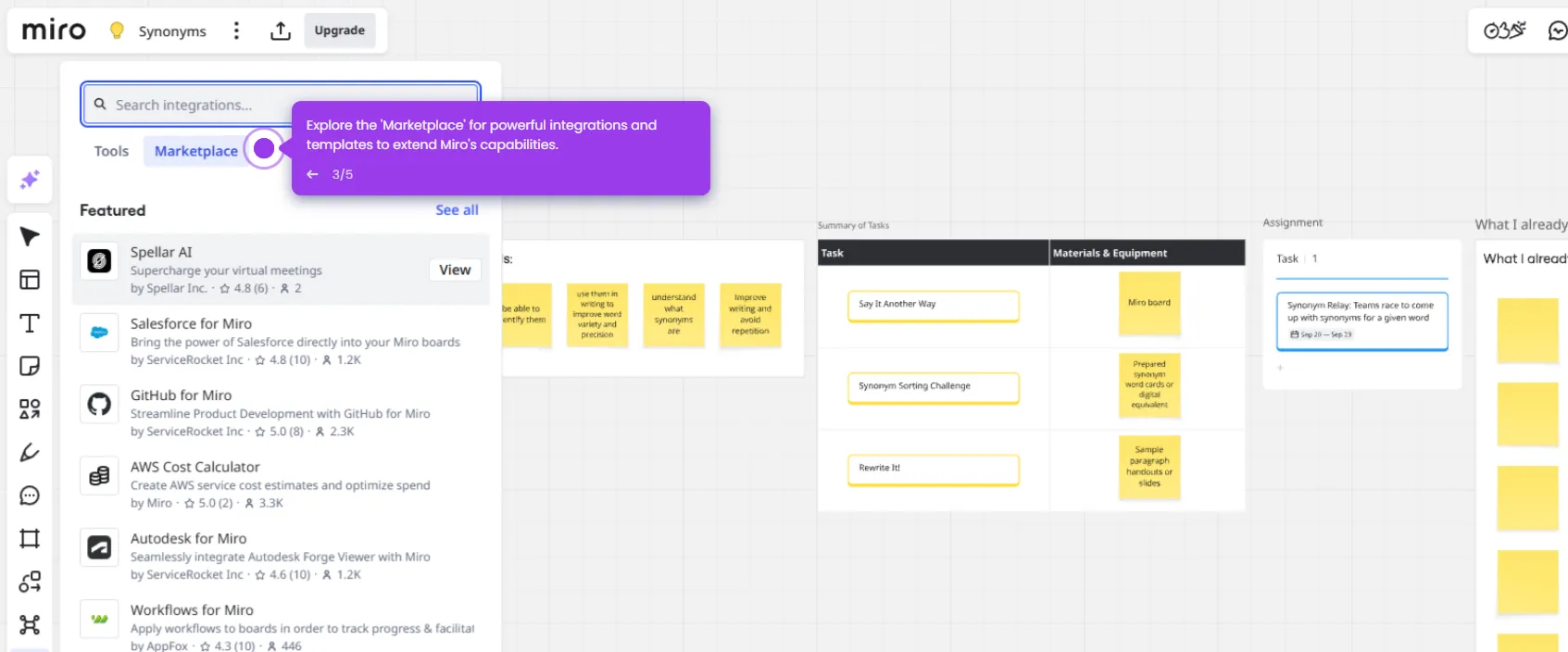
- Click the add icon in the toolbar to access tools, media, and integrations.
- Search for 'Open GPT for Miro', select the Marketplace tab, and choose Open GPT for Miro from the results.
- Click 'Allow' to initiate the integration process and grant the necessary permissions.
- The Miro and ChatGPT integration is now complete and ready to use on your board.