Quick summary
This demo shows how to integrate Statuspage with Microsoft Teams by adding a webhook URL so your team receives real-time incident notifications directly in Teams channels. The setup takes just a few steps inside the Statuspage Apps section and requires no developer involvement.
Steps
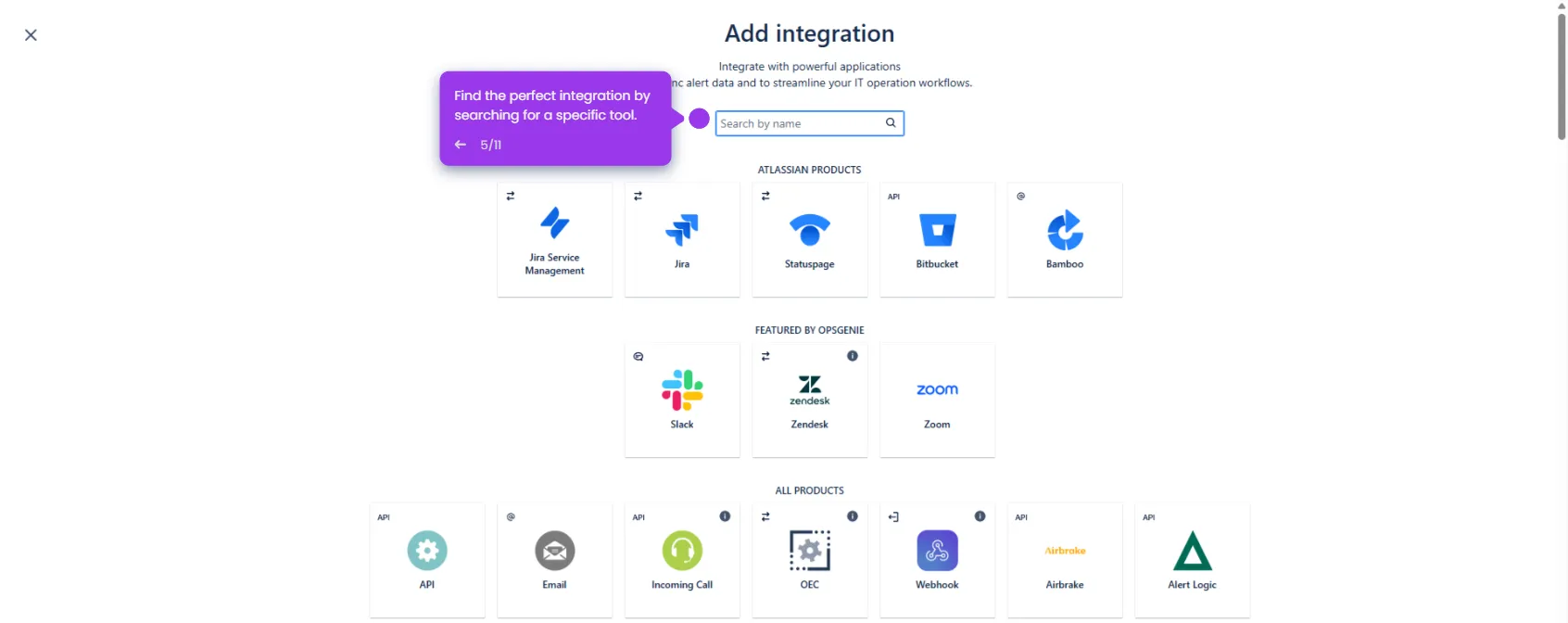
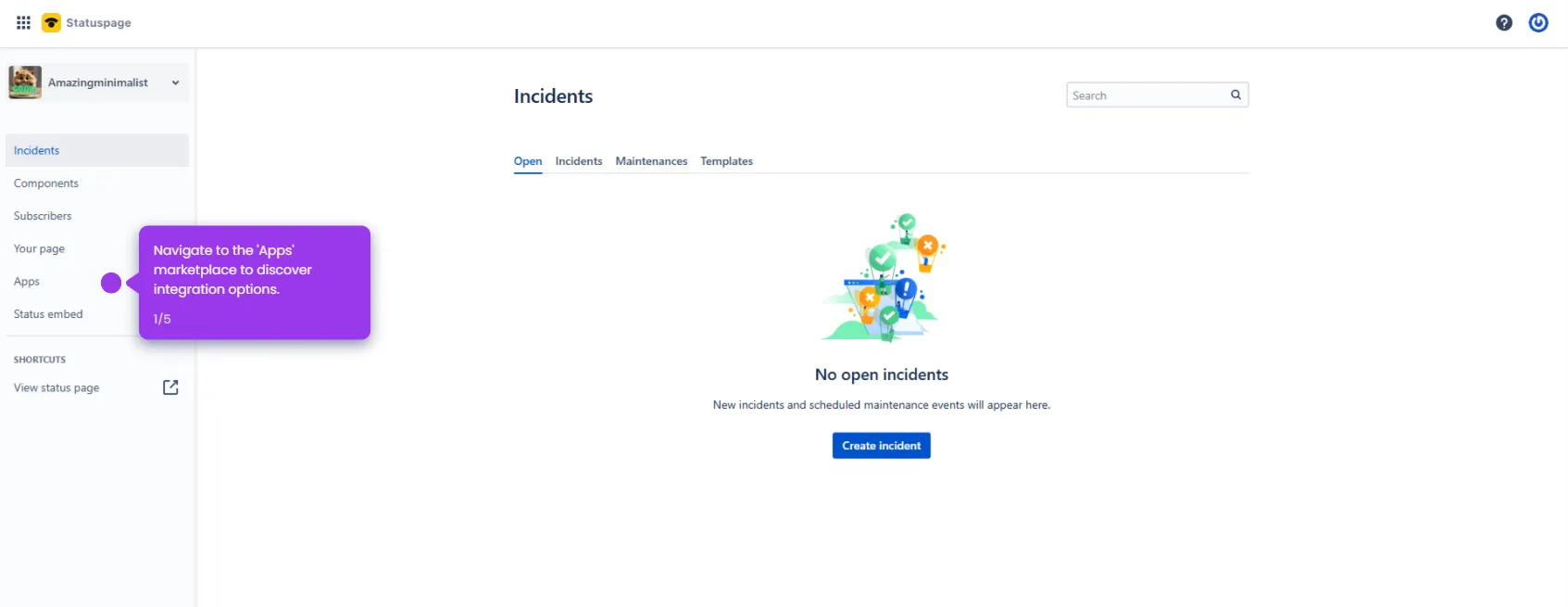
- Navigate to Apps to explore integration options for your status page.
- Find and choose Microsoft Teams, then select Add.
- Enter your webhook URL to connect your communication channels.
- Name your integration to easily identify it in your notification system.
- Review your integration configuration before finalizing, and click Add webhook URL.