This interactive demo was created free with Storylane in 2 minutes. Create your own demo
Start free
All Tutorials /Miro

How Does Miro Work

Updated on:
June 5, 2026
By:
Madhav Bhandari
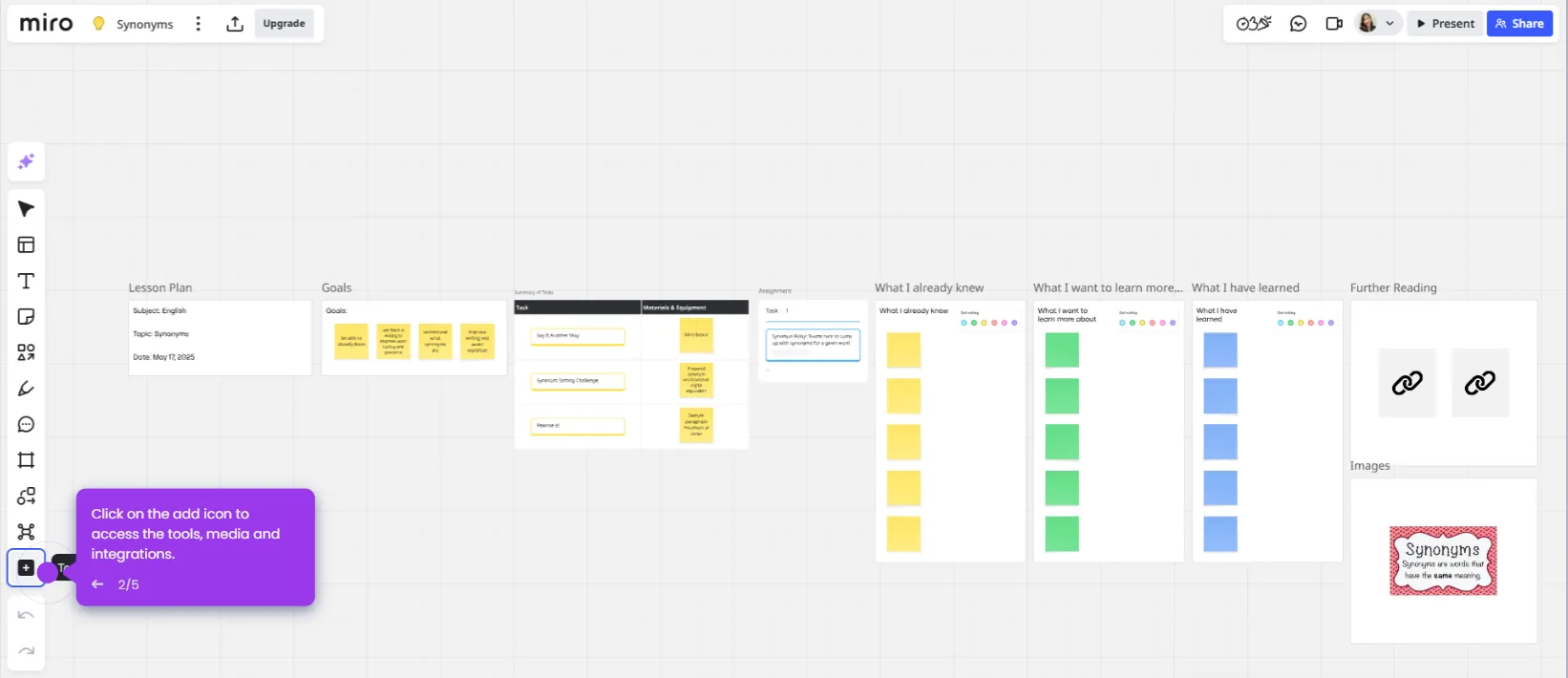
Use this interactive demo to explore how Miro's collaborative whiteboard works step by step.

Quick summary

Miro is a visual collaboration platform that lets teams create boards, work together in real-time, and integrate with tools like Slack, Google Drive, and Microsoft Teams. It offers a full suite of whiteboard tools — from sticky notes to full-screen presentation mode — designed to streamline remote and hybrid teamwork.


Steps

  1. Create a new board or choose from pre-built templates to get started quickly from the dashboard.
  2. Invite team members to join the board simultaneously and see real-time collaboration as changes happen live.
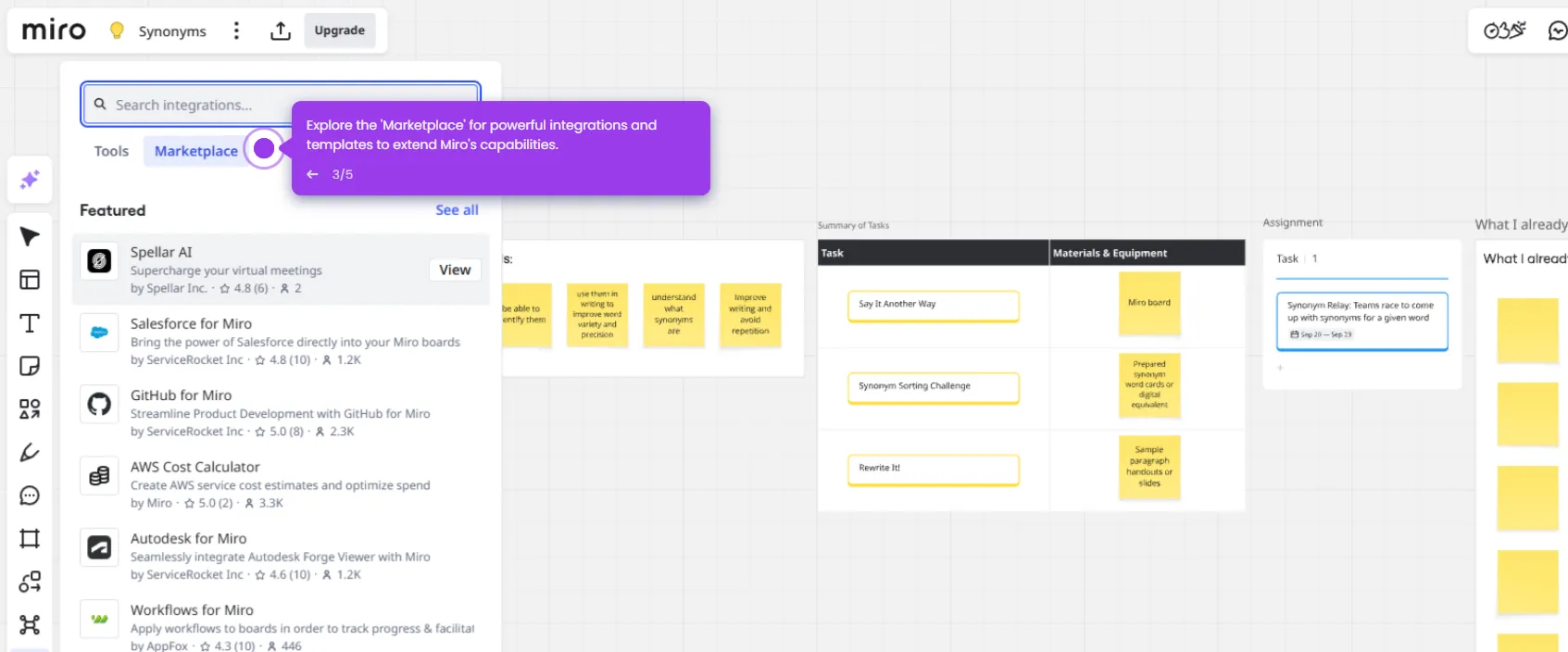
  3. Connect Miro with tools like Slack, Google Drive, and Microsoft Teams to streamline your existing workflows.
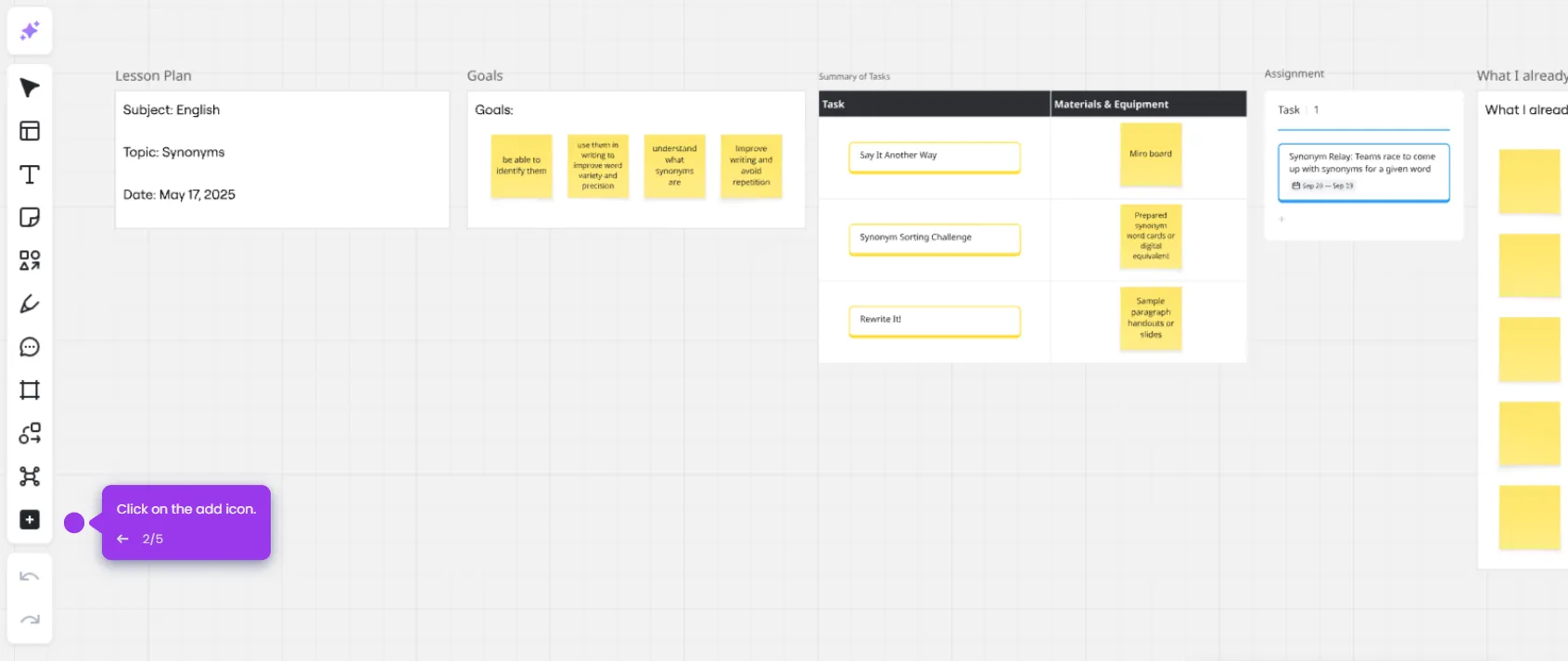
  4. Use built-in whiteboard tools such as sticky notes, drawing tools, shapes, text boxes, and file uploads to build out your board.
  5. Leave comments and feedback on specific board elements to keep communication clear and contextual.
  6. Switch to full-screen presentation mode to present your board during meetings or brainstorming sessions.
  7. Export your board as an image or PDF to share content with stakeholders outside the platform.
  8. Leverage Miro's interactive, visual workspace to enhance teamwork and creativity across your entire organization.
📌 Why this matters

Miro is a leading visual collaboration platform that enables distributed teams to brainstorm, plan, and execute projects on a shared digital whiteboard. Its real-time collaboration features, deep integrations with tools like Slack and Google Drive, and rich toolkit of sticky notes, shapes, and drawing tools make it a central hub for remote and hybrid workflows. Teams can move seamlessly from ideation to presentation without leaving the platform, reducing tool-switching and accelerating decision-making. For any organization looking to improve cross-functional collaboration and visual communication, Miro delivers a flexible, scalable workspace that adapts to any workflow.
Your product deserves an interactive demo
Start free
Similar Articles
Miro

Miro Google Integration

Madhav Bhandari
Director of Marketing @ Storylane
Miro

Google Meet Miro Integration

Madhav Bhandari
Director of Marketing @ Storylane
Miro

Miro ChatGPT Integration

Madhav Bhandari
Director of Marketing @ Storylane
No items found.
Platform
Interactive Demos
Sandbox Demos
Hubs
RepX
Integrations
Solutions
Product Marketers
Growth & Demand Gen
Sales Reps & AEs
Presales & SEs
Customer Success
Product Managers
Customers
Demo Showcase
Customer Stories
Finer Demos Club
Features
Demo Signals
Personalization
Deal Intelligence
Resources
Blog
The Plot
Tutorials
Help Docs
What’s New
Demo Dundies
Company
Careers
Pricing
Partners
Contact
Trust Center
Backed by
Chrome Extension Icon
Chrome extension
Download
Desktop app
Download
Built in San Francisco Bay Area - ©2026 Storylane
Privacy PolicyTerms & Conditions
X Corp (formerly Twitter)LinkedIn
This website uses cookies to ensure you get the best experience on our website. Learn More
Got it
This website uses cookies to ensure you get the best experience on our website. Learn More
Got it