
This interactive demo was created free with Storylane in 2 minutes. Create your own demo
Start free
All Tutorials /Linear

How to Add Descriptions to Issues in Linear

Updated on:
June 5, 2026
By:
Madhav Bhandari
Use this interactive demo to learn how to write and save descriptions on Linear issues.

Quick summary

Adding descriptions to issues in Linear helps teams stay aligned by providing clear context directly on each task. This guide walks you through navigating to My Issues, selecting an issue, and editing the description field in just a few steps.


Steps

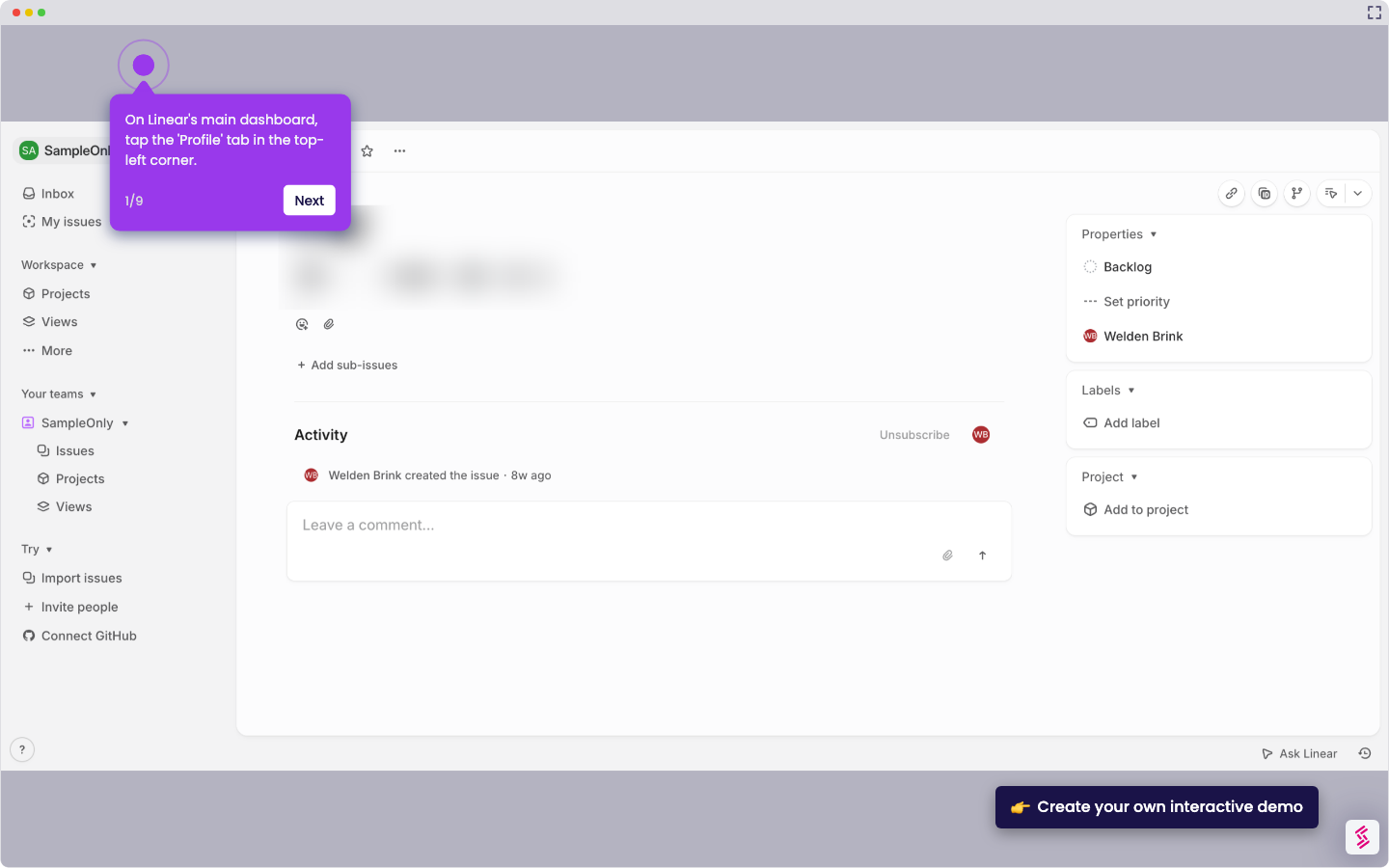
  1. Navigate to the My Issues section in Linear.
  2. Select the issue you want to add a description to.
  3. Open the issue details and click on the description area to edit it.
  4. Type a clear and detailed description for the issue.
  5. Complete the process — your well-structured description is now added to the Linear issue.
📌 Why this matters

Adding detailed descriptions to Linear issues ensures every team member has the context they need to act quickly and accurately. Well-structured issue descriptions reduce back-and-forth communication, improve sprint planning, and keep engineering and product teams aligned. Linear's inline description editor makes it fast to document requirements, acceptance criteria, or bug details directly on the issue. Teams that consistently use issue descriptions in Linear ship faster and with fewer misunderstandings.
Your product deserves an interactive demo
Start free
Similar Articles
Linear

How to Integrate Jira with Linear

Madhav Bhandari
Director of Marketing @ Storylane
Linear

How to Create Personal To-Do Lists in Linear

Madhav Bhandari
Director of Marketing @ Storylane
Linear

How to Set Personal Preferences in Linear

Madhav Bhandari
Director of Marketing @ Storylane
No items found.
Platform
Interactive Demos
Sandbox Demos
Hubs
RepX
Integrations
Solutions
Product Marketers
Growth & Demand Gen
Sales Reps & AEs
Presales & SEs
Customer Success
Product Managers
Customers
Demo Showcase
Customer Stories
Finer Demos Club
Features
Demo Signals
Personalization
Deal Intelligence
Resources
Blog
The Plot
Tutorials
Help Docs
What’s New
Demo Dundies
Company
Careers
Pricing
Partners
Contact
Trust Center
Backed by
Chrome Extension Icon
Chrome extension
Download
Desktop app
Download
Built in San Francisco Bay Area - ©2026 Storylane
Privacy PolicyTerms & Conditions
X Corp (formerly Twitter)LinkedIn
This website uses cookies to ensure you get the best experience on our website. Learn More
Got it
This website uses cookies to ensure you get the best experience on our website. Learn More
Got it