This interactive demo was created free with Storylane in 2 minutes. Create your own demo
Start free
All Tutorials /Confluence

How To Add Draw.Io Diagram To Confluence

Updated on:
June 5, 2026
By:
Madhav Bhandari
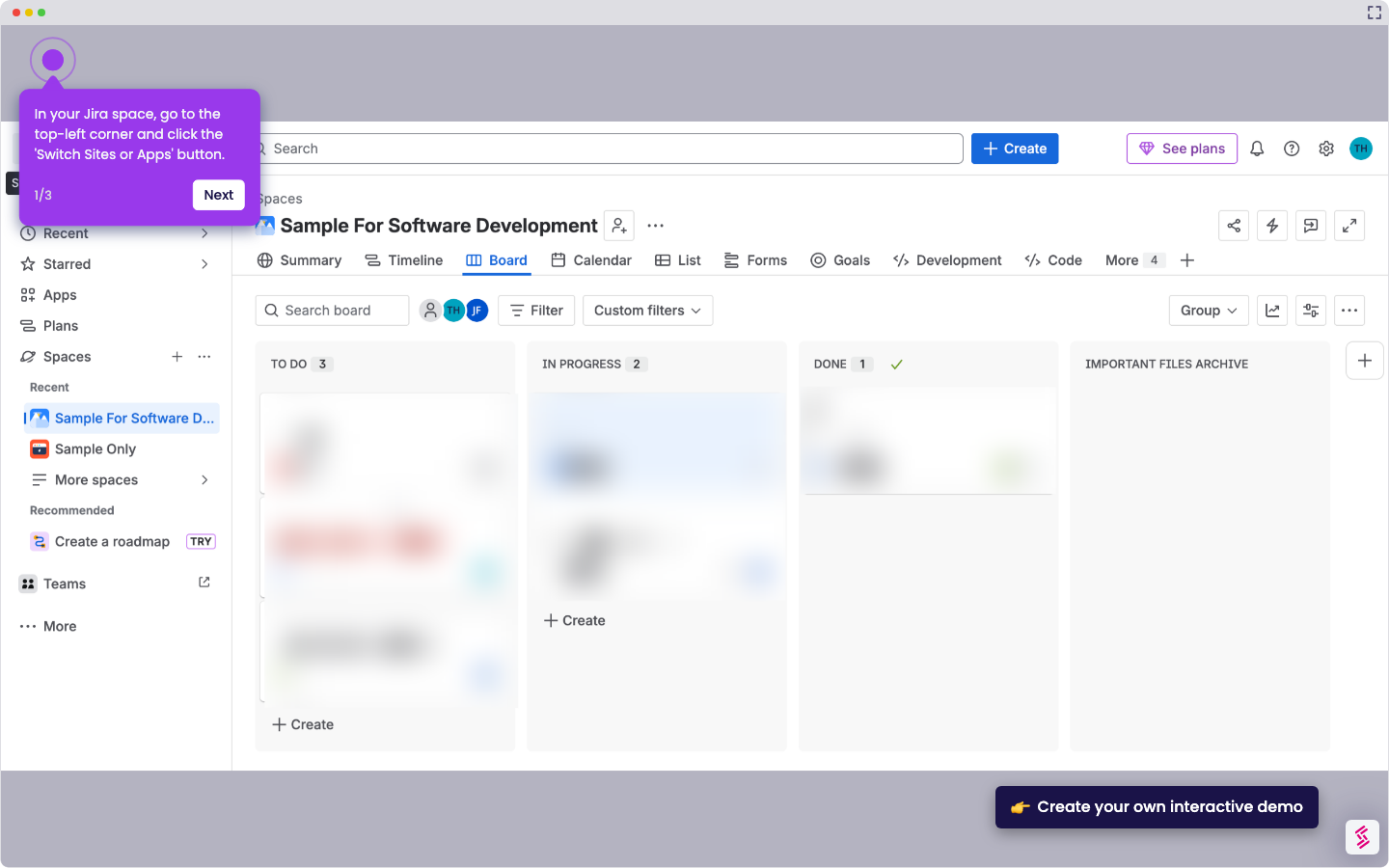
Use this interactive demo to learn how to export a draw.io diagram and embed it in Confluence.

Quick summary

Adding a draw.io diagram to Confluence involves exporting your diagram as a file from draw.io and then uploading it directly to your Confluence page using the image upload feature. This process lets teams share visual diagrams with automatic date and time tracking inside their Confluence workspace.


Steps

  1. Go to draw.io and create your diagram.
  2. Click "File," select "Export as," then choose your preferred export format.
  3. Adjust your PDF settings, then click "Export" to download the file.
  4. Open your Confluence page and click the image icon to upload a file.
  5. Click "Upload" to add your diagram and share it with your team.
  6. View your exported diagram with automatic date and time tracking on the Confluence page.

📌 Why this matters

Embedding a draw.io diagram in Confluence allows teams to keep visual workflows, system architectures, and process maps directly inside their documentation hub. Without a native integration, teams often lose context by storing diagrams separately from their Confluence pages. This step-by-step workflow ensures that exported draw.io diagrams are easy to upload, version-track by date and time, and instantly accessible to every collaborator on the page. For teams using Confluence as their single source of truth, this process eliminates tool-switching and keeps technical diagrams aligned with project documentation.
Your product deserves an interactive demo
Start free
Similar Articles
Confluence

How to Create a Jira Ticket From Confluence

Madhav Bhandari
Director of Marketing @ Storylane
Confluence

How to Navigate From Jira to Confluence

Madhav Bhandari
Director of Marketing @ Storylane
Confluence

How to Track Changes in Confluence

Madhav Bhandari
Director of Marketing @ Storylane
No items found.
Platform
Interactive Demos
Sandbox Demos
Hubs
RepX
Integrations
Solutions
Product Marketers
Growth & Demand Gen
Sales Reps & AEs
Presales & SEs
Customer Success
Product Managers
Customers
Demo Showcase
Customer Stories
Finer Demos Club
Features
Demo Signals
Personalization
Deal Intelligence
Resources
Blog
The Plot
Tutorials
Help Docs
What’s New
Demo Dundies
Company
Careers
Pricing
Partners
Contact
Trust Center
Backed by
Chrome Extension Icon
Chrome extension
Download
Desktop app
Download
Built in San Francisco Bay Area - ©2026 Storylane
Privacy PolicyTerms & Conditions
X Corp (formerly Twitter)LinkedIn
This website uses cookies to ensure you get the best experience on our website. Learn More
Got it
This website uses cookies to ensure you get the best experience on our website. Learn More
Got it