
This interactive demo was created free with Storylane in 2 minutes. Create your own demo
Start free
All Tutorials /Linear

How to Add External Links to Issues in Linear

Updated on:
June 5, 2026
By:
Madhav Bhandari
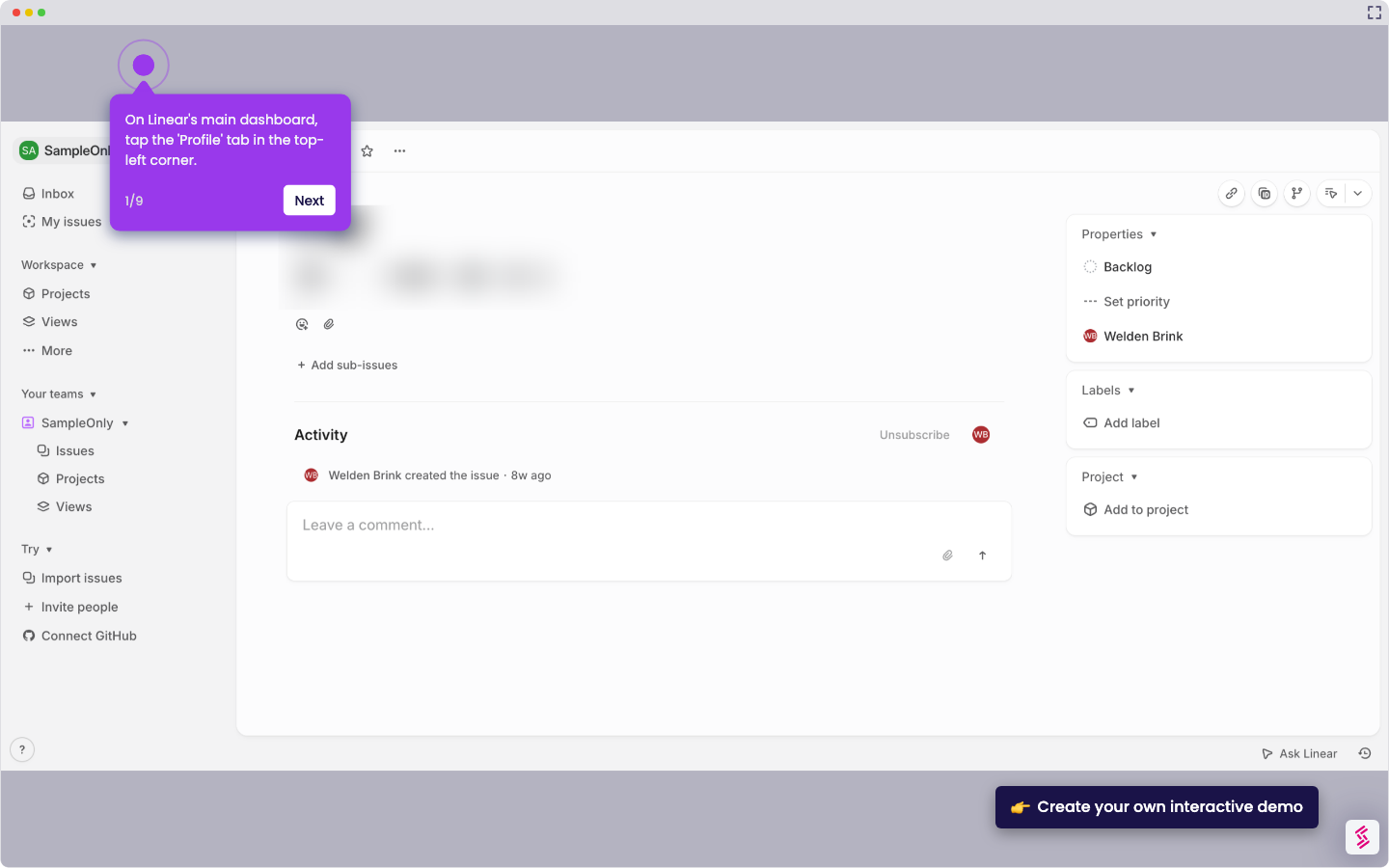
Use this interactive demo to learn how to attach external links to any issue in Linear.

Quick summary

Linear lets you add external links directly to any issue by using the built-in Links section, keeping all relevant URLs organized in one place. Once saved, Linear automatically converts the URL into a clickable link and confirms the action with a success notification.


Steps

  1. Open an issue in Linear.
  2. Scroll down to the Links section within the issue.
  3. Paste the URL into the URL field.
  4. Enter a title for the link to label it clearly.
  5. Click Add link to save the external link to the issue.
  6. Linear automatically converts the entry into a clickable link and displays a success notification confirming the link was added.
📌 Why this matters

Attaching external links directly to Linear issues keeps all relevant resources — such as design files, documentation, or pull requests — connected to the work item without leaving your project management workflow. This eliminates context-switching and ensures every team member has instant access to the right reference material from within the issue itself. For engineering and product teams managing complex projects, the Links feature in Linear improves traceability, speeds up reviews, and reduces the risk of lost or scattered resources.
Your product deserves an interactive demo
Start free
Similar Articles
Linear

How to Integrate Jira with Linear

Madhav Bhandari
Director of Marketing @ Storylane
Linear

How to Create Personal To-Do Lists in Linear

Madhav Bhandari
Director of Marketing @ Storylane
Linear

How to Set Personal Preferences in Linear

Madhav Bhandari
Director of Marketing @ Storylane
No items found.
Platform
Interactive Demos
Sandbox Demos
Hubs
RepX
Integrations
Solutions
Product Marketers
Growth & Demand Gen
Sales Reps & AEs
Presales & SEs
Customer Success
Product Managers
Customers
Demo Showcase
Customer Stories
Finer Demos Club
Features
Demo Signals
Personalization
Deal Intelligence
Resources
Blog
The Plot
Tutorials
Help Docs
What’s New
Demo Dundies
Company
Careers
Pricing
Partners
Contact
Trust Center
Backed by
Chrome Extension Icon
Chrome extension
Download
Desktop app
Download
Built in San Francisco Bay Area - ©2026 Storylane
Privacy PolicyTerms & Conditions
X Corp (formerly Twitter)LinkedIn
This website uses cookies to ensure you get the best experience on our website. Learn More
Got it
This website uses cookies to ensure you get the best experience on our website. Learn More
Got it