This interactive demo was created free with Storylane in 2 minutes. Create your own demo
Start free
All Tutorials /Miro

How to Add Text in Miro

Updated on:
June 5, 2026
By:
Madhav Bhandari
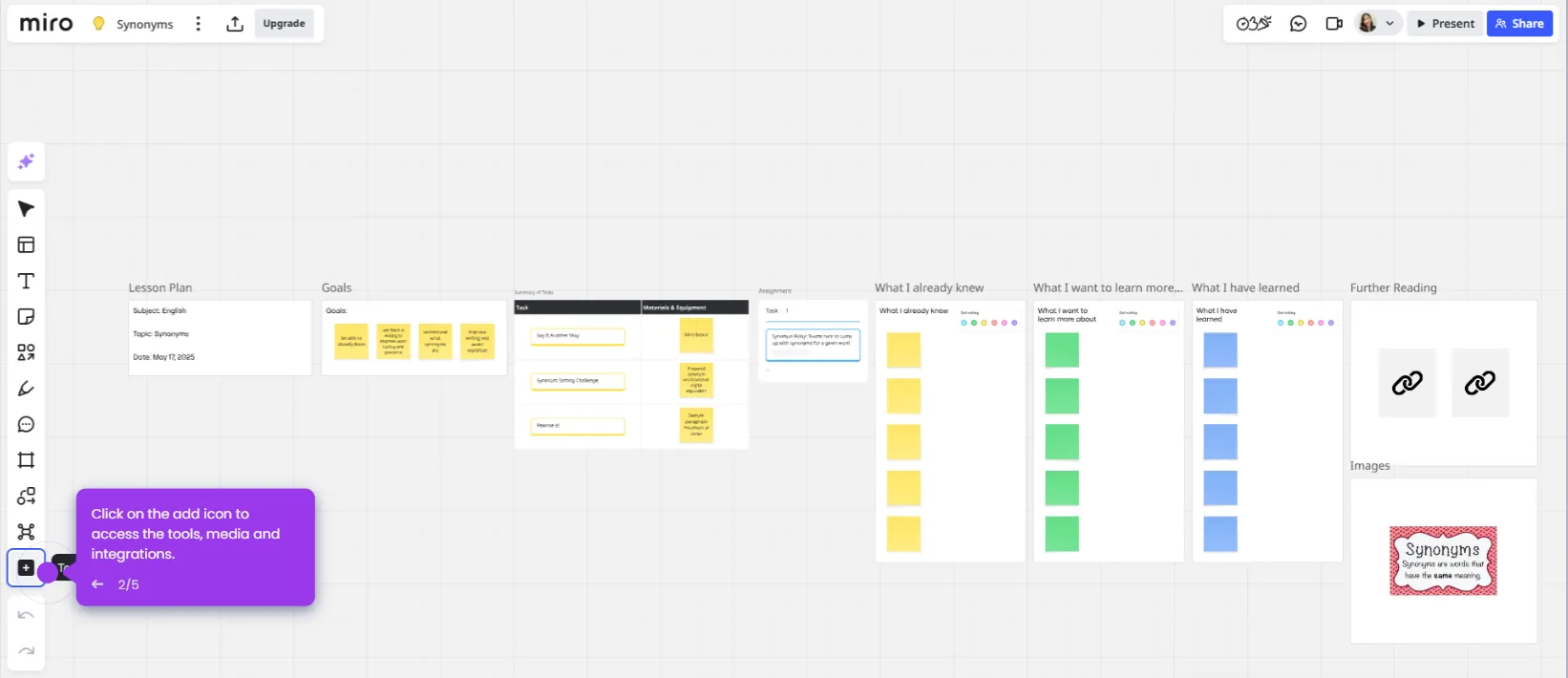
Use this interactive demo to learn how to insert and format text on a Miro board.

Quick summary

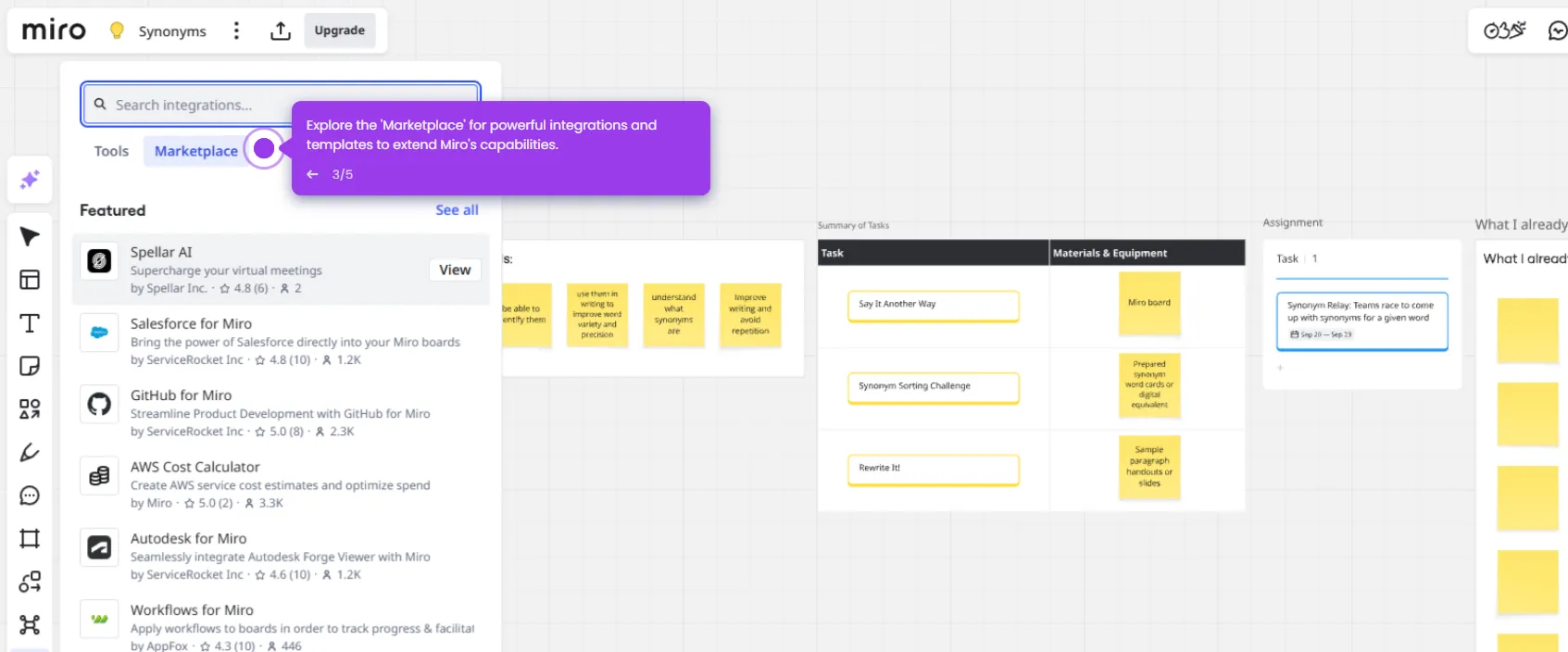
Adding text in Miro is done through the Text tool on the left toolbar, which lets you place and format text anywhere on your board. Once placed, Miro's pop-up toolbar gives you instant access to font, size, color, bold, and italic controls.


Steps

  1. Open your Miro board from the dashboard.
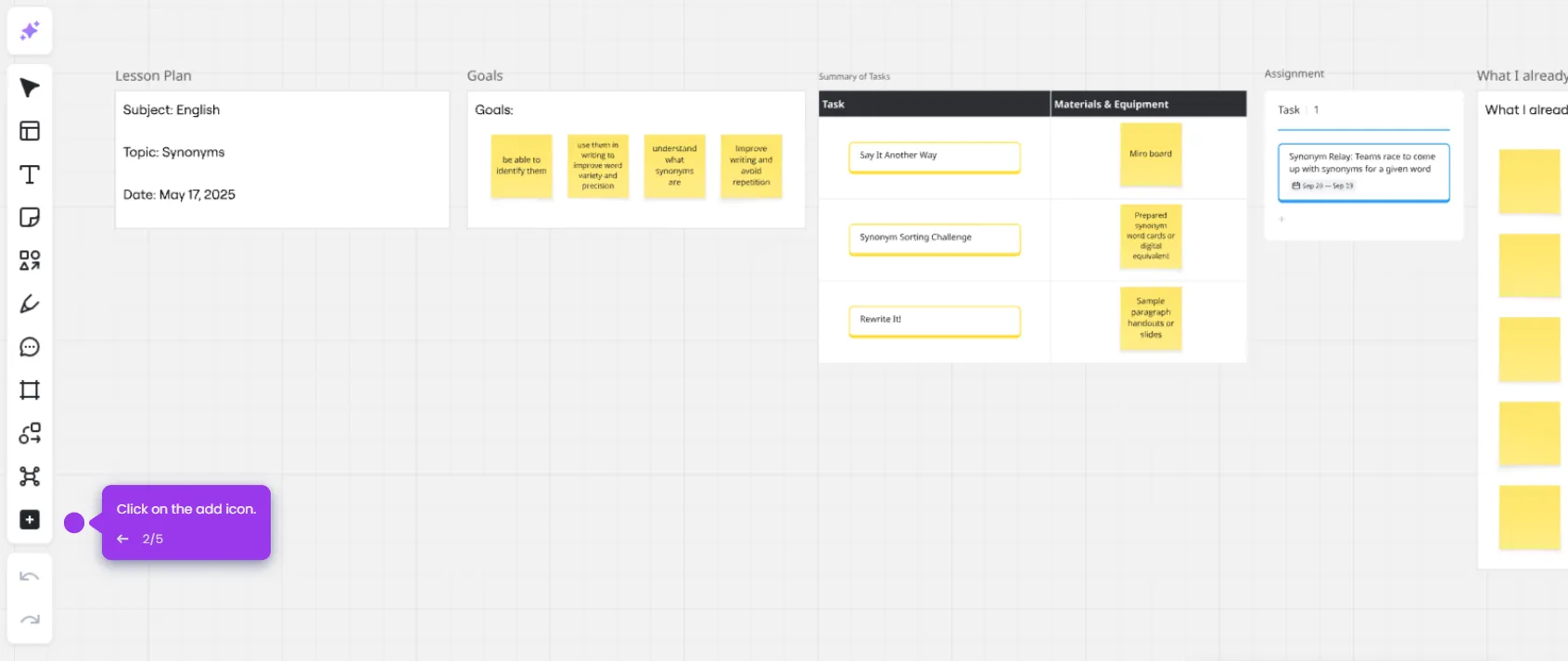
  2. Click the 'T' icon on the left toolbar to activate the Text tool.
  3. Click anywhere on the board where you want to place the text.
  4. Start typing your content into the text box.
  5. Use the pop-up toolbar to format your text — change fonts, size, color, or apply bold and italics to make your points stand out.
📌 Why this matters

Adding and formatting text directly on a Miro board helps distributed teams annotate ideas, label diagrams, and communicate context without leaving the collaborative canvas. The built-in Text tool and pop-up formatting toolbar make it easy to apply consistent typography — including font, size, color, bold, and italics — in seconds. This removes the need for external tools and keeps all written content embedded within the visual workflow where teams collaborate in real time.
Your product deserves an interactive demo
Start free
Similar Articles
Miro

Miro Google Integration

Madhav Bhandari
Director of Marketing @ Storylane
Miro

Google Meet Miro Integration

Madhav Bhandari
Director of Marketing @ Storylane
Miro

Miro ChatGPT Integration

Madhav Bhandari
Director of Marketing @ Storylane
No items found.
Platform
Interactive Demos
Sandbox Demos
Hubs
RepX
Integrations
Solutions
Product Marketers
Growth & Demand Gen
Sales Reps & AEs
Presales & SEs
Customer Success
Product Managers
Customers
Demo Showcase
Customer Stories
Finer Demos Club
Features
Demo Signals
Personalization
Deal Intelligence
Resources
Blog
The Plot
Tutorials
Help Docs
What’s New
Demo Dundies
Company
Careers
Pricing
Partners
Contact
Trust Center
Backed by
Chrome Extension Icon
Chrome extension
Download
Desktop app
Download
Built in San Francisco Bay Area - ©2026 Storylane
Privacy PolicyTerms & Conditions
X Corp (formerly Twitter)LinkedIn
This website uses cookies to ensure you get the best experience on our website. Learn More
Got it
This website uses cookies to ensure you get the best experience on our website. Learn More
Got it