This interactive demo was created free with Storylane in 2 minutes. Create your own demo
Start free
All Tutorials /Constant Contact

How to Add the Recipient’s First Name to Constant Contact Emails

Updated on:
June 5, 2026
By:
Madhav Bhandari
Use this interactive demo to learn how to personalize Constant Contact emails with a recipient's first name.

Quick summary

Adding a recipient's first name to a Constant Contact email uses the built-in Greeting Tag feature inside the email editor. This personalization tag automatically inserts each contact's first name at send time, improving open rates and engagement.


Steps

  1. In the Constant Contact email editor, click the Text block and place your cursor where you want the recipient's first name to appear.
  2. In the floating toolbar above the editor, click Insert.
  3. From the dropdown list, select Greeting Tag.
  4. Enter your preferred salutation in the first field, then open the drop-down menu and choose First Name, and add the appropriate punctuation such as a comma or colon.
  5. Click Insert to confirm and add the greeting tag to your email.
  6. The recipient's first name will now be automatically personalized in every email sent from your Constant Contact campaign.
📌 Why this matters

Personalizing emails with a recipient's first name is one of the most effective ways to boost open rates and click-through engagement in email marketing campaigns. Constant Contact's Greeting Tag feature makes it easy to insert dynamic first-name personalization directly into any email without coding or manual editing. For small businesses and marketers using Constant Contact, this built-in personalization tool helps build stronger subscriber relationships and improve overall campaign performance. Mastering this feature ensures every email feels individually addressed, which is a proven driver of higher conversion rates.
Your product deserves an interactive demo
Start free
Similar Articles
Constant Contact

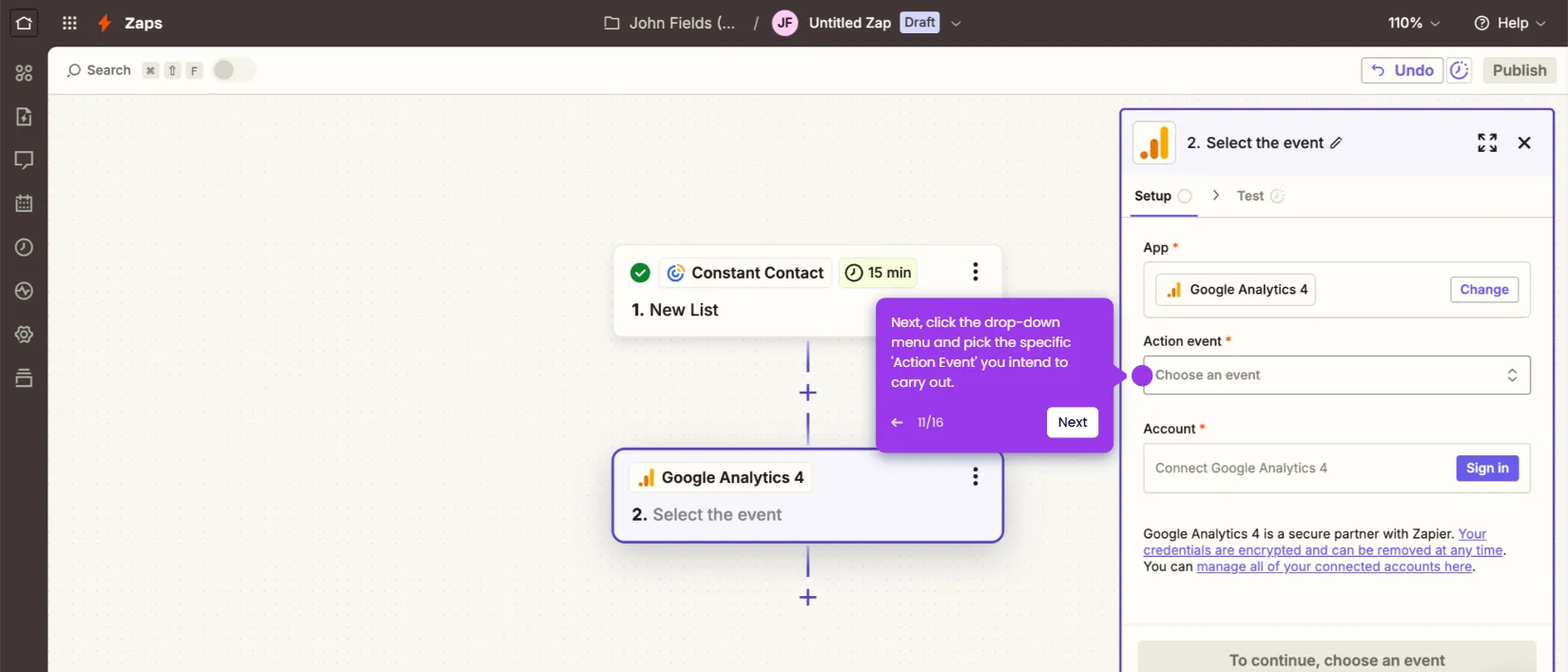
How to Integrate Constant Contact with Google Analytics

Madhav Bhandari
Director of Marketing @ Storylane
Constant Contact

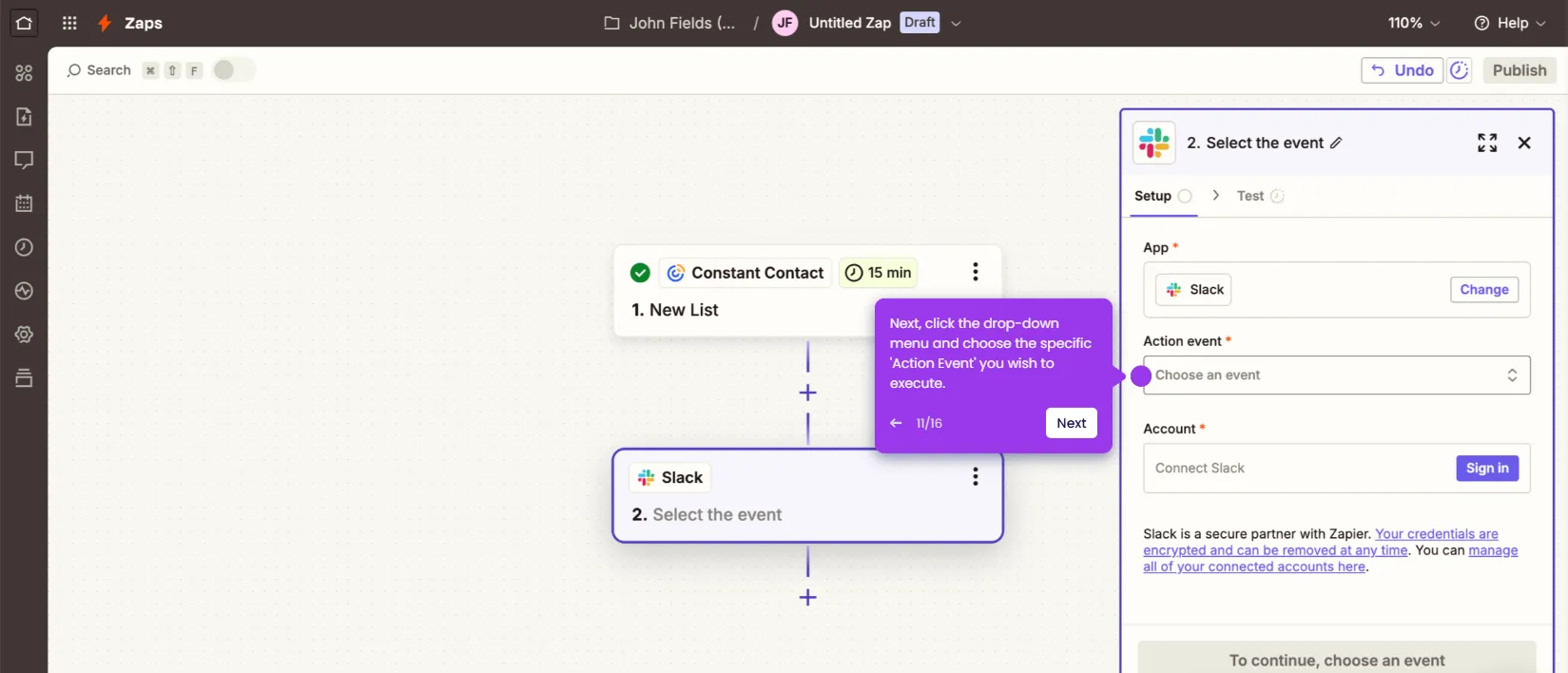
How to Integrate Constant Contact with Slack

Madhav Bhandari
Director of Marketing @ Storylane
Constant Contact

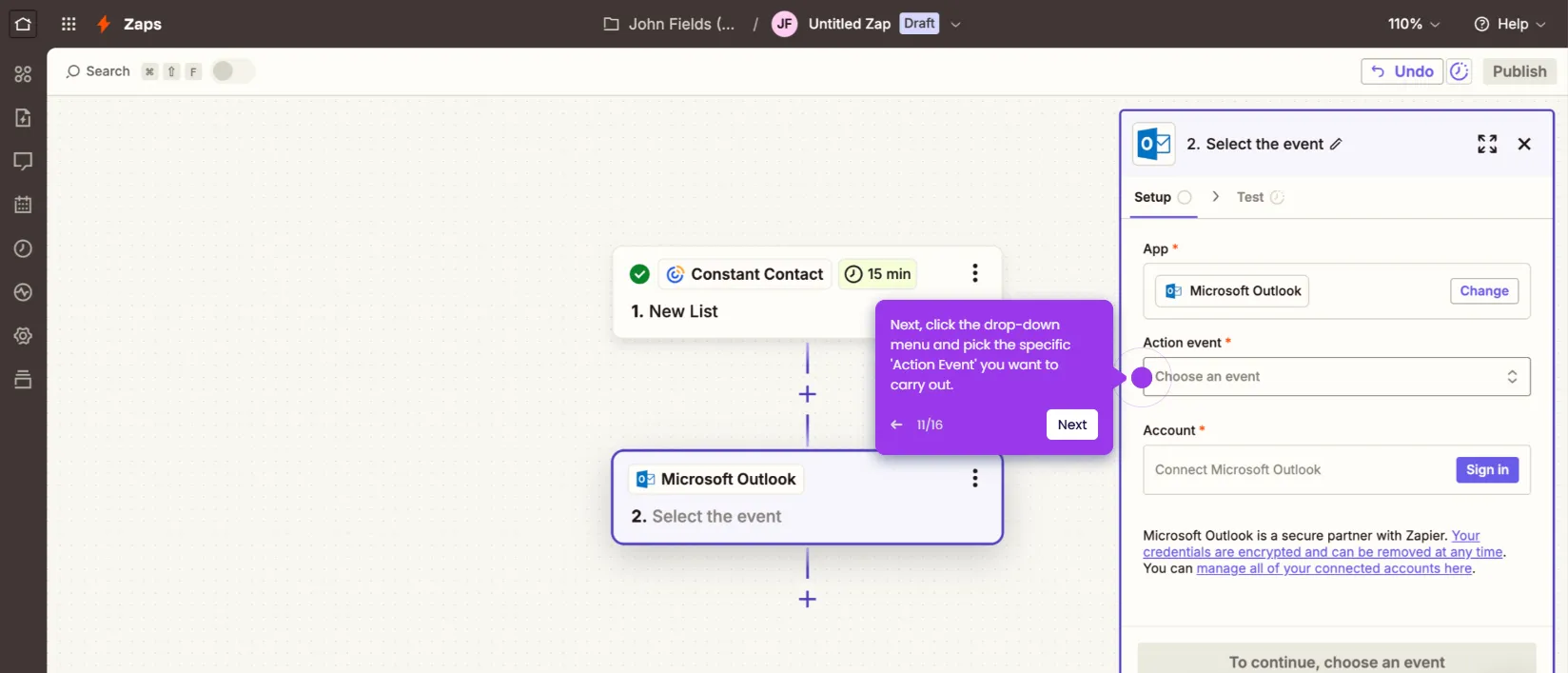
How to Integrate Constant Contact with Microsoft Outlook

Madhav Bhandari
Director of Marketing @ Storylane
No items found.
Platform
Interactive Demos
Sandbox Demos
Hubs
RepX
Integrations
Solutions
Product Marketers
Growth & Demand Gen
Sales Reps & AEs
Presales & SEs
Customer Success
Product Managers
Customers
Demo Showcase
Customer Stories
Finer Demos Club
Features
Demo Signals
Personalization
Deal Intelligence
Resources
Blog
The Plot
Tutorials
Help Docs
What’s New
Demo Dundies
Company
Careers
Pricing
Partners
Contact
Trust Center
Backed by
Chrome Extension Icon
Chrome extension
Download
Desktop app
Download
Built in San Francisco Bay Area - ©2026 Storylane
Privacy PolicyTerms & Conditions
X Corp (formerly Twitter)LinkedIn
This website uses cookies to ensure you get the best experience on our website. Learn More
Got it
This website uses cookies to ensure you get the best experience on our website. Learn More
Got it