
This interactive demo was created free with Storylane in 2 minutes. Create your own demo
Start free
All Tutorials /Linear

How to Archive Issues in Linear

Updated on:
June 5, 2026
By:
Madhav Bhandari
Use this interactive demo to learn how to automatically archive completed and canceled issues in Linear.

Quick summary

Linear's auto-archive feature automatically moves completed and canceled issues to a team's archive based on configurable time rules — by default, 28 days for completed and 7 days for canceled. Teams can adjust these auto-archive settings per team through the Workflow section in Settings.


Steps

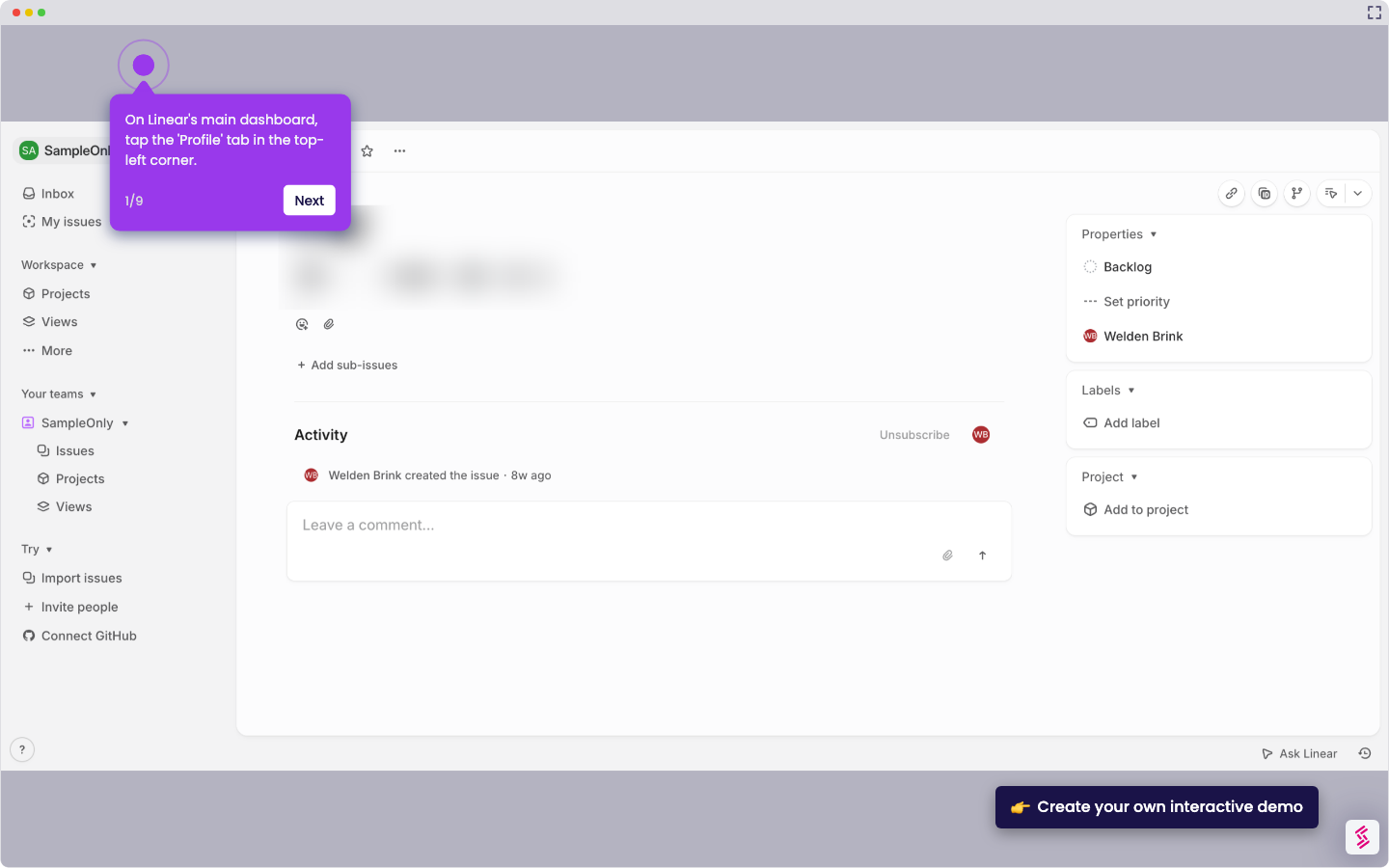
  1. Click on your profile picture to open the account menu.
  2. Select Settings from the dropdown menu.
  3. Select a team from the left-hand sidebar.
  4. Go to the Workflow section and select Issues & automations.
  5. Adjust the Auto-Archive period to your preferred timing.
  6. Note that by default, Linear applies a 28-day rule for completed issues and a 7-day rule for canceled ones — some teams may have options to further customize this timing.
  7. Completed and canceled issues will now automatically move to the team's archive section based on the configured rules.
📌 Why this matters

Archiving issues in Linear keeps your team's active backlog clean and focused by automatically removing completed and canceled work after a set period. Linear's built-in auto-archive feature reduces manual project management overhead, ensuring that resolved issues don't clutter sprint views or reporting dashboards. Teams can configure per-team archive timing — defaulting to 28 days for completed issues and 7 days for canceled ones — giving engineering and product teams granular control over their workflow hygiene. This makes Linear a powerful issue tracking tool for fast-moving teams that need accurate, up-to-date project visibility.
Your product deserves an interactive demo
Start free
Similar Articles
Linear

How to Integrate Jira with Linear

Madhav Bhandari
Director of Marketing @ Storylane
Linear

How to Create Personal To-Do Lists in Linear

Madhav Bhandari
Director of Marketing @ Storylane
Linear

How to Set Personal Preferences in Linear

Madhav Bhandari
Director of Marketing @ Storylane
No items found.
Platform
Interactive Demos
Sandbox Demos
Hubs
RepX
Integrations
Solutions
Product Marketers
Growth & Demand Gen
Sales Reps & AEs
Presales & SEs
Customer Success
Product Managers
Customers
Demo Showcase
Customer Stories
Finer Demos Club
Features
Demo Signals
Personalization
Deal Intelligence
Resources
Blog
The Plot
Tutorials
Help Docs
What’s New
Demo Dundies
Company
Careers
Pricing
Partners
Contact
Trust Center
Backed by
Chrome Extension Icon
Chrome extension
Download
Desktop app
Download
Built in San Francisco Bay Area - ©2026 Storylane
Privacy PolicyTerms & Conditions
X Corp (formerly Twitter)LinkedIn
This website uses cookies to ensure you get the best experience on our website. Learn More
Got it
This website uses cookies to ensure you get the best experience on our website. Learn More
Got it