This interactive demo was created free with Storylane in 2 minutes. Create your own demo
Start free
All Tutorials /Alteryx

How to Change the Data Type in Alteryx Using Auto Column

Updated on:
June 9, 2026
By:
Madhav Bhandari
Use this interactive demo to learn how to automatically convert field data types in Alteryx.

Quick summary

The Auto Column tool in Alteryx lets you change data types for selected fields automatically within a workflow. Instead of manually reconfiguring each column, you drag the tool onto the canvas, select your fields, and let Alteryx handle the type conversion.


Steps

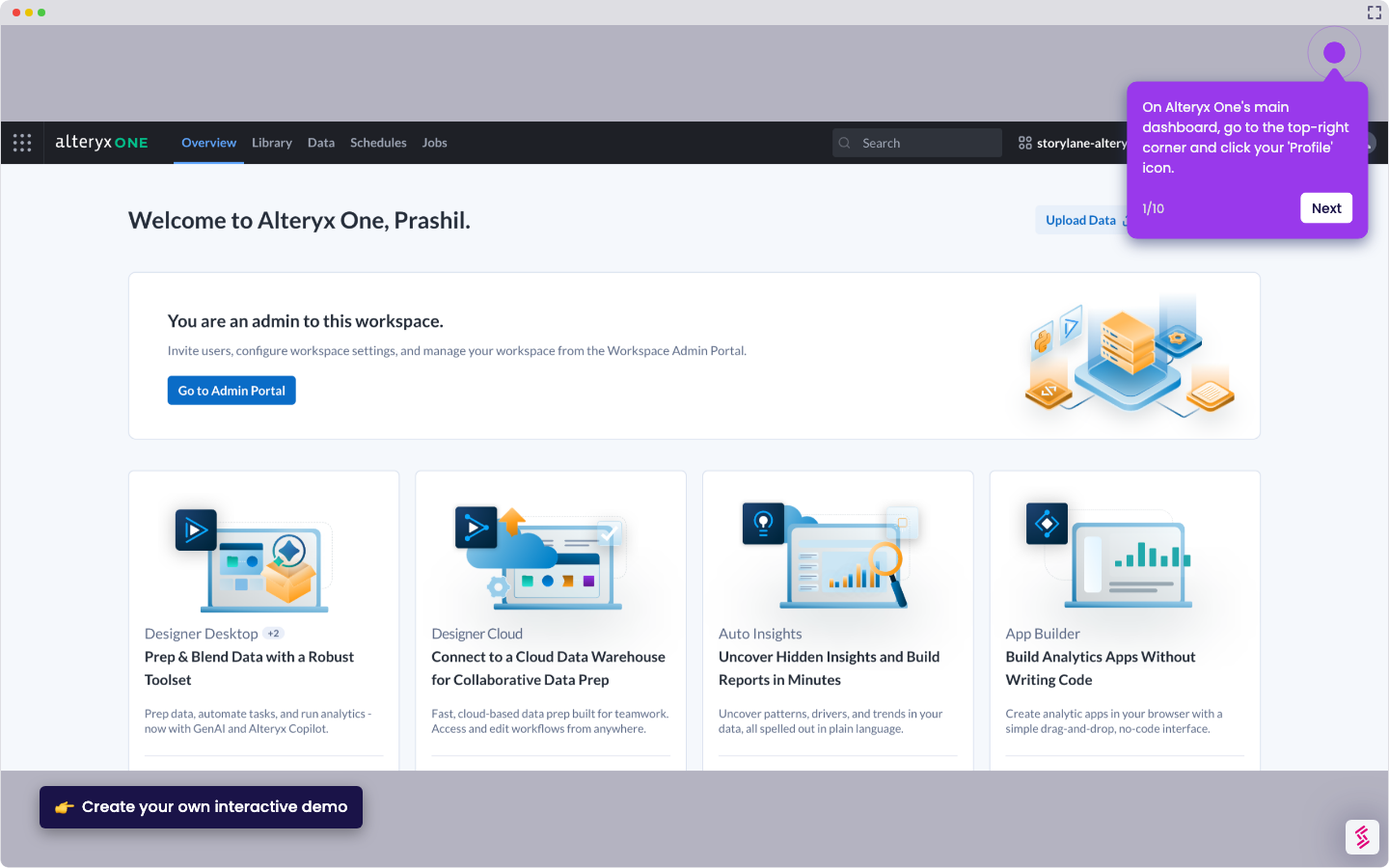
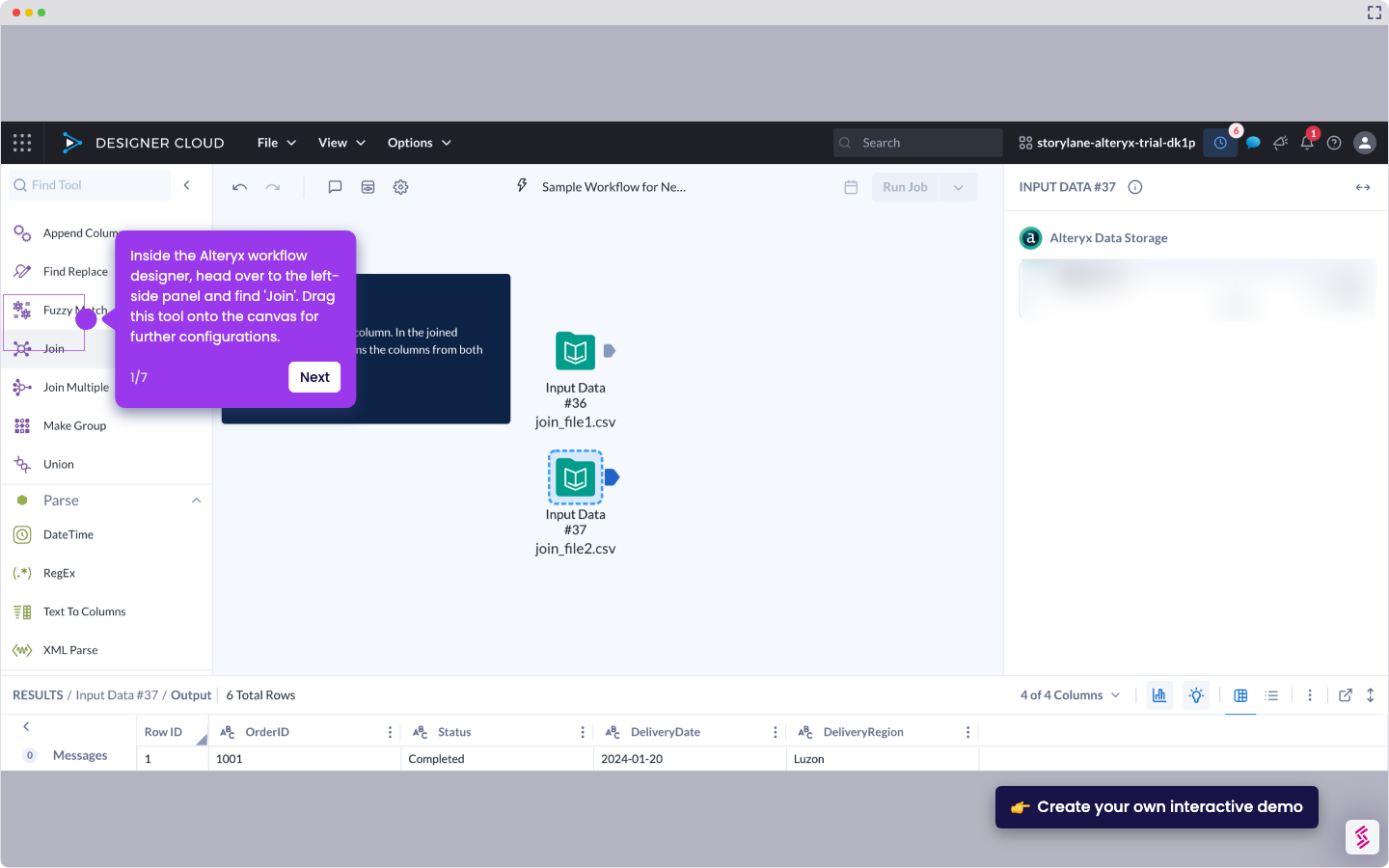
  1. In the Alteryx workflow designer, locate Auto Column in the left-side panel, then drag it onto the canvas and connect it to the Input Data tool or another data source.
  2. In the right-hand panel, tick the checkbox beside each field whose data type you want to edit.
  3. The data type of all selected fields in your Alteryx workflow will be changed automatically, completing the transformation.
📌 Why this matters

Alteryx's Auto Column tool eliminates the tedious manual process of changing data types field by field inside a workflow. By automatically detecting and converting column data types in a single step, data engineers and analysts can clean and standardize datasets faster, reducing pipeline errors and accelerating time-to-insight. This capability is especially valuable in large workflows where consistent data typing is critical for downstream transformations, joins, and reporting accuracy.
Your product deserves an interactive demo
Start free
Similar Articles
Alteryx

How to Integrate Alteryx with Snowflake

Madhav Bhandari
Director of Marketing @ Storylane
Alteryx

How to Compare Two Files in Alteryx

Madhav Bhandari
Director of Marketing @ Storylane
Alteryx

How to Use the Summarize Tool in Alteryx

Akshaya Chandramouli
Head of Brand at Storylane
No items found.
Platform
Interactive Demos
Sandbox Demos
Hubs
RepX
Integrations
Solutions
Product Marketers
Growth & Demand Gen
Sales Reps & AEs
Presales & SEs
Customer Success
Product Managers
Customers
Demo Showcase
Customer Stories
Finer Demos Club
Features
Demo Signals
Personalization
Deal Intelligence
Resources
Blog
The Plot
Tutorials
Help Docs
What’s New
Demo Dundies
Company
Careers
Pricing
Partners
Contact
Trust Center
Backed by
Chrome Extension Icon
Chrome extension
Download
Desktop app
Download
Built in San Francisco Bay Area - ©2026 Storylane
Privacy PolicyTerms & Conditions
X Corp (formerly Twitter)LinkedIn
This website uses cookies to ensure you get the best experience on our website. Learn More
Got it
This website uses cookies to ensure you get the best experience on our website. Learn More
Got it