This interactive demo was created free with Storylane in 2 minutes. Create your own demo
Start free
All Tutorials /Vscode

How to Compare Two Python Files in VS Code

Updated on:
June 9, 2026
By:
Madhav Bhandari
Try this interactive demo to learn how to compare two python files in VS Code.
  1. To compare two Python files in VS Code, open your project folder containing the .py files you want to work on.
  2. Open the Command Palette by pressing the shortcut keys: on Mac, press Cmd + Shift + P; on Windows, press Ctrl + Shift + P.
  3. Type 'Compare Files With...' in the Command Palette and select it from the list.
  4. Select the other .py file you want to compare it with[a]
  5. Your selected file will open for comparison. Notice the color highlights showing the differences between the files.

📌 Why this matters

File comparison becomes essential when debugging issues across different versions of your code, reviewing changes before commits, or understanding what colleagues modified in shared projects. The real power lies in visual diff analysis - you can instantly spot subtle changes like altered variable names, modified function parameters, or shifted logic that would take minutes to identify by manually scanning code. This side-by-side view also helps when merging features from experimental branches or when you need to selectively adopt improvements from one file version to another.

Your product deserves an interactive demo
Start free
Similar Articles
Vscode

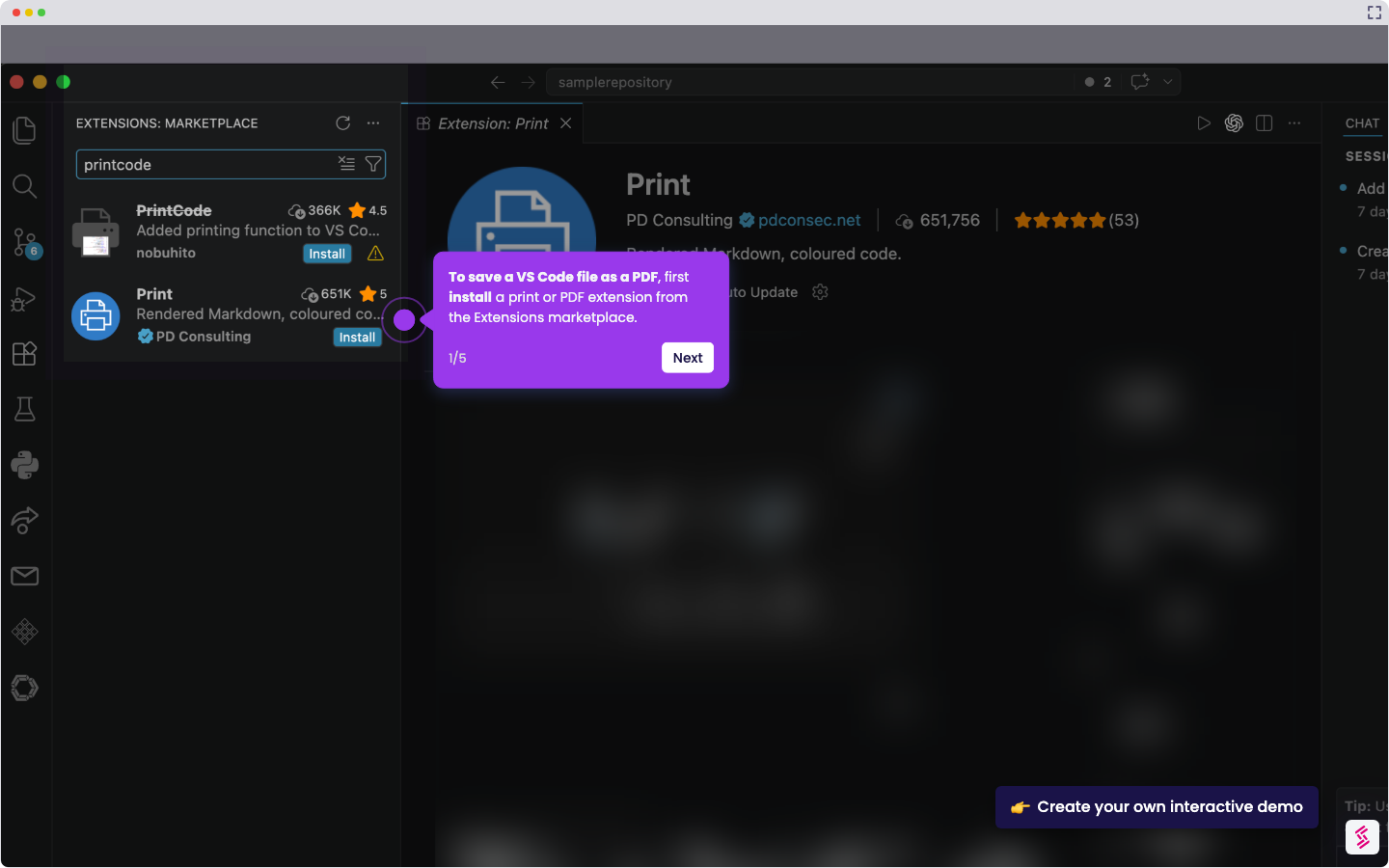
How to Save VS Code File as PDF

Madhav Bhandari
Director of Marketing @ Storylane
Vscode

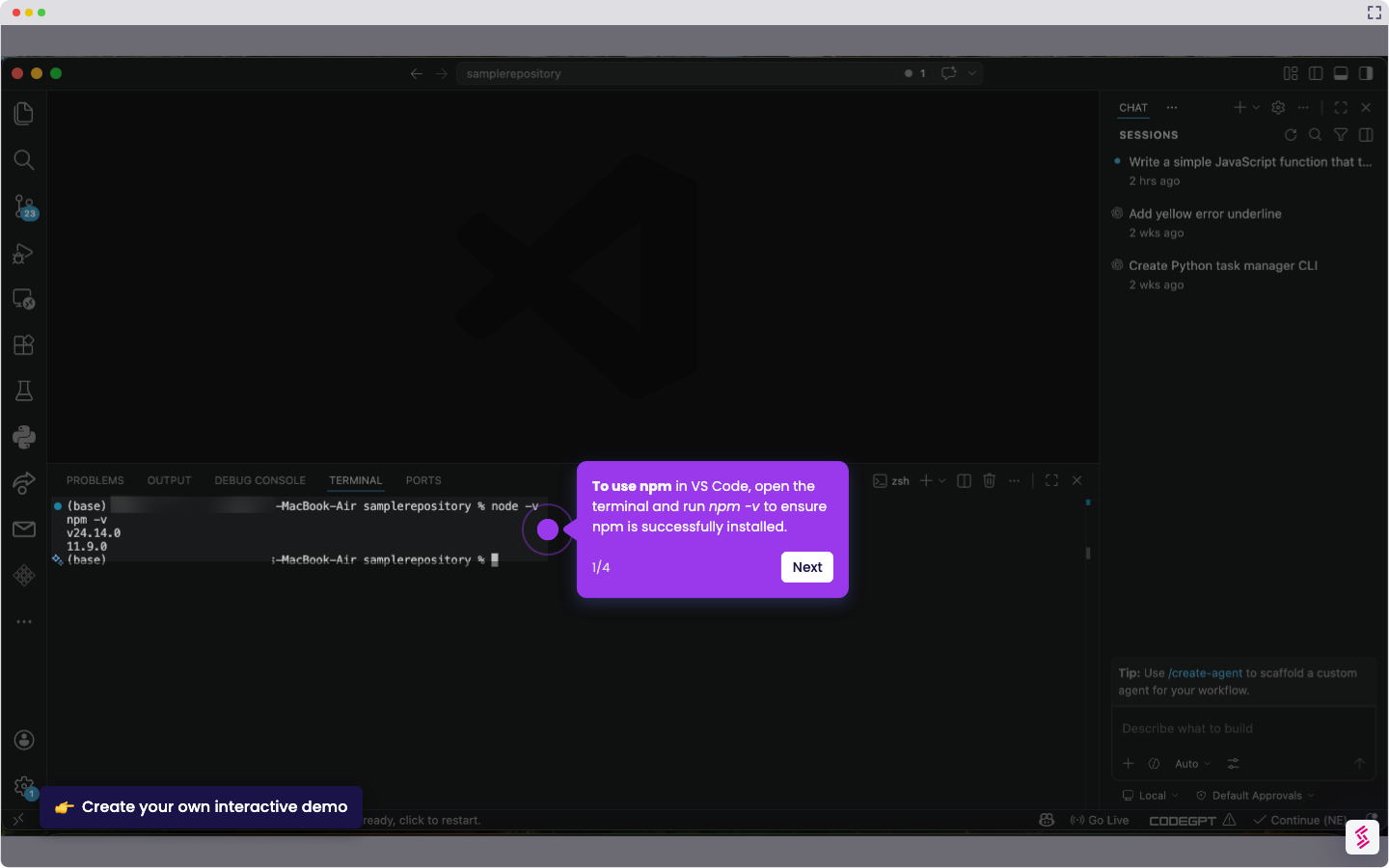
How to Use NPM in VS Code

Madhav Bhandari
Director of Marketing @ Storylane
Vscode

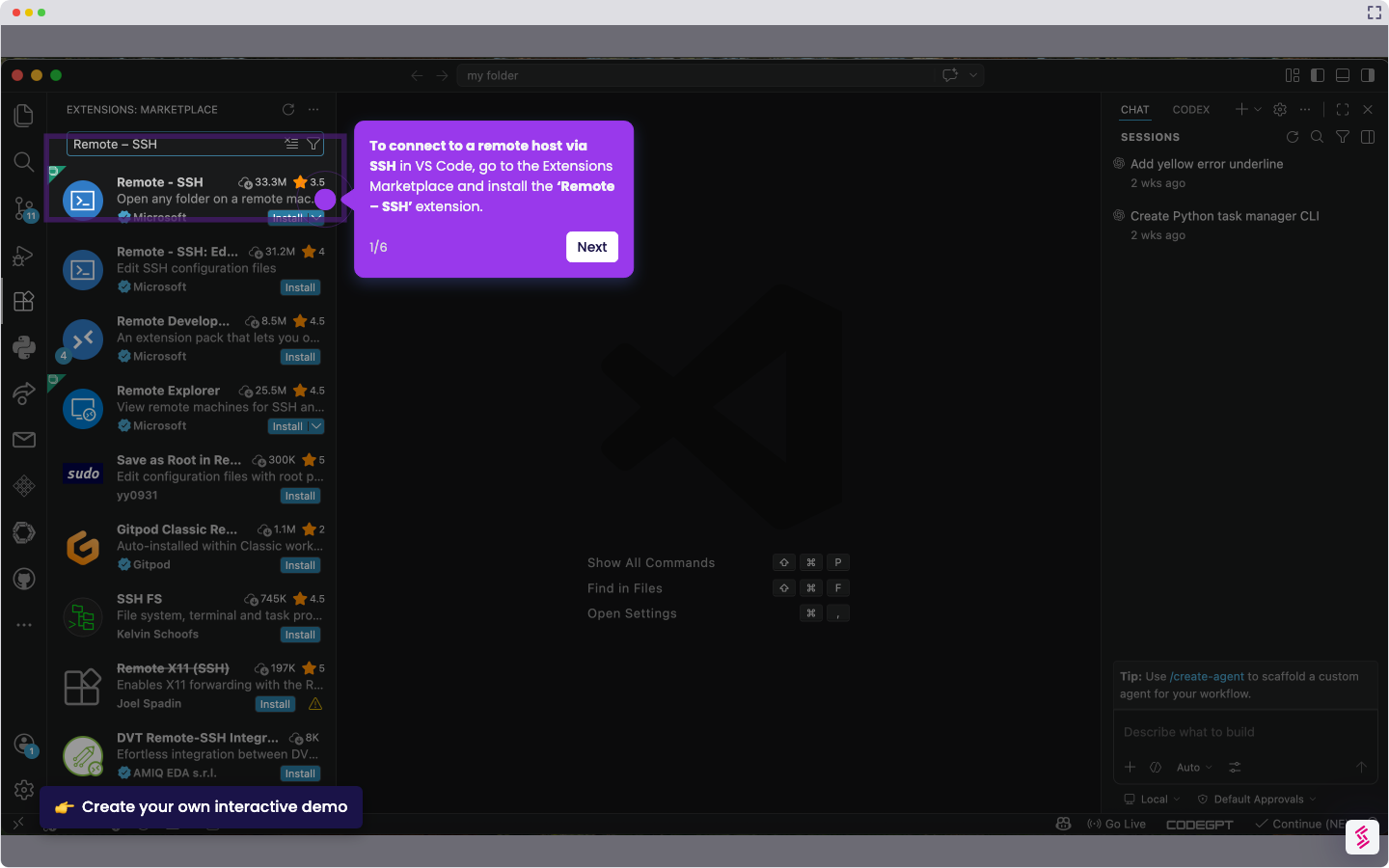
How to Remote SSH Connect to Host in VS Code

Madhav Bhandari
Director of Marketing @ Storylane
No items found.
Platform
Interactive Demos
Sandbox Demos
Hubs
RepX
Integrations
Solutions
Product Marketers
Growth & Demand Gen
Sales Reps & AEs
Presales & SEs
Customer Success
Product Managers
Customers
Demo Showcase
Customer Stories
Finer Demos Club
Features
Demo Signals
Personalization
Deal Intelligence
Resources
Blog
The Plot
Tutorials
Help Docs
What’s New
Demo Dundies
Company
Careers
Pricing
Partners
Contact
Trust Center
Backed by
Chrome Extension Icon
Chrome extension
Download
Desktop app
Download
Built in San Francisco Bay Area - ©2026 Storylane
Privacy PolicyTerms & Conditions
X Corp (formerly Twitter)LinkedIn
This website uses cookies to ensure you get the best experience on our website. Learn More
Got it
This website uses cookies to ensure you get the best experience on our website. Learn More
Got it