This interactive demo was created free with Storylane in 2 minutes. Create your own demo
Start free
All Tutorials /Prezi

How to Convert Prezi to Video [a]

Updated on:
June 9, 2026
By:
Madhav Bhandari
Try this guided demo to learn how to convert your Prezi to video [a].
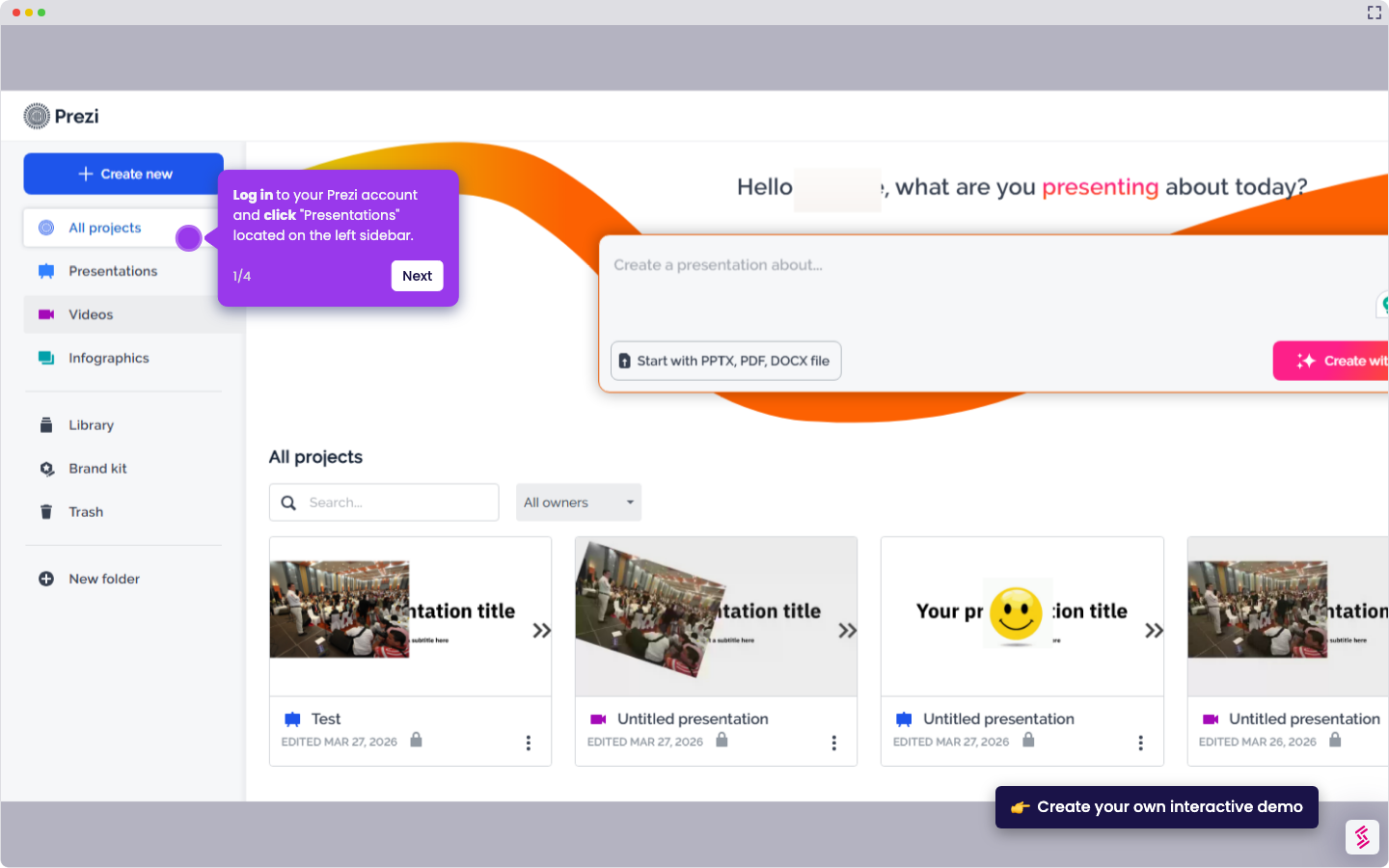
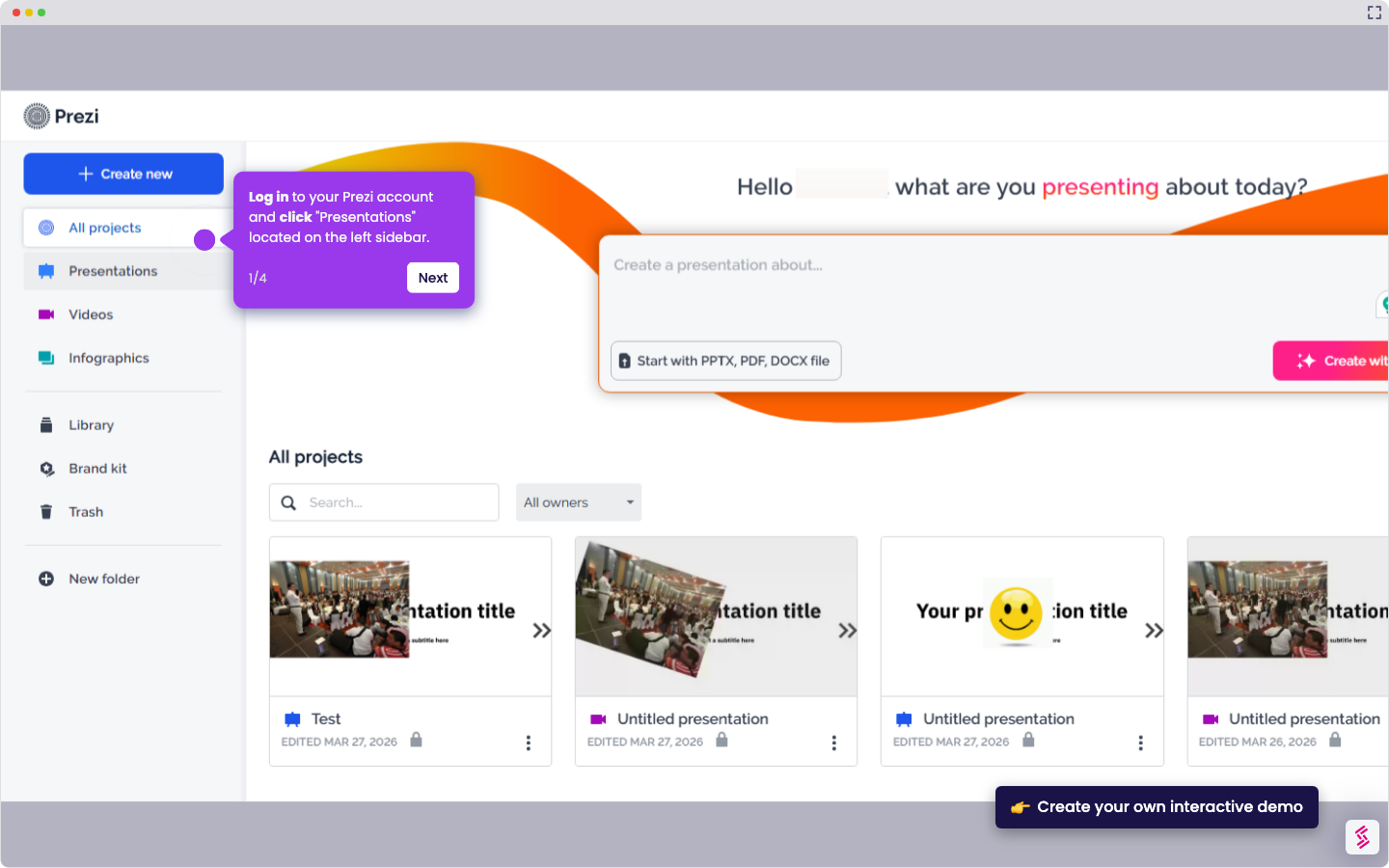
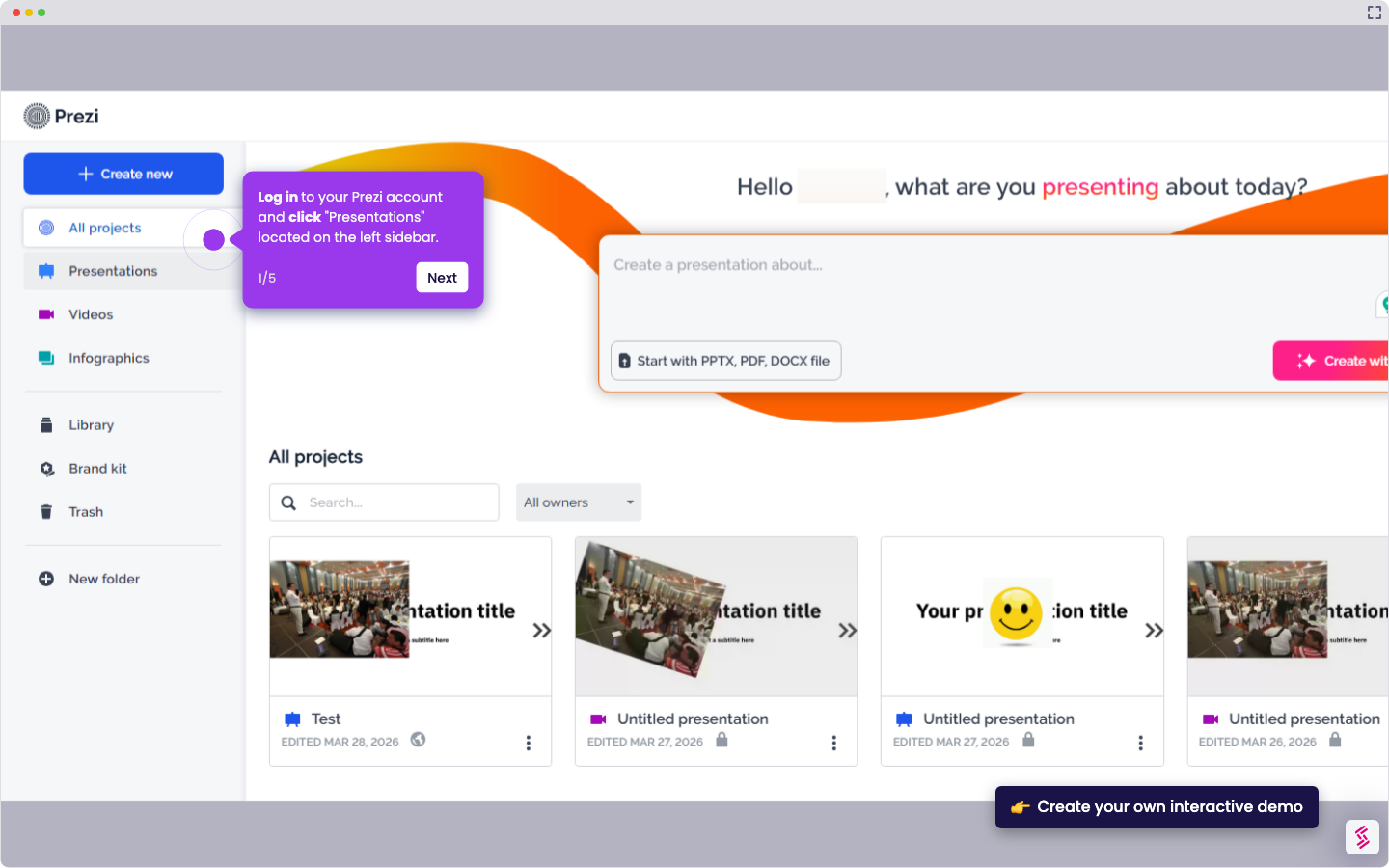
  1. Log in to your Prezi account and click on the "Presentations" located on the left sidebar
  2. Select which presentation you want to convert into a video
  3. Click the "recording" button
  4. Select how you want to record your presentation
  5. Click the "Continue" button to proceed
  6. Start recording your presentation while presenting your slides
  7. Once done, click the "Finish recording" button
  8. Click the "Save video" button

📌 Why this matters

Converting your presentation to video transforms it from an interactive experience into a universal format that works across all devices and platforms. Recipients can watch at their own pace without needing Prezi installed or an internet connection. Video format also creates a permanent record of your exact delivery, preserving your timing, emphasis, and spoken explanations that static slides can't capture. This becomes especially valuable for training materials, client proposals, or presentations that need to reach audiences in different time zones who can't attend live sessions.

Your product deserves an interactive demo
Start free
Similar Articles
Prezi

How to Share Prezi

Madhav Bhandari
Director of Marketing @ Storylane
Prezi

How to Delete Slide in Prezi

Madhav Bhandari
Director of Marketing @ Storylane
Prezi

How to Change Font Size in Prezi

Madhav Bhandari
Director of Marketing @ Storylane
No items found.
Platform
Interactive Demos
Sandbox Demos
Hubs
RepX
Integrations
Solutions
Product Marketers
Growth & Demand Gen
Sales Reps & AEs
Presales & SEs
Customer Success
Product Managers
Customers
Demo Showcase
Customer Stories
Finer Demos Club
Features
Demo Signals
Personalization
Deal Intelligence
Resources
Blog
The Plot
Tutorials
Help Docs
What’s New
Demo Dundies
Company
Careers
Pricing
Partners
Contact
Trust Center
Backed by
Chrome Extension Icon
Chrome extension
Download
Desktop app
Download
Built in San Francisco Bay Area - ©2026 Storylane
Privacy PolicyTerms & Conditions
X Corp (formerly Twitter)LinkedIn
This website uses cookies to ensure you get the best experience on our website. Learn More
Got it
This website uses cookies to ensure you get the best experience on our website. Learn More
Got it