Quick summary
NotebookLM's Deep Dive Conversation feature lets you generate a podcast episode directly from your notebook by customizing length and focus areas. In just a few clicks, the AI hosts produce a fully tailored audio episode added straight to your notebook.
Steps
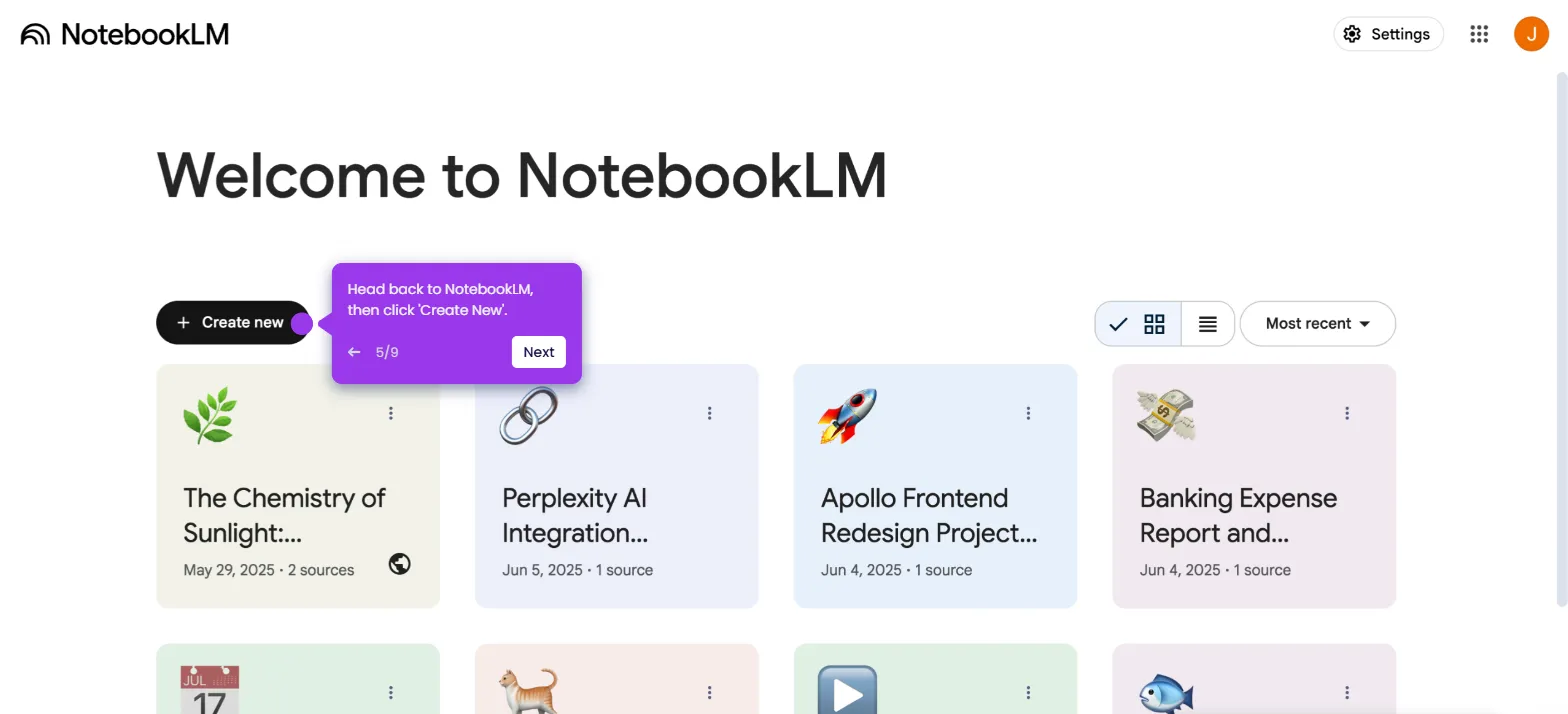
- On the NotebookLM main dashboard, select a notebook.
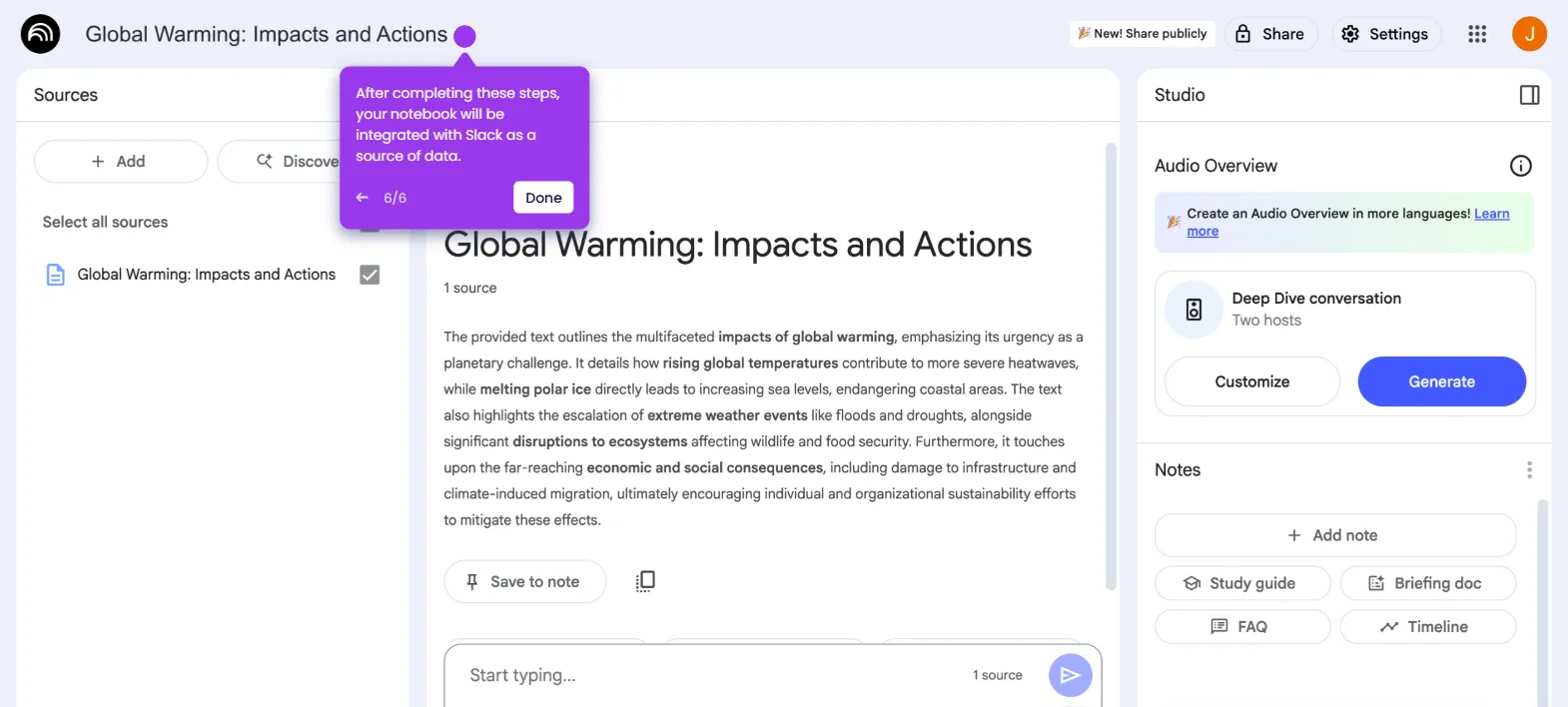
- Go to the Studio panel and click 'Customize' under the Deep Dive Conversation section.
- Choose your preferred episode length from the available options.
- Describe the aspects you want to emphasize and type them into the input field.
- Click 'Generate' to start creating your podcast episode.
- Once complete, the new podcast episode is created and added to your notebook.