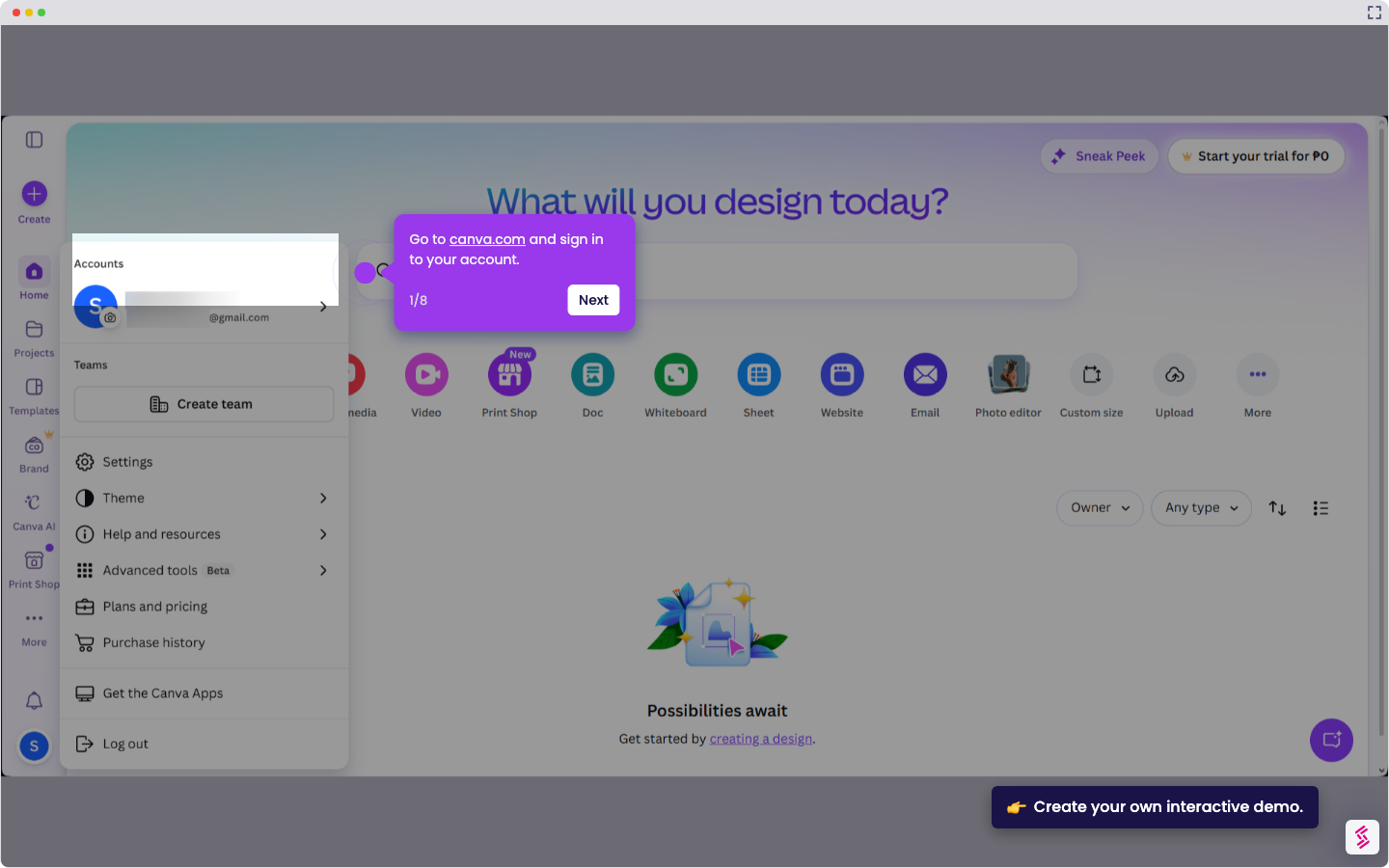
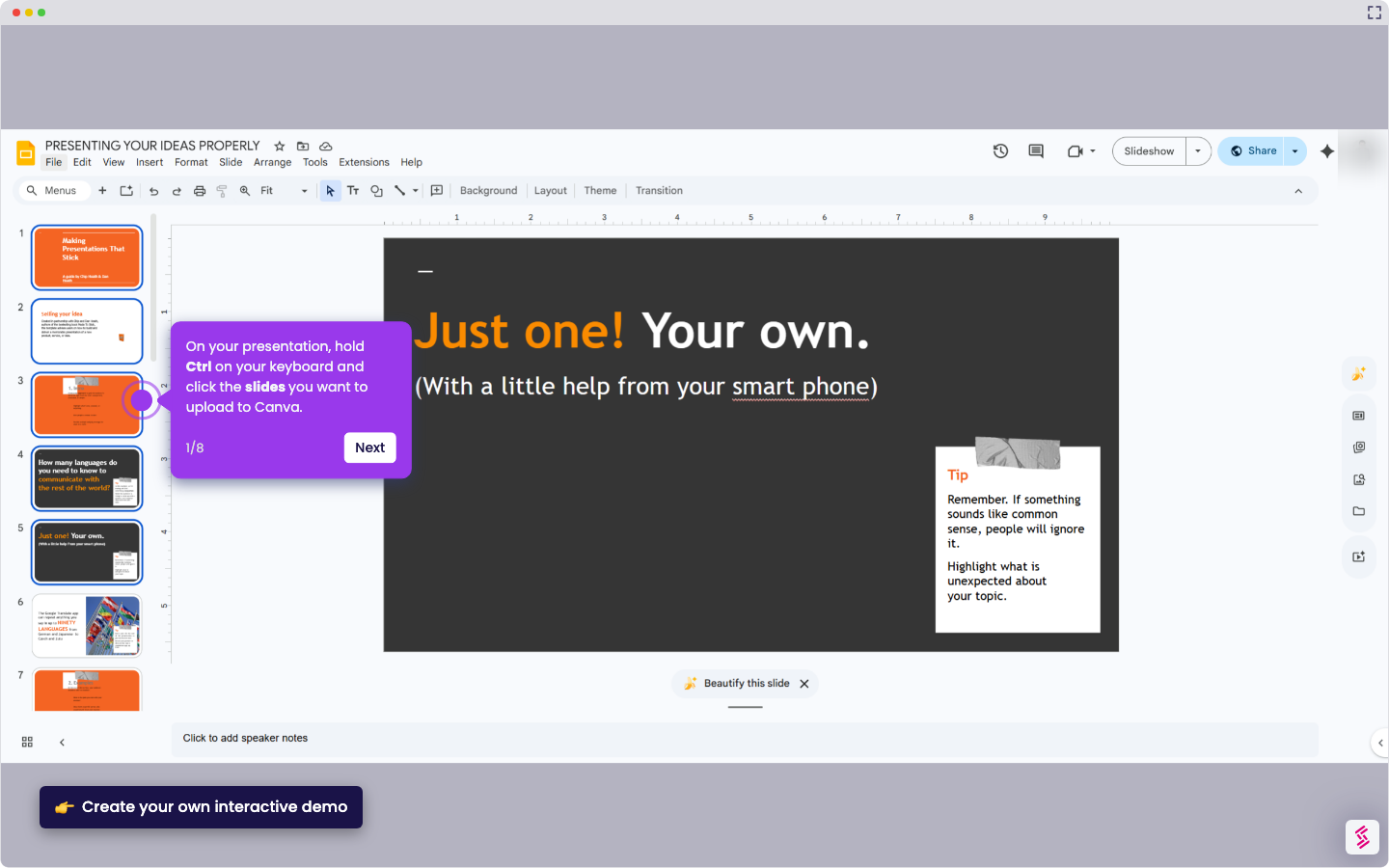
This interactive demo was created free with Storylane in 2 minutes. Create your own demo
Start free
All Tutorials /Canva

How to Create AI Images in Canva

Updated on:
June 5, 2026
By:
Madhav Bhandari
Use this interactive demo to learn how to generate AI images in Canva using text prompts.

Quick summary

Canva AI image generation lets you create custom visuals by entering a text prompt and clicking "Create an image" to instantly produce AI-generated options. Once generated, you can select, edit, and share or export your image directly from the Canva editor.


Steps

  1. Go to canva.com and access Canva AI.
  2. Enter a prompt describing the image you want to generate.
  3. Click "Create an image" to generate options.
  4. Hit Submit to see your AI-generated results.
  5. Select your favorite image from the generated options.
  6. Make any edits, then click "Share" to save or export your image.
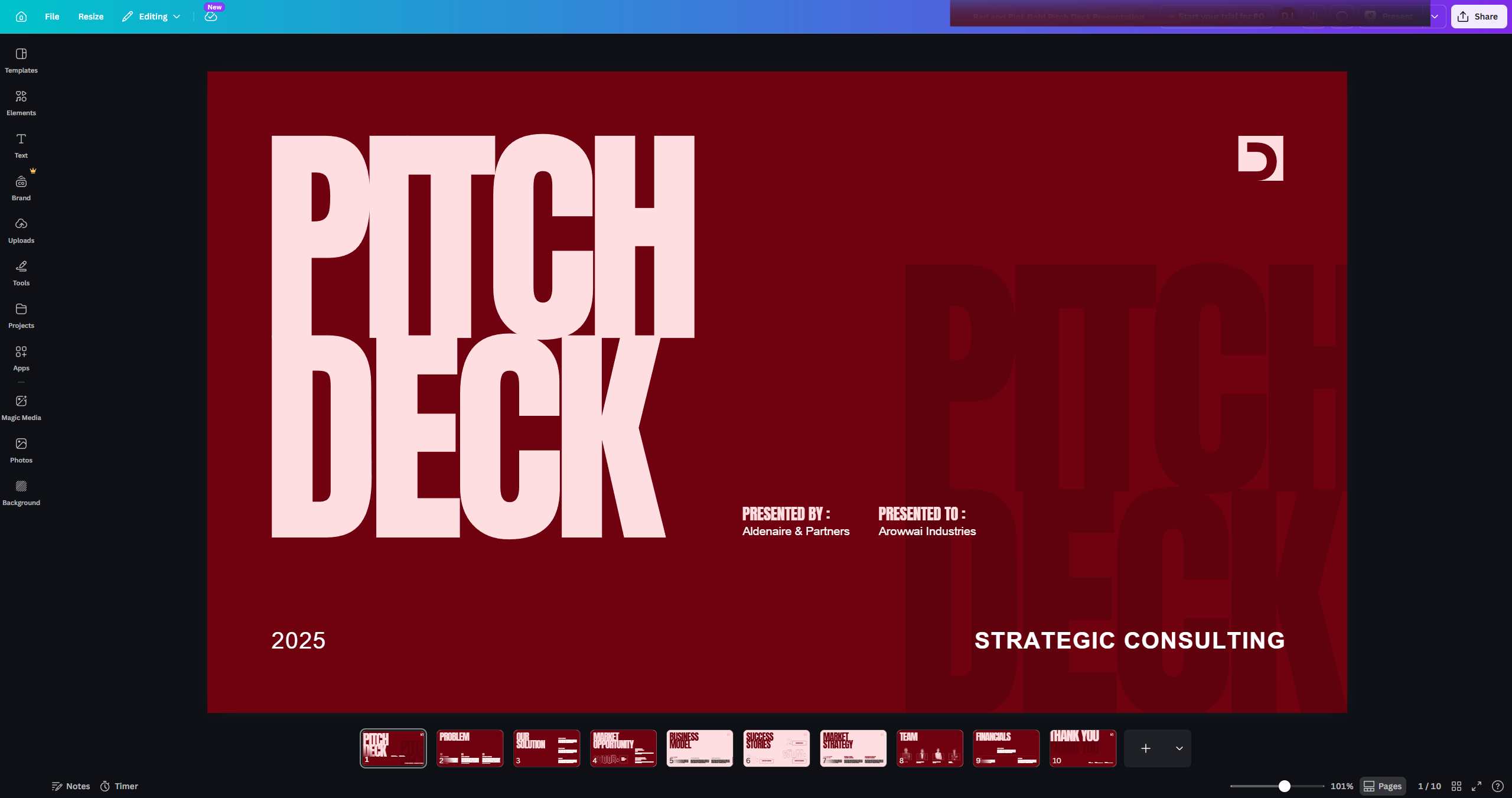
📌 Why this matters

Canva AI image generation empowers designers, marketers, and content creators to produce custom visuals in seconds using simple text prompts — no design skills required. By integrating AI-powered image creation directly into the Canva editor, users can go from idea to finished, shareable graphic in one seamless workflow. This feature eliminates the need for stock photo subscriptions or external AI tools, making professional-quality visual content accessible to everyone. For teams that produce high volumes of creative assets, Canva AI dramatically reduces turnaround time and creative bottlenecks.
Your product deserves an interactive demo
Start free
Similar Articles
How to Use Canva Templates in Google SlidesHow to Use Canva Templates in Google Slides
Canva

How to Integrate Canva With Google Slides

Madhav Bhandari
Director of Marketing @ Storylane
Canva

How to Create a YouTube Intro

Madhav Bhandari
Director of Marketing @ Storylane
Canva

How to Import Slides from Google Slides to Canva

Madhav Bhandari
Director of Marketing @ Storylane
No items found.
Platform
Interactive Demos
Sandbox Demos
Hubs
RepX
Integrations
Solutions
Product Marketers
Growth & Demand Gen
Sales Reps & AEs
Presales & SEs
Customer Success
Product Managers
Customers
Demo Showcase
Customer Stories
Finer Demos Club
Features
Demo Signals
Personalization
Deal Intelligence
Resources
Blog
The Plot
Tutorials
Help Docs
What’s New
Demo Dundies
Company
Careers
Pricing
Partners
Contact
Trust Center
Backed by
Chrome Extension Icon
Chrome extension
Download
Desktop app
Download
Built in San Francisco Bay Area - ©2026 Storylane
Privacy PolicyTerms & Conditions
X Corp (formerly Twitter)LinkedIn
This website uses cookies to ensure you get the best experience on our website. Learn More
Got it
This website uses cookies to ensure you get the best experience on our website. Learn More
Got it