
This interactive demo was created free with Storylane in 2 minutes. Create your own demo
Start free
All Tutorials /Linear

How to Create Custom Statuses in Linear

Updated on:
June 5, 2026
By:
Madhav Bhandari
Use this interactive demo to learn how to set up custom issue statuses for your team in Linear.

Quick summary

Linear allows teams to create custom statuses that match their unique workflow, replacing generic defaults with stages that reflect how work actually moves. By configuring issue statuses per team, you can improve visibility, automate transitions, and keep every project on track.


Steps

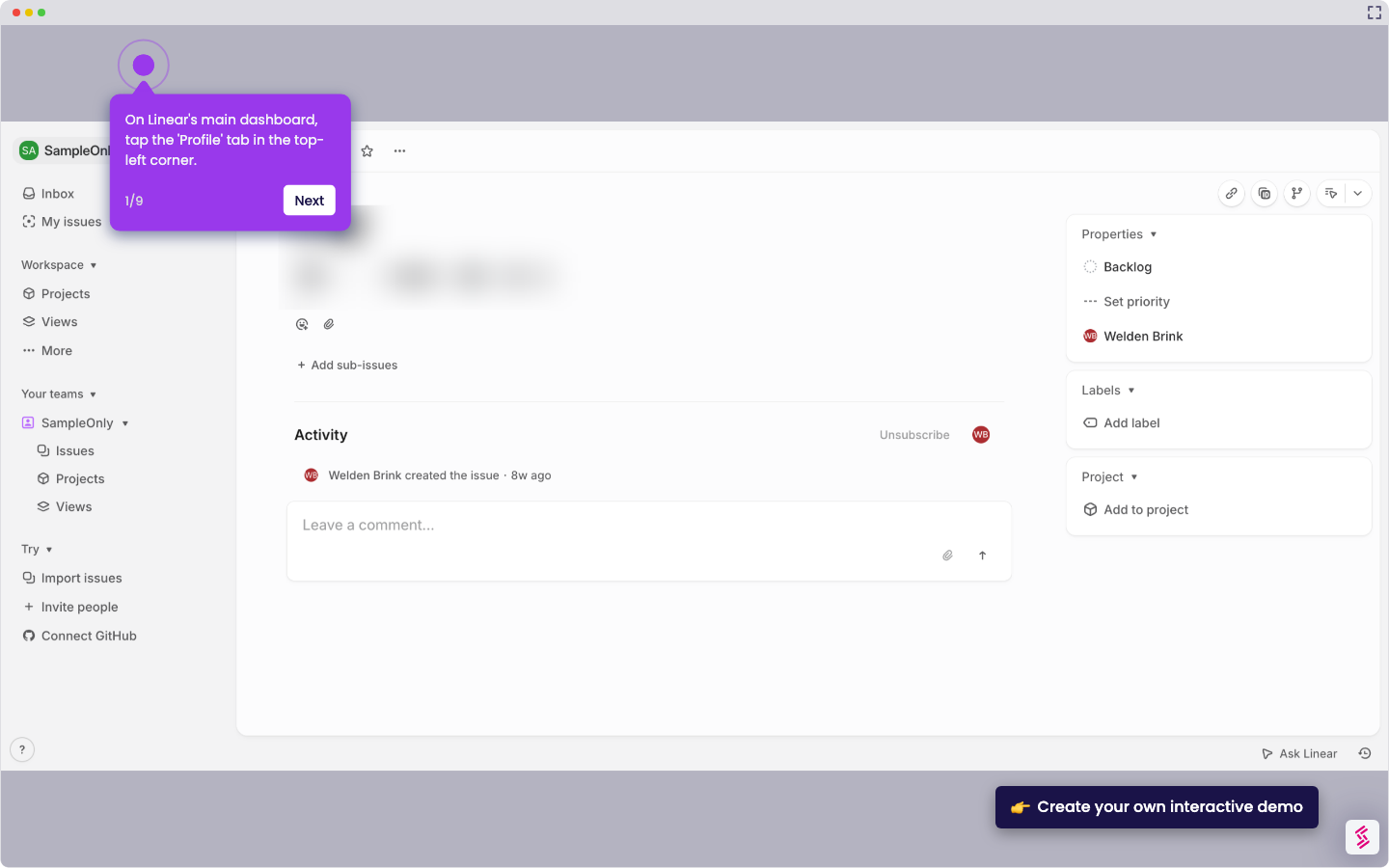
  1. Click on your profile icon to open the account menu.
  2. Select Settings from the dropdown menu.
  3. Go to the Administration section and select Teams.
  4. Choose the team you want to modify.
  5. Go to the Workflow section and select Issue statuses and automations.
  6. Click the add icon to add a new status.
  7. Name your new status and click Create.
  8. Your custom status is now live and ready to support your team's tailored workflow.
📌 Why this matters

Custom issue statuses in Linear give engineering and product teams the flexibility to define exactly how work progresses, beyond the default To Do, In Progress, and Done labels. By tailoring statuses to match real team workflows — such as In Review, Blocked, or Waiting on Design — teams gain clearer visibility into where issues stand at any moment. This level of workflow customization reduces miscommunication, accelerates handoffs, and ensures that Linear reflects the way your team actually operates. For fast-moving teams, custom statuses are a foundational setup step that drives consistency and accountability across every sprint.
Your product deserves an interactive demo
Start free
Similar Articles
Linear

How to Integrate Jira with Linear

Madhav Bhandari
Director of Marketing @ Storylane
Linear

How to Create Personal To-Do Lists in Linear

Madhav Bhandari
Director of Marketing @ Storylane
Linear

How to Set Personal Preferences in Linear

Madhav Bhandari
Director of Marketing @ Storylane
No items found.
Platform
Interactive Demos
Sandbox Demos
Hubs
RepX
Integrations
Solutions
Product Marketers
Growth & Demand Gen
Sales Reps & AEs
Presales & SEs
Customer Success
Product Managers
Customers
Demo Showcase
Customer Stories
Finer Demos Club
Features
Demo Signals
Personalization
Deal Intelligence
Resources
Blog
The Plot
Tutorials
Help Docs
What’s New
Demo Dundies
Company
Careers
Pricing
Partners
Contact
Trust Center
Backed by
Chrome Extension Icon
Chrome extension
Download
Desktop app
Download
Built in San Francisco Bay Area - ©2026 Storylane
Privacy PolicyTerms & Conditions
X Corp (formerly Twitter)LinkedIn
This website uses cookies to ensure you get the best experience on our website. Learn More
Got it
This website uses cookies to ensure you get the best experience on our website. Learn More
Got it