Quick summary
Issue collections in Linear let teams organize related work by applying labels and filters to surface grouped issues instantly. This workflow shows how to tag an issue with a label and save a filtered view as a reusable issue collection.
Steps
- Navigate to your desired team in Linear.
- Select the Issues page in Linear.
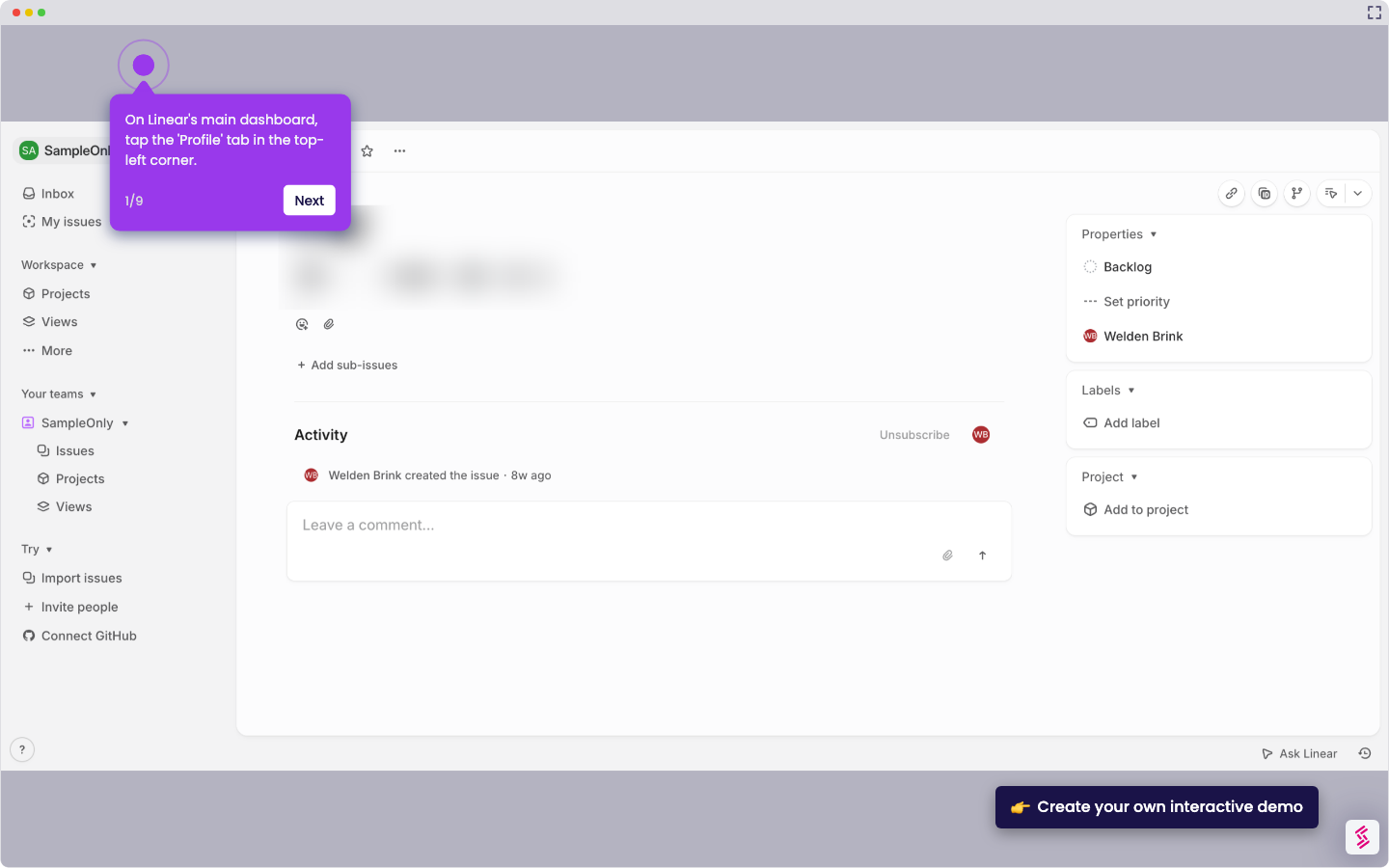
- Select an issue you want to add to your collection.
- Click Labels and select your desired label.
- Click Filter, go to the Labels section and click on it.
- Select Features from the labels list.
- Review the issues appearing under the selected label — use labels and filters to define your issue collection.
- Click Save to confirm the collection view.