Quick summary
Creating a team in Linear takes just a few clicks inside your workspace Settings. Once created, your new team gets its own icon, color, and name to keep projects organized across your organization.
Steps
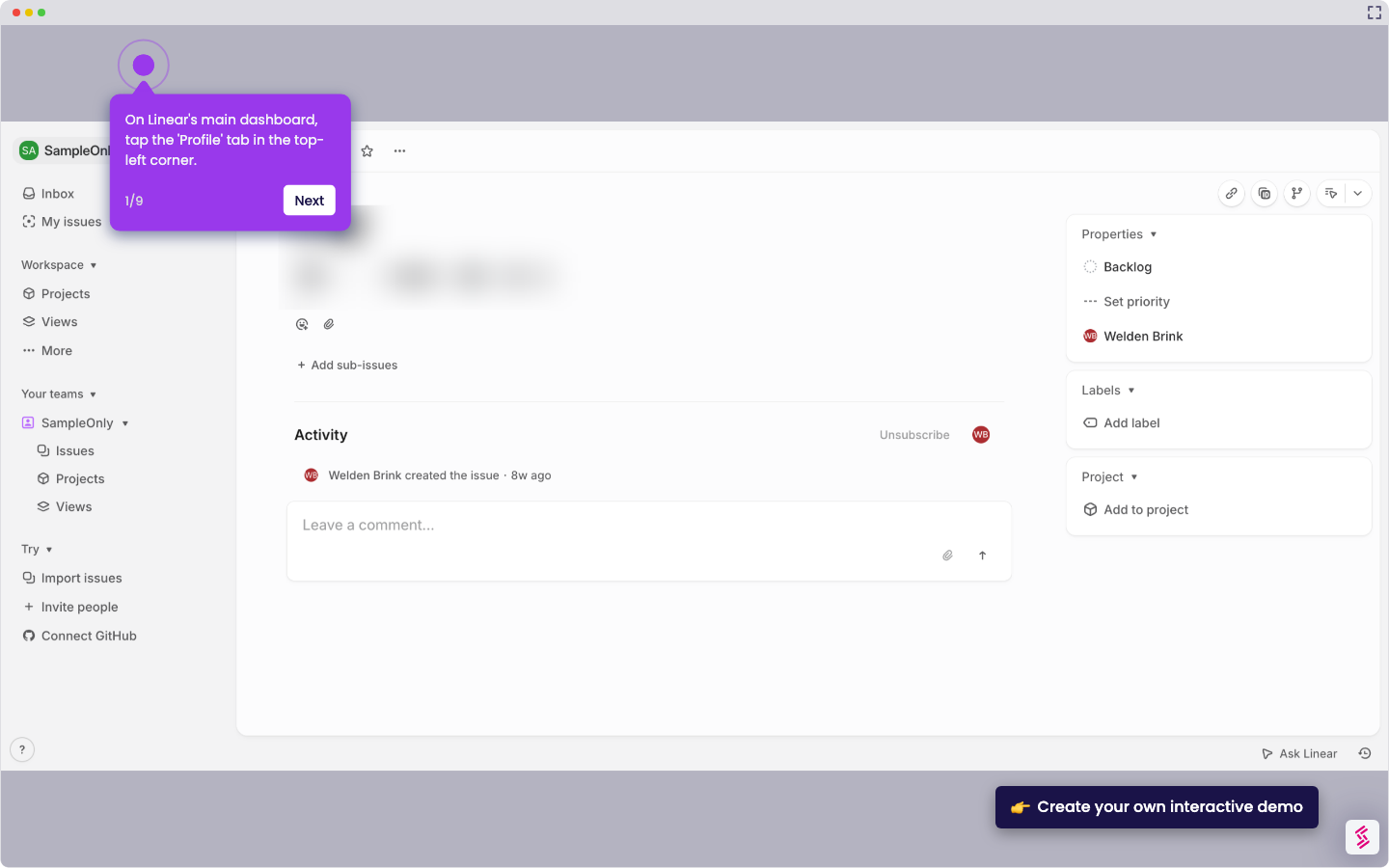
- Click on your profile icon in the upper-left corner.
- Select 'Settings' from the dropdown menu.
- Click '+ Create a team' at the bottom of the Teams section.
- Choose a team icon and color for easy identification.
- Enter a team name in the provided field.
- Click 'Create team' to save your new team.
- Your new team in Linear has been successfully created.