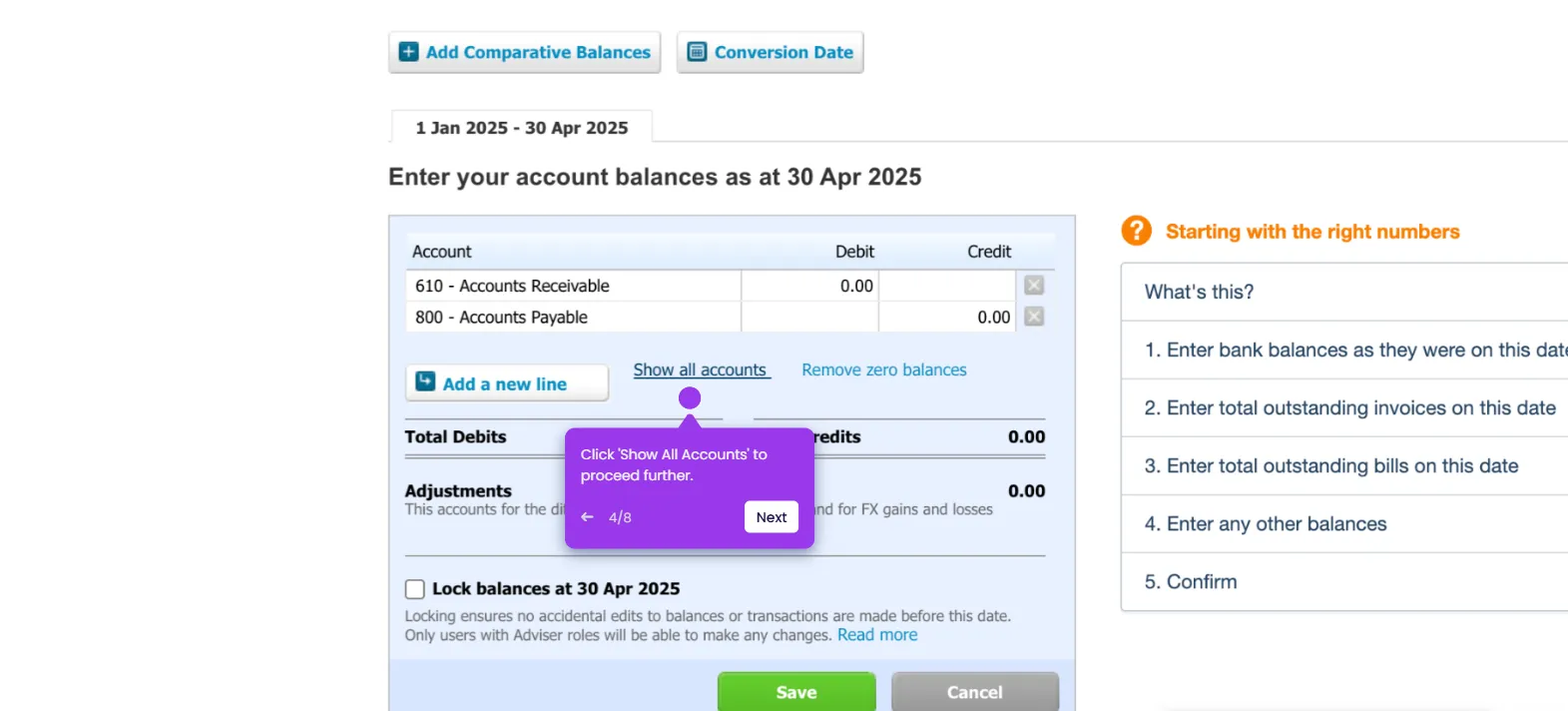
This interactive demo was created free with Storylane in 2 minutes. Create your own demo
Start free
All Tutorials /Xero

How to Delete an Approved Invoice in Xero

Updated on:
June 5, 2026
By:
Madhav Bhandari
Use this interactive demo to learn how to void and remove an approved invoice in Xero.

Quick summary

In Xero, you cannot permanently delete an approved invoice — instead, you must void it via the More Options menu, which removes it from your active invoice list. This step-by-step walkthrough covers the exact clicks needed to locate and void an approved invoice from the Awaiting Payment tab.


Steps

  1. On Xero's main dashboard, head over to the top menu bar and click 'Business'.
  2. Select 'Invoices' from the list of options.
  3. Tap the 'Awaiting Payment' tab to filter approved invoices.
  4. Find and select the approved invoice you want to delete.
  5. Tap the 'More Options' button in the top-right corner.
  6. Choose 'Void' to proceed.
  7. Click 'Void' one more time to confirm your request.
  8. The selected approved invoice will be voided and removed from the list.

📌 Why this matters

In Xero, approved invoices cannot be deleted outright — they must be voided to maintain a clean and accurate accounts receivable ledger. Understanding how to void an approved invoice in Xero is essential for bookkeepers and finance teams who need to correct billing errors or remove duplicate entries without breaking the audit trail. This process ensures your invoice list stays accurate while preserving compliance with accounting best practices. Knowing the exact steps saves time and prevents costly mistakes in financial reporting.
Your product deserves an interactive demo
Start free
Similar Articles
Xero

How to Unlock Accounts in Xero When the Password is Forgotten

Madhav Bhandari
Director of Marketing @ Storylane
Xero

How to Record an Overpayment in Xero

Madhav Bhandari
Director of Marketing @ Storylane
Xero

How to Enter Conversion Balances in Xero

Madhav Bhandari
Director of Marketing @ Storylane
No items found.
Platform
Interactive Demos
Sandbox Demos
Hubs
RepX
Integrations
Solutions
Product Marketers
Growth & Demand Gen
Sales Reps & AEs
Presales & SEs
Customer Success
Product Managers
Customers
Demo Showcase
Customer Stories
Finer Demos Club
Features
Demo Signals
Personalization
Deal Intelligence
Resources
Blog
The Plot
Tutorials
Help Docs
What’s New
Demo Dundies
Company
Careers
Pricing
Partners
Contact
Trust Center
Backed by
Chrome Extension Icon
Chrome extension
Download
Desktop app
Download
Built in San Francisco Bay Area - ©2026 Storylane
Privacy PolicyTerms & Conditions
X Corp (formerly Twitter)LinkedIn
This website uses cookies to ensure you get the best experience on our website. Learn More
Got it
This website uses cookies to ensure you get the best experience on our website. Learn More
Got it