This interactive demo was created free with Storylane in 2 minutes. Create your own demo
Start free
All Tutorials /Prezi

How to Download Prezi Presentation

Updated on:
June 9, 2026
By:
Madhav Bhandari
Try this interactive demo to learn how to download Prezi presentation.
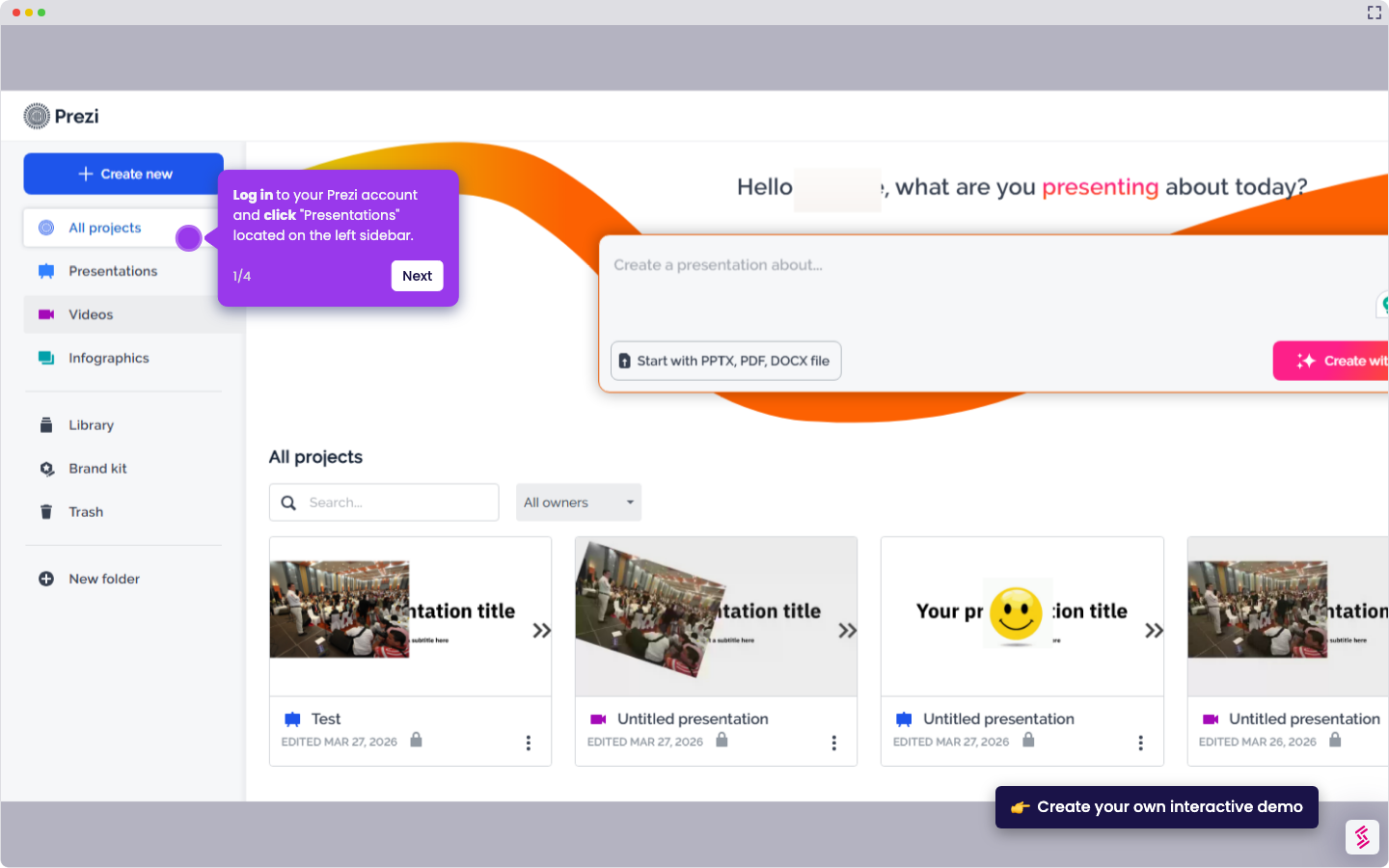
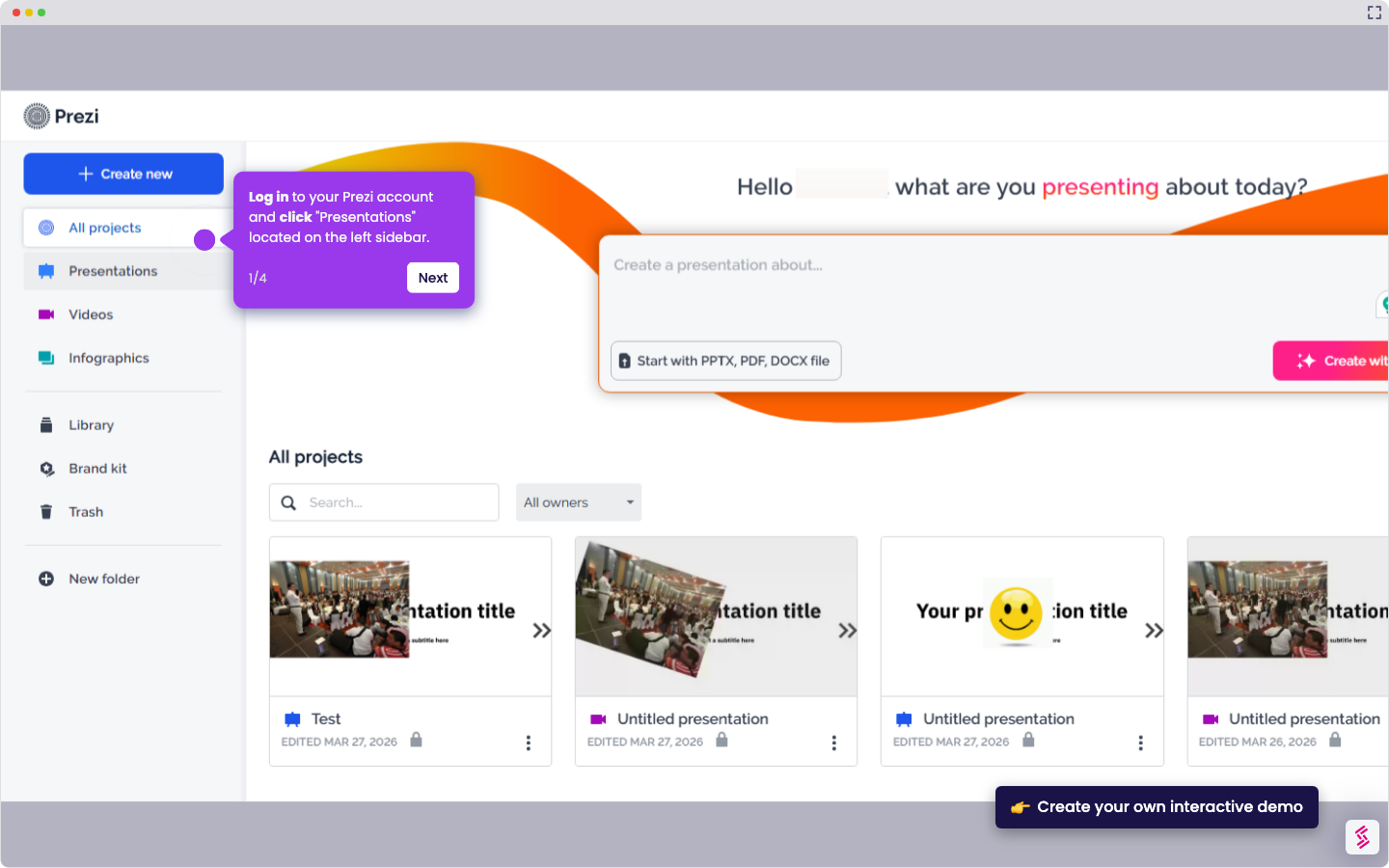
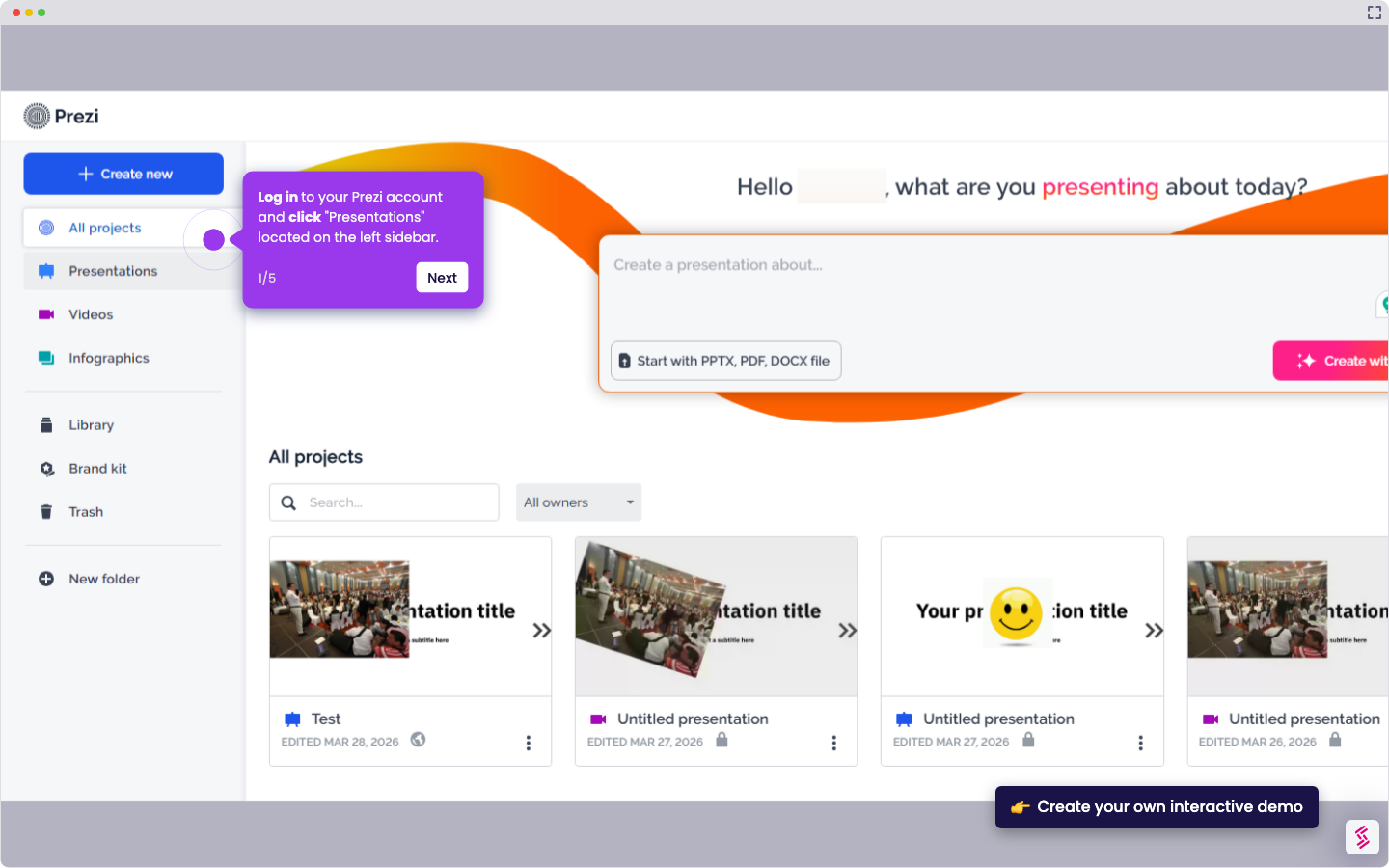
  1. Log in to your Prezi account and click on the "Presentations" located on the left sidebar[a]
  2. Select which presentation you want to convert into a video
  3. Click the "recording" button
  4. Select how you want to record your presentation
  5. Click the "Continue" button to proceed
  6. Start recording your presentation while presenting your slides
  7. Once done, click the "Finish recording" button
  8. Click the "Save video" button
  9. Click the "Download" button to convert your presentation into a video file

📌 Why this matters

Converting your presentation into a downloadable video gives you complete control over delivery timing and ensures your message stays intact regardless of internet connectivity or platform compatibility. You can share it via email, embed it on websites, or present offline without worrying about browser issues or account access. The recorded format also preserves your exact pacing and emphasis, creating a consistent experience for every viewer while eliminating the anxiety of live technical glitches during important presentations.

Your product deserves an interactive demo
Start free
Similar Articles
Prezi

How to Share Prezi

Madhav Bhandari
Director of Marketing @ Storylane
Prezi

How to Delete Slide in Prezi

Madhav Bhandari
Director of Marketing @ Storylane
Prezi

How to Change Font Size in Prezi

Madhav Bhandari
Director of Marketing @ Storylane
No items found.
Platform
Interactive Demos
Sandbox Demos
Hubs
RepX
Integrations
Solutions
Product Marketers
Growth & Demand Gen
Sales Reps & AEs
Presales & SEs
Customer Success
Product Managers
Customers
Demo Showcase
Customer Stories
Finer Demos Club
Features
Demo Signals
Personalization
Deal Intelligence
Resources
Blog
The Plot
Tutorials
Help Docs
What’s New
Demo Dundies
Company
Careers
Pricing
Partners
Contact
Trust Center
Backed by
Chrome Extension Icon
Chrome extension
Download
Desktop app
Download
Built in San Francisco Bay Area - ©2026 Storylane
Privacy PolicyTerms & Conditions
X Corp (formerly Twitter)LinkedIn
This website uses cookies to ensure you get the best experience on our website. Learn More
Got it
This website uses cookies to ensure you get the best experience on our website. Learn More
Got it