


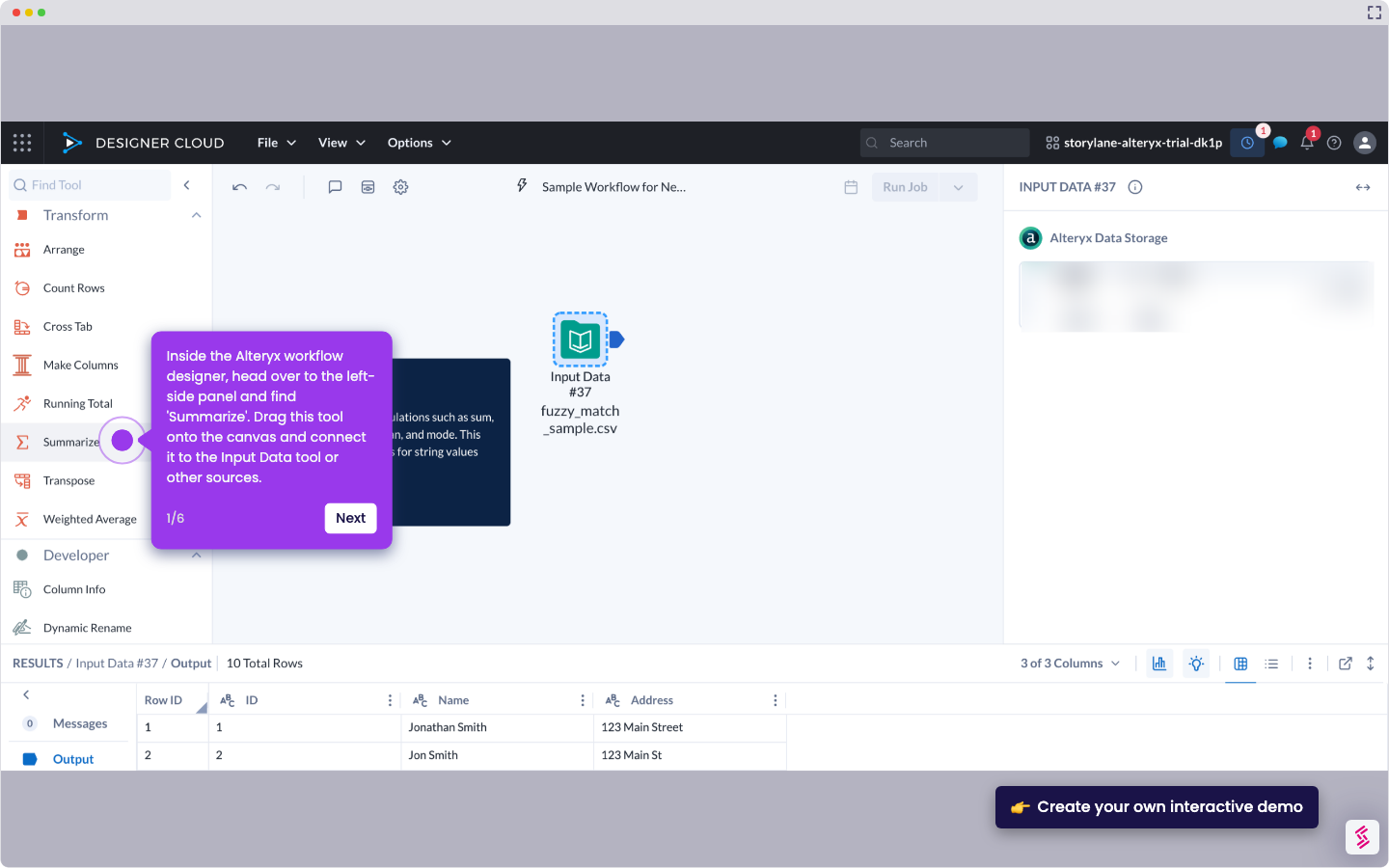
- Inside the Alteryx workflow designer, head over to the left-side panel and find 'Formula'. Drag this tool onto the canvas and connect it to the Input Data tool or other sources.
- Following that, enter your preferred Output Column Name into the provided input field and then specify the corresponding Field Type you wish to use.
- Click the Formula field afterwards, then type 'DateTimeFormat' and select it from the suggested results.
- Subsequently, replace DT with '[' and choose the field that contains the data you wish to use.
- Replace F with the specific expression that indicates the new date format you wish to use.
- Finally, the date under the selected field in your Alteryx workflow will be formatted accordingly.
How to Format the Date in Alteryx Using a Formula
Use this step-by-step demo to learn how to format the date in Alteryx using a formula.
📌 Why this matters
Date formatting transforms raw timestamps into presentation-ready data that stakeholders can actually interpret. You'll often receive dates in technical formats like "2024-01-15T08:30:00" but need them displayed as "January 15, 2024" for reports or dashboards. Beyond aesthetics, proper formatting ensures your data integrates seamlessly with other systems that expect specific date structures. Different databases, APIs, and visualization tools often require distinct date formats to function correctly, making this skill essential for building robust data pipelines that work across your entire analytics ecosystem.
Your product deserves an interactive demo
Similar Articles

No items found.