


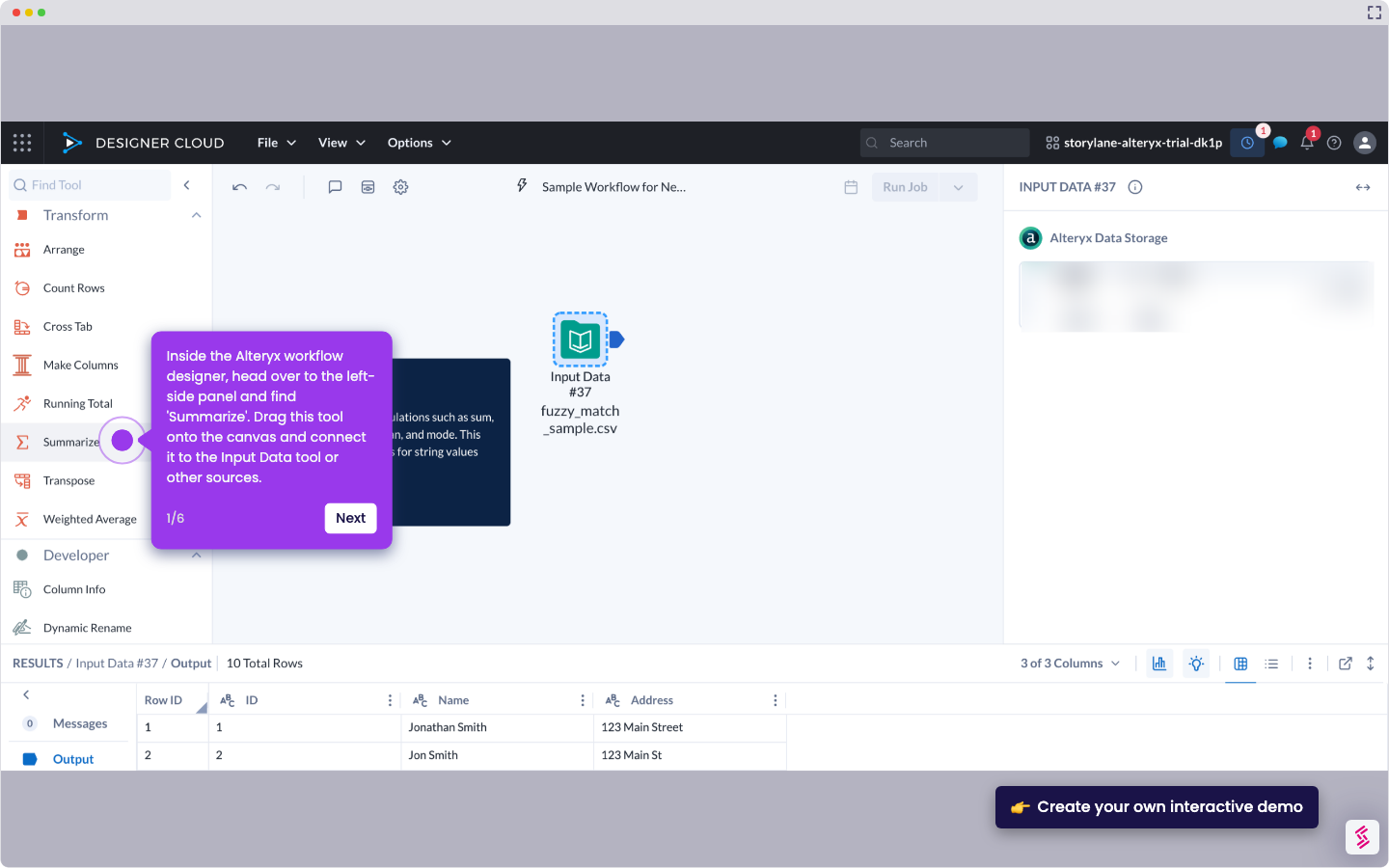
- Inside the Alteryx workflow designer, head over to the left-side panel and find 'Summarize'. Drag this tool onto the canvas and connect it to the Input Data tool or other sources.
- After that, go to the right-hand panel and configure the selected tool. To get started, find the columns that contain the data you want to group and then tick the checkbox next to them.
- Subsequently, click 'Add Actions'.
- Select 'Group By' from the list of options.
- Following that, scroll down to the Actions section and then edit the corresponding Output Name of each selected column.
- Finally, the selected dataset in your Alteryx workflow will be grouped accordingly.
How to Group the Data in Alteryx
Walk through this interactive demo to learn how to group the data in Alteryx.
📌 Why this matters
Grouping data transforms raw datasets into actionable insights by letting you aggregate metrics like sales totals, customer counts, or average performance across categories, regions, or time periods. Beyond basic summarization, grouped data becomes the foundation for advanced analytics workflows. You can feed these consolidated results into predictive models, create dynamic reports that automatically update with new data, or build cascading analyses where each group becomes input for further processing. This turns what looks like a simple organizational step into the cornerstone of scalable, automated data pipelines.
Your product deserves an interactive demo
Similar Articles

No items found.