This interactive demo was created free with Storylane in 2 minutes. Create your own demo
Start free
All Tutorials /Airtable

How to Integrate Airtable with ClickFunnels

Updated on:
June 5, 2026
By:
Madhav Bhandari
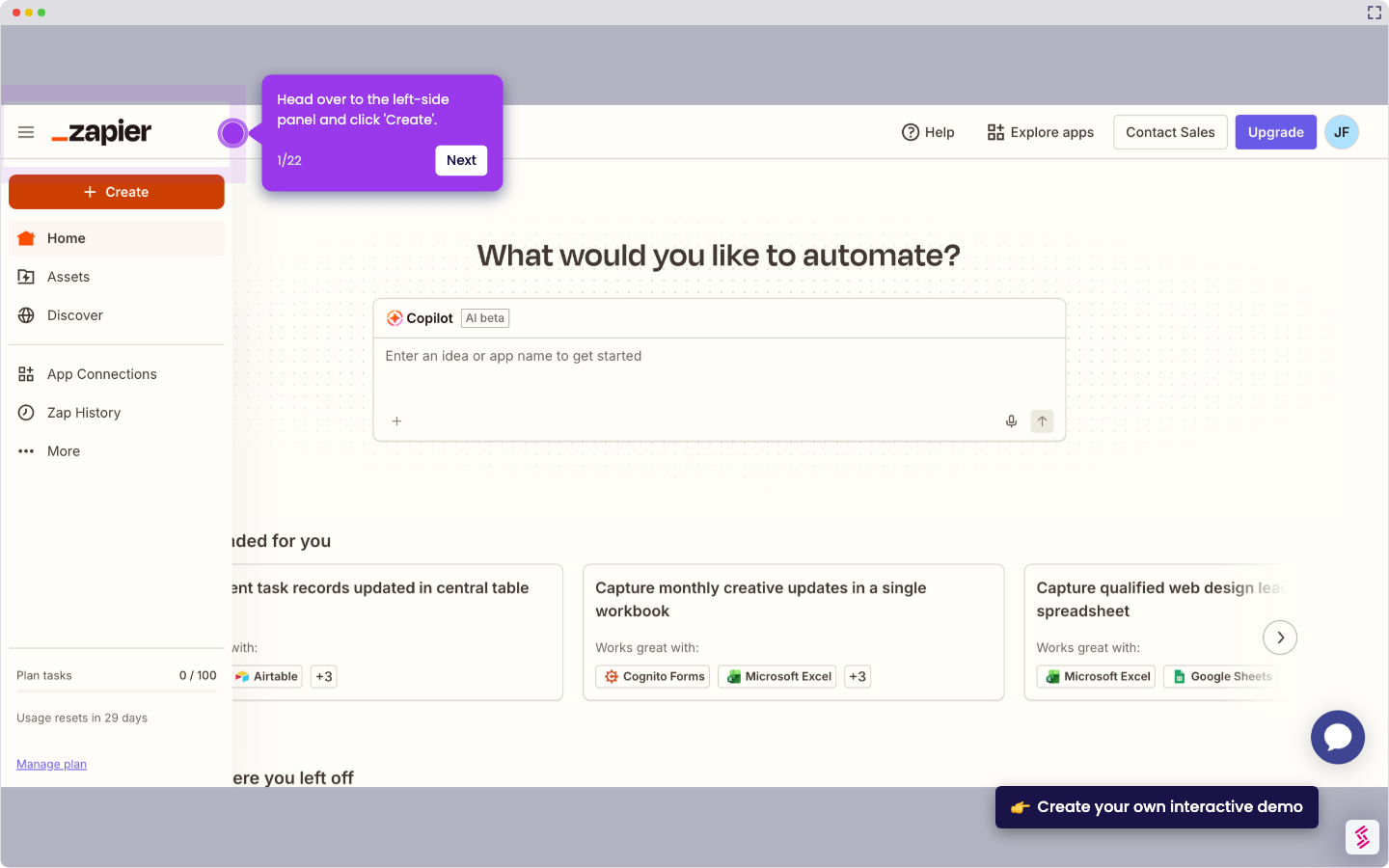
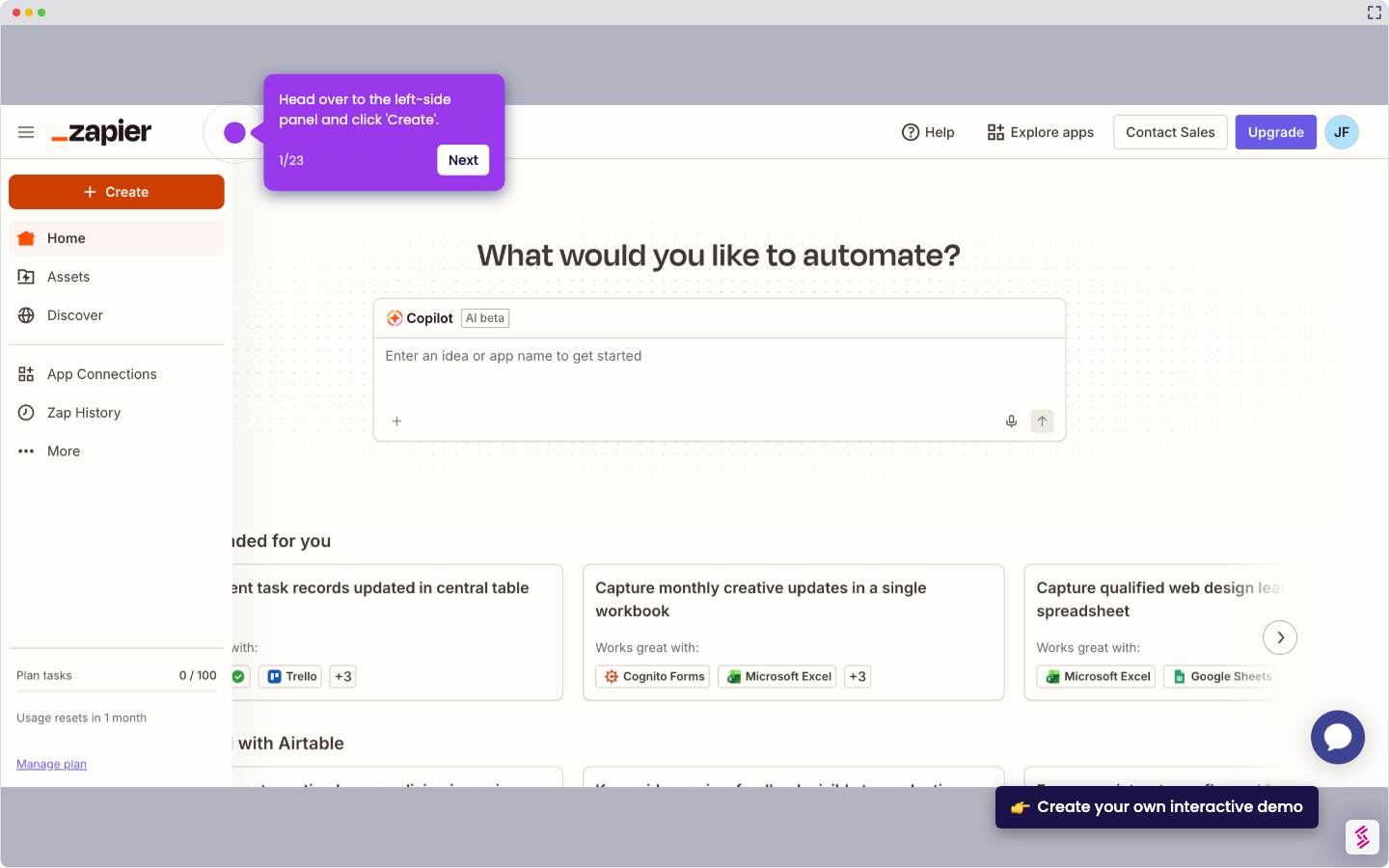
Try this interactive demo to learn how to integrate Airtable with Clickfunnels.
  1. On ClickFunnel's main dashboard, head over to the left-side panel and click 'Workspace Settings'.
  2. Choose 'Integrations' from the list.
  3. After that, find and select 'Airtable'.
  4. Prepare your Airtable Personal Access Token and enter it into the provided input field.
  5. Confirm your credentials to move forward with the integration setup.
  6. Finally, your Airtable account will be integrated with ClickFunnels. You can now start adding records and use them in your projects.

📌 Why this matters

This integration transforms your funnel leads into organized, actionable data you can immediately work with. Instead of manually copying contact information or dealing with messy CSV exports, leads flow directly into structured Airtable bases where your team can track follow-ups, segment audiences, and trigger automated workflows. The real advantage comes from Airtable's relational database capabilities - you can connect lead data to project timelines, inventory systems, or client management processes, turning what would be isolated contact information into part of your broader business operations.

Your product deserves an interactive demo
Start free
Similar Articles
Airtable

How to Integrate Airtable with Wufoo

Madhav Bhandari
Director of Marketing @ Storylane
Airtable

How to Integrate Airtable with Zoho CRM

Madhav Bhandari
Director of Marketing @ Storylane
Airtable

How to Integrate Airtable with Acuity Scheduling

Madhav Bhandari
Director of Marketing @ Storylane
No items found.
Platform
Interactive Demos
Sandbox Demos
Hubs
RepX
Integrations
Solutions
Product Marketers
Growth & Demand Gen
Sales Reps & AEs
Presales & SEs
Customer Success
Product Managers
Customers
Demo Showcase
Customer Stories
Finer Demos Club
Features
Demo Signals
Personalization
Deal Intelligence
Resources
Blog
The Plot
Tutorials
Help Docs
What’s New
Demo Dundies
Company
Careers
Pricing
Partners
Contact
Trust Center
Backed by
Chrome Extension Icon
Chrome extension
Download
Desktop app
Download
Built in San Francisco Bay Area - ©2026 Storylane
Privacy PolicyTerms & Conditions
X Corp (formerly Twitter)LinkedIn
This website uses cookies to ensure you get the best experience on our website. Learn More
Got it
This website uses cookies to ensure you get the best experience on our website. Learn More
Got it