This interactive demo was created free with Storylane in 2 minutes. Create your own demo
Start free
All Tutorials /Marketo

How to Integrate Marketo with AEM

Updated on:
June 5, 2026
By:
Madhav Bhandari
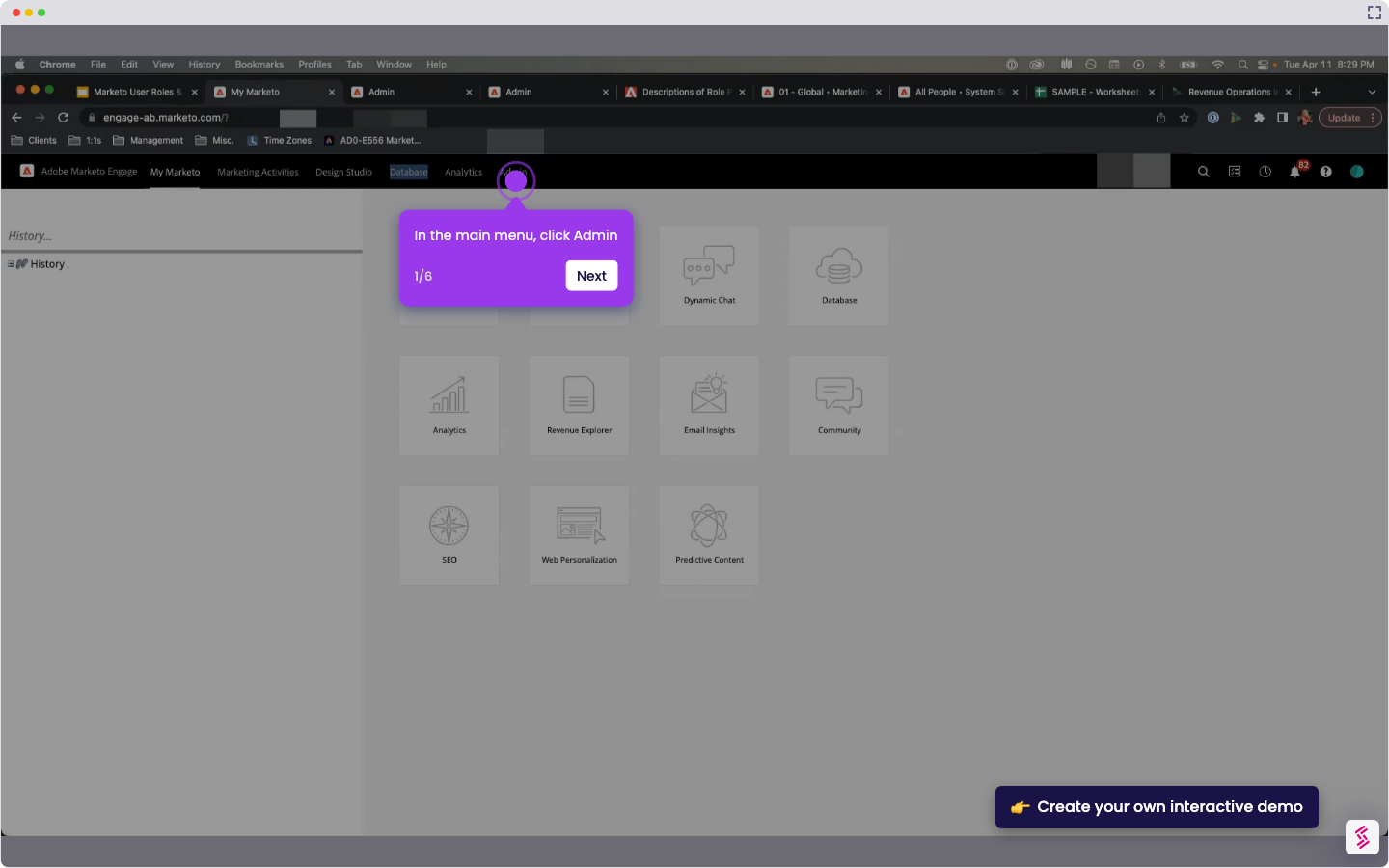
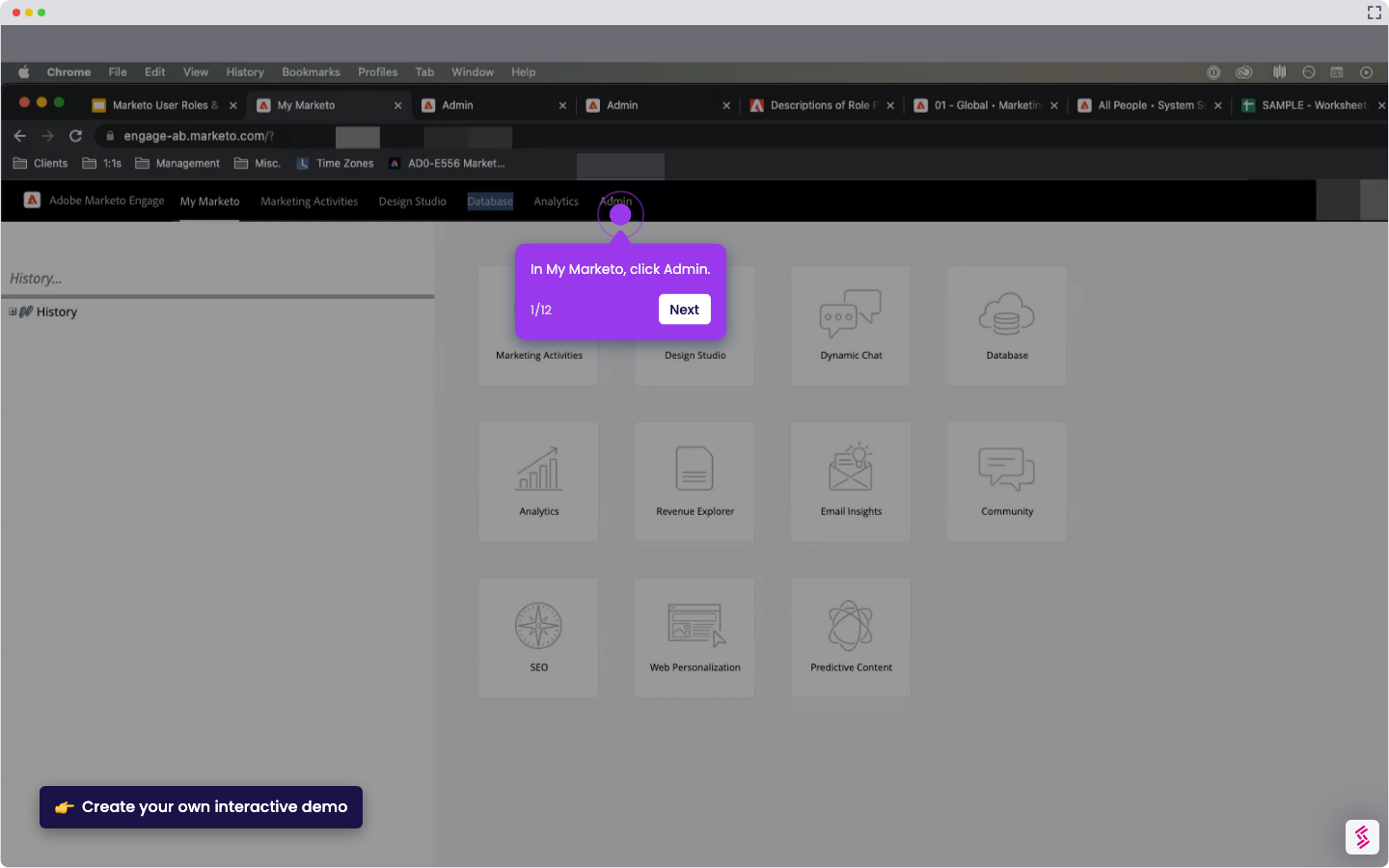
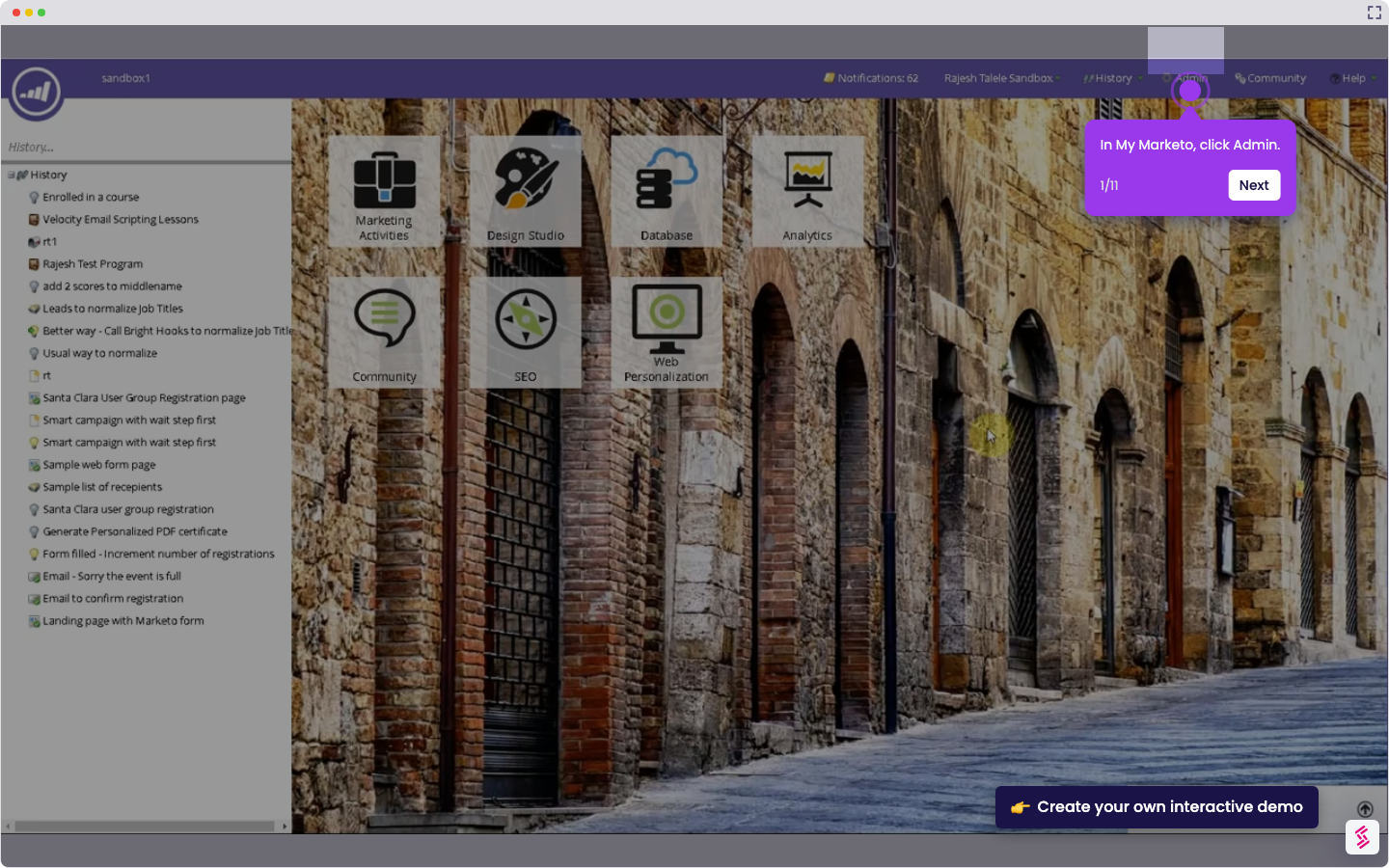
Try this interactive demo to learn how to integrate Marketo with AEM.
  1. In AEM, go to Tools.
  2. Click Cloud Services.
  3. Click Marketo Engage.
  4. Open a folder, then click Create.
  5. Enter the configuration title and Marketo credentials.
  6. Connect to the service.
  7. Once authentication is successful, click Create.

📌 Why this matters

Why This Matters

This integration transforms your content management workflow by automatically syncing visitor data and engagement metrics between platforms. You can personalize web experiences based on lead scores, campaign history, and behavioral triggers without manual data exports. The real advantage lies in dynamic content delivery—your AEM pages can instantly adapt messaging, offers, and calls-to-action based on each visitor's position in your marketing funnel, creating seamless experiences that feel individually crafted while operating at scale across thousands of prospects.

Demo: https://app.storylane.io/share/dze7fym6kx1b

Your product deserves an interactive demo
Start free
Similar Articles
Marketo

How to Integrate Marketo with Zoom

Madhav Bhandari
Director of Marketing @ Storylane
Marketo

How to Integrate Marketo with Google Ads

Madhav Bhandari
Director of Marketing @ Storylane
Marketo

How to Integrate Marketo with LinkedIn

Madhav Bhandari
Director of Marketing @ Storylane
No items found.
Platform
Interactive Demos
Sandbox Demos
Hubs
RepX
Integrations
Solutions
Product Marketers
Growth & Demand Gen
Sales Reps & AEs
Presales & SEs
Customer Success
Product Managers
Customers
Demo Showcase
Customer Stories
Finer Demos Club
Features
Demo Signals
Personalization
Deal Intelligence
Resources
Blog
The Plot
Tutorials
Help Docs
What’s New
Demo Dundies
Company
Careers
Pricing
Partners
Contact
Trust Center
Backed by
Chrome Extension Icon
Chrome extension
Download
Desktop app
Download
Built in San Francisco Bay Area - ©2026 Storylane
Privacy PolicyTerms & Conditions
X Corp (formerly Twitter)LinkedIn
This website uses cookies to ensure you get the best experience on our website. Learn More
Got it
This website uses cookies to ensure you get the best experience on our website. Learn More
Got it