


- In Slack API, click Create an App.
- Enter an app name, choose your workspace, then click Create App.
- In the app settings, click Incoming Webhooks.
- Turn on Activate Incoming Webhooks.
- Click Add New Webhook to Workspace.
- Select the Slack channel where Marketo should post, then click Allow.
- Copy the generated Webhook URL.
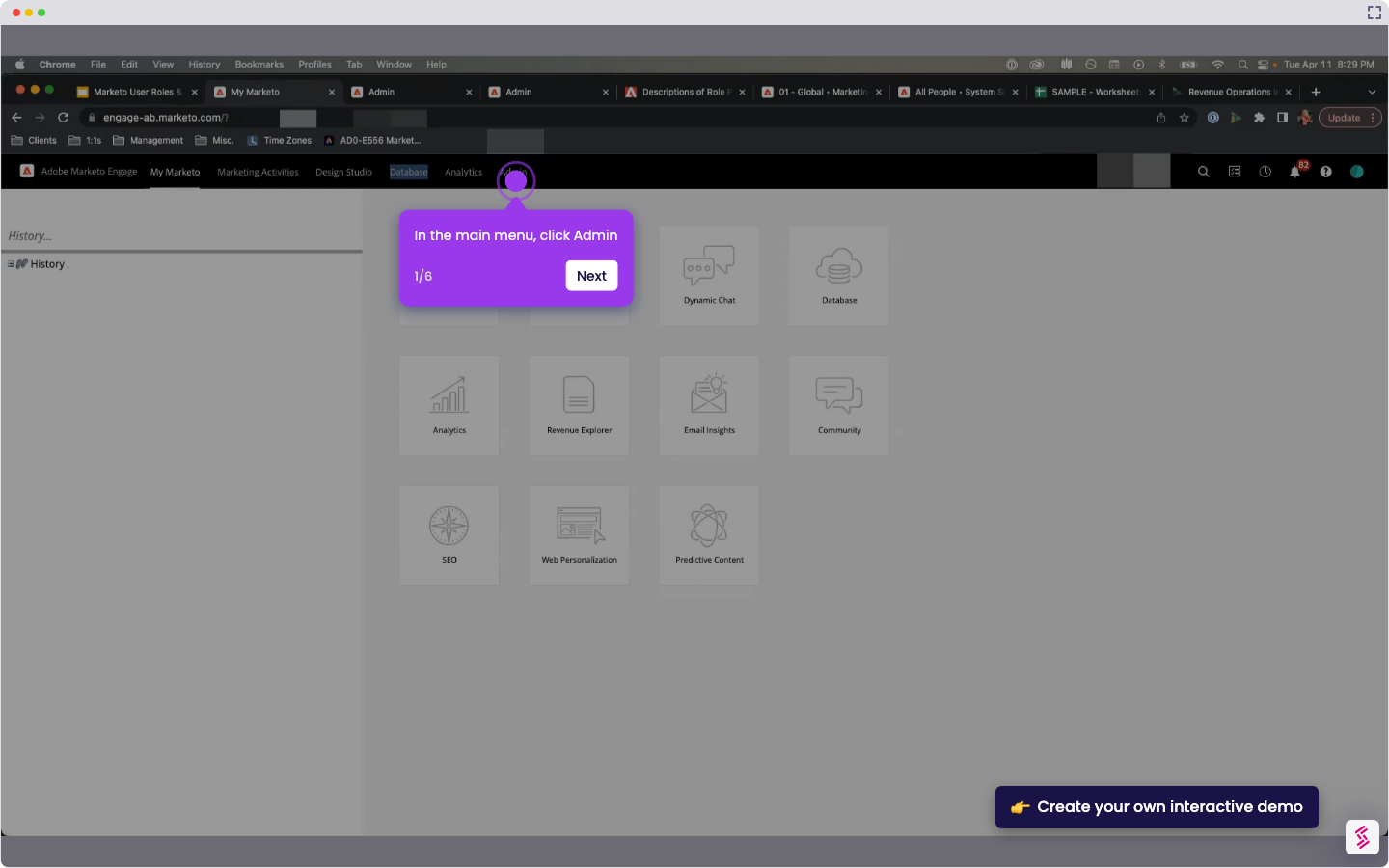
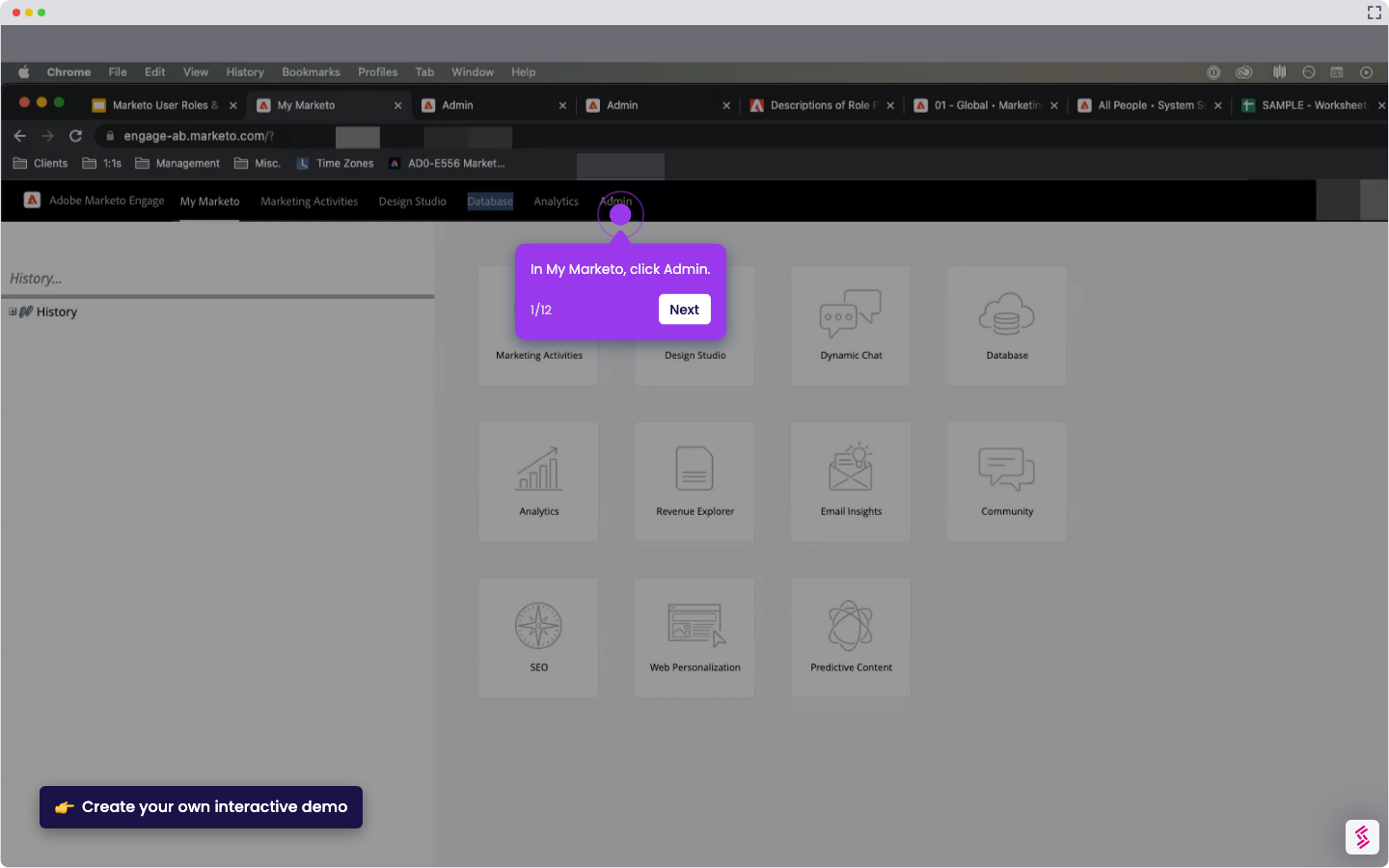
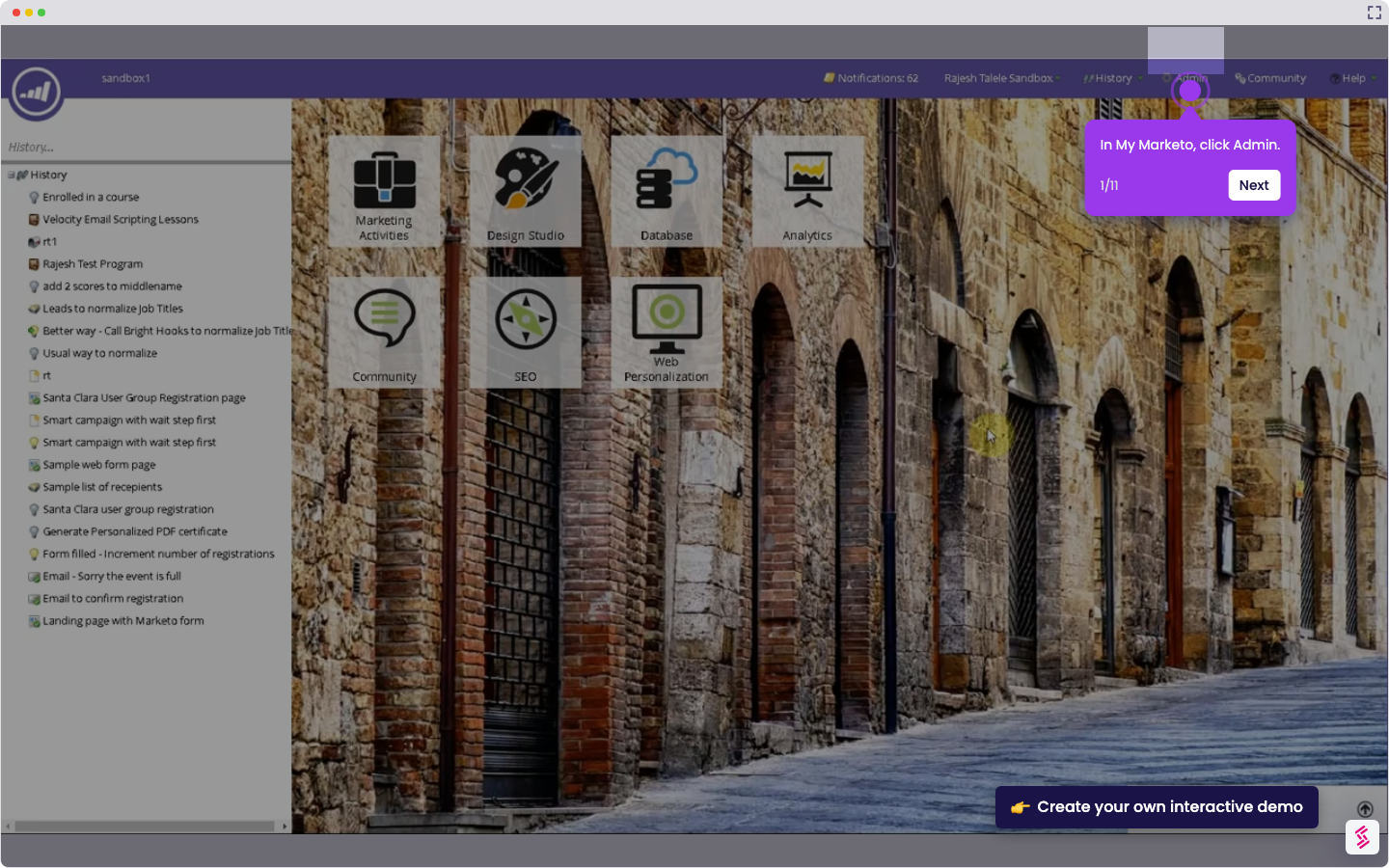
- In Marketo, click Admin.
- In the left sidebar, under Integration, click Webhooks.
- Click New Webhook.
- Enter a webhook name and paste the Slack Webhook URL.
- Set Request Type to POST.
- Enter the message payload in the Template field.
- Review the remaining webhook settings, then click Create.
How to Integrate Marketo with Slack
Follow this interactive demo to learn how to integrate Marketo with Slack.
📌 Why this matters
Why This Matters
This integration transforms your marketing team's response time by automatically pushing lead alerts, campaign results, and scoring changes directly into your team's daily workflow. You'll catch hot leads within minutes instead of hours, since notifications appear where your team already collaborates. The real advantage goes beyond speed though—having marketing data flowing into Slack creates natural accountability and transparency. Sales can see which campaigns are performing, marketing can quickly spot delivery issues, and everyone stays aligned on lead quality without switching between platforms.
Your product deserves an interactive demo
Similar Articles
No items found.