Quick summary
This tutorial shows how to export a Confluence page as a PDF and upload it to NotebookLM as a notebook source. The integration lets teams turn existing Confluence documentation into queryable AI notebook data without any third-party connectors.
Steps
- Inside your Confluence page, head to the top-right corner and click the More Options button.
- Choose Export from the list of options.
- Click Export to PDF to proceed.
- Click Download PDF to save the file to your local device.
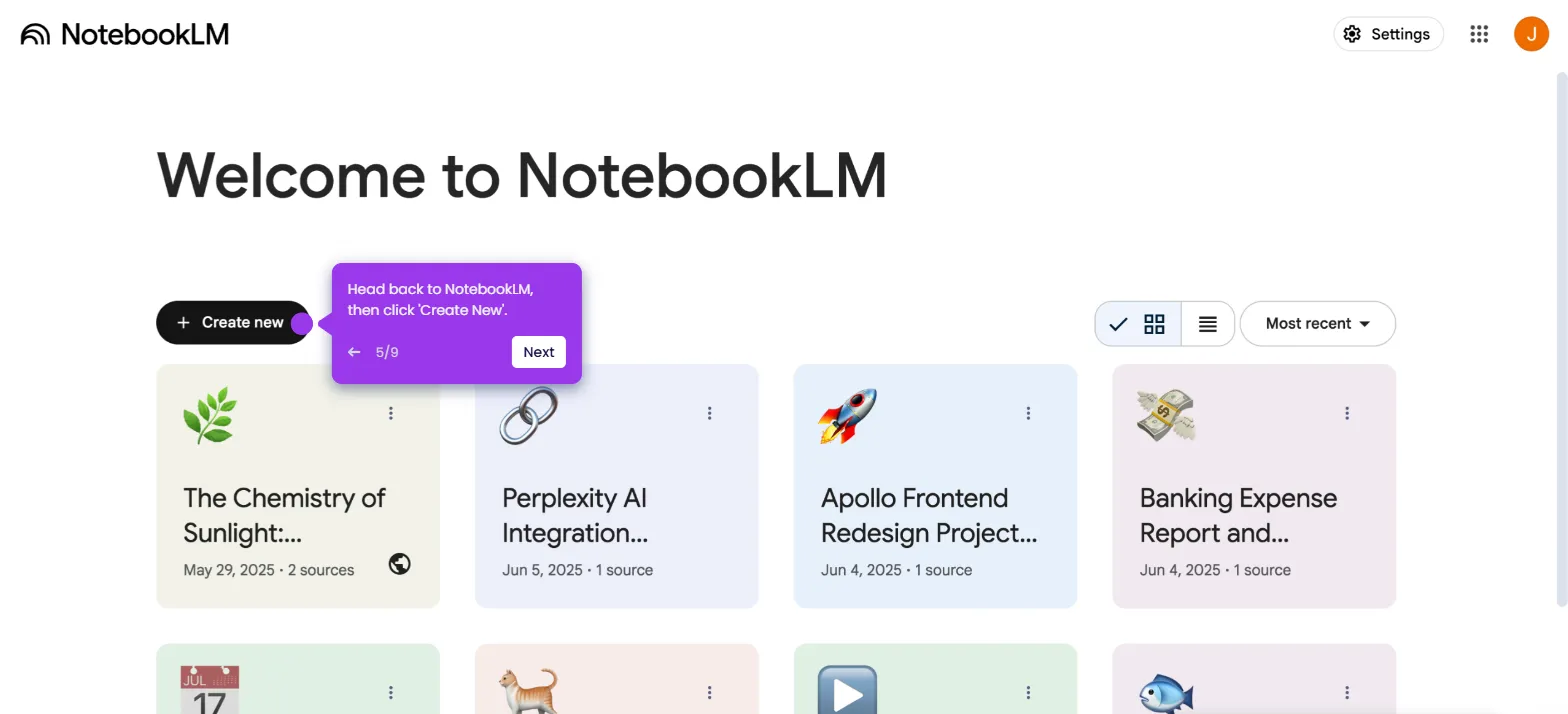
- Head back to NotebookLM and click Create New to start a new notebook.
- Click Choose File and select the newly downloaded PDF file from Confluence.
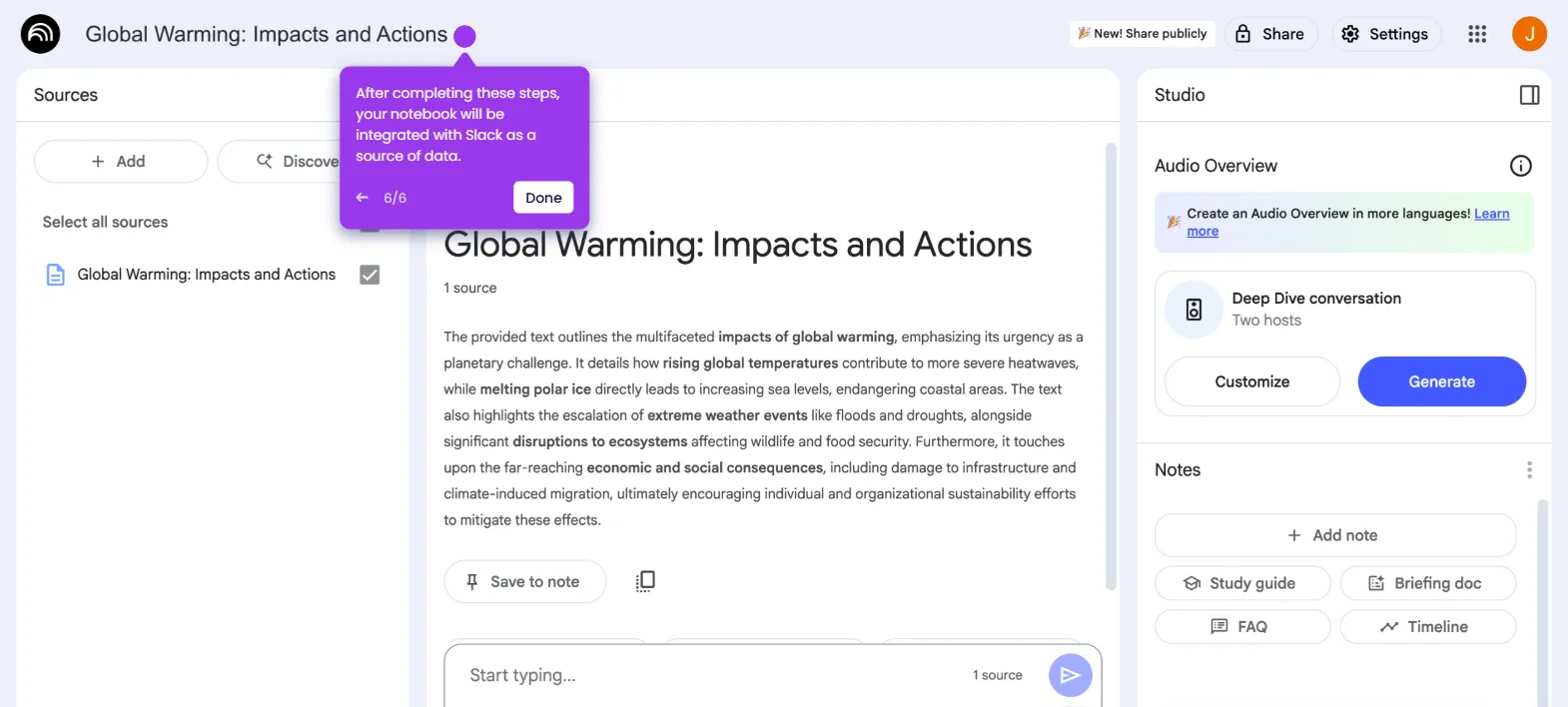
- After completing these steps, your notebook will be integrated with Confluence and the imported page is ready to use as a data source.