Quick summary
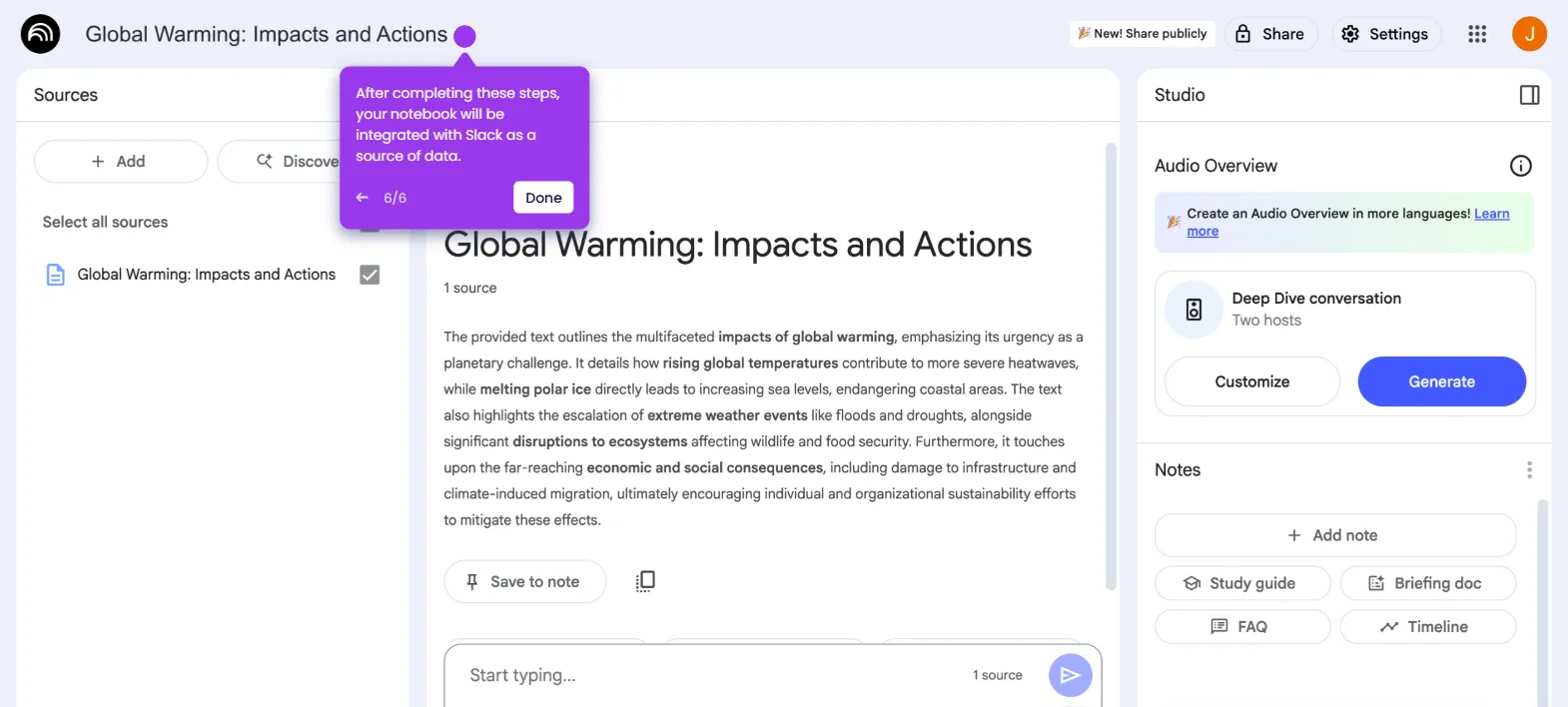
NotebookLM lets you integrate Google Docs directly as a source inside any notebook, enabling AI-powered analysis of your existing documents. In just a few clicks, you can add a Google Doc to a notebook and immediately start querying or summarizing its content.
Steps
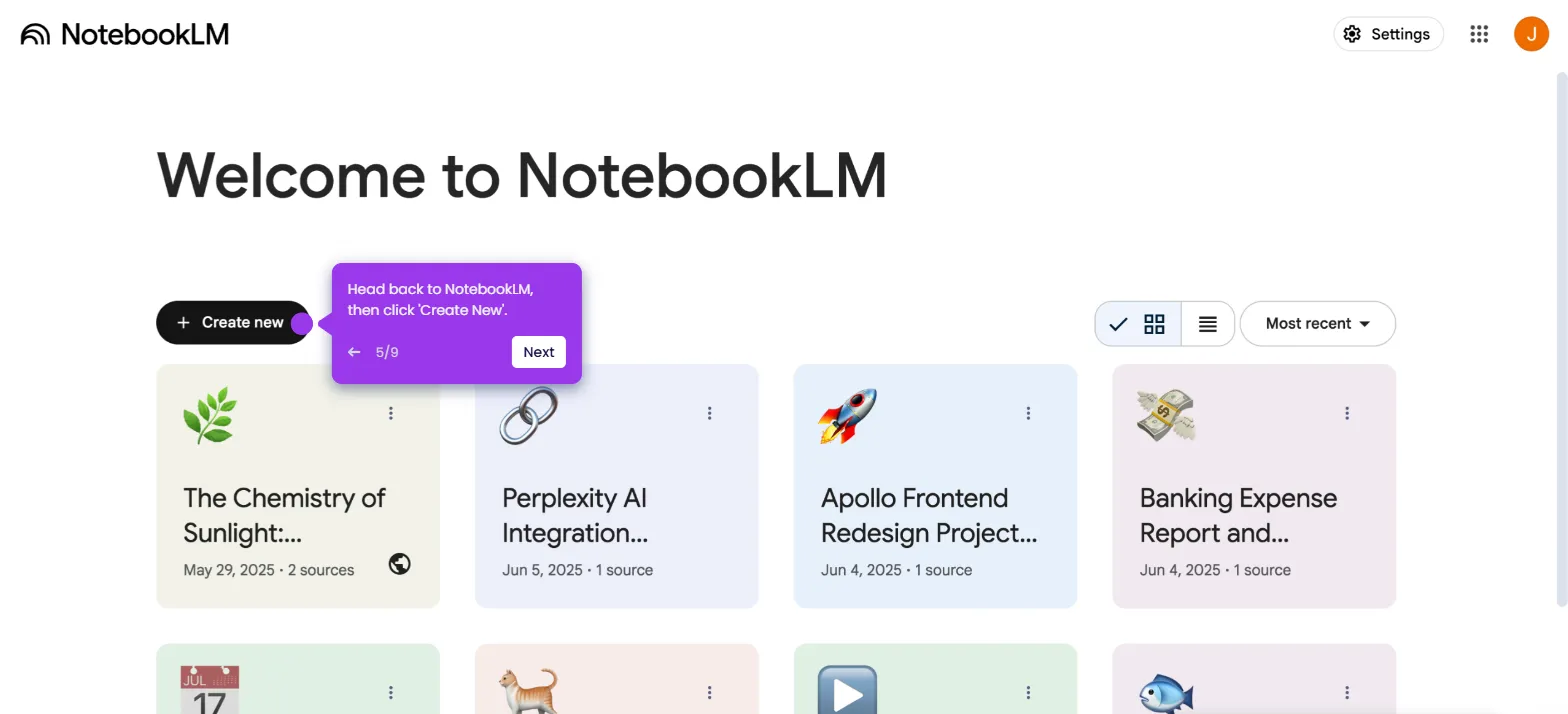
- On the NotebookLM main dashboard, select a notebook to open it.
- Navigate to the Sources tab and click the Add button.
- Click Google Docs from the list of available source types.
- Find and choose the Google Docs document you want to connect to your notebook as a source.
- Click Insert to confirm your selection.
- Your chosen notebook is now integrated with Google Docs and ready for AI-powered interaction.