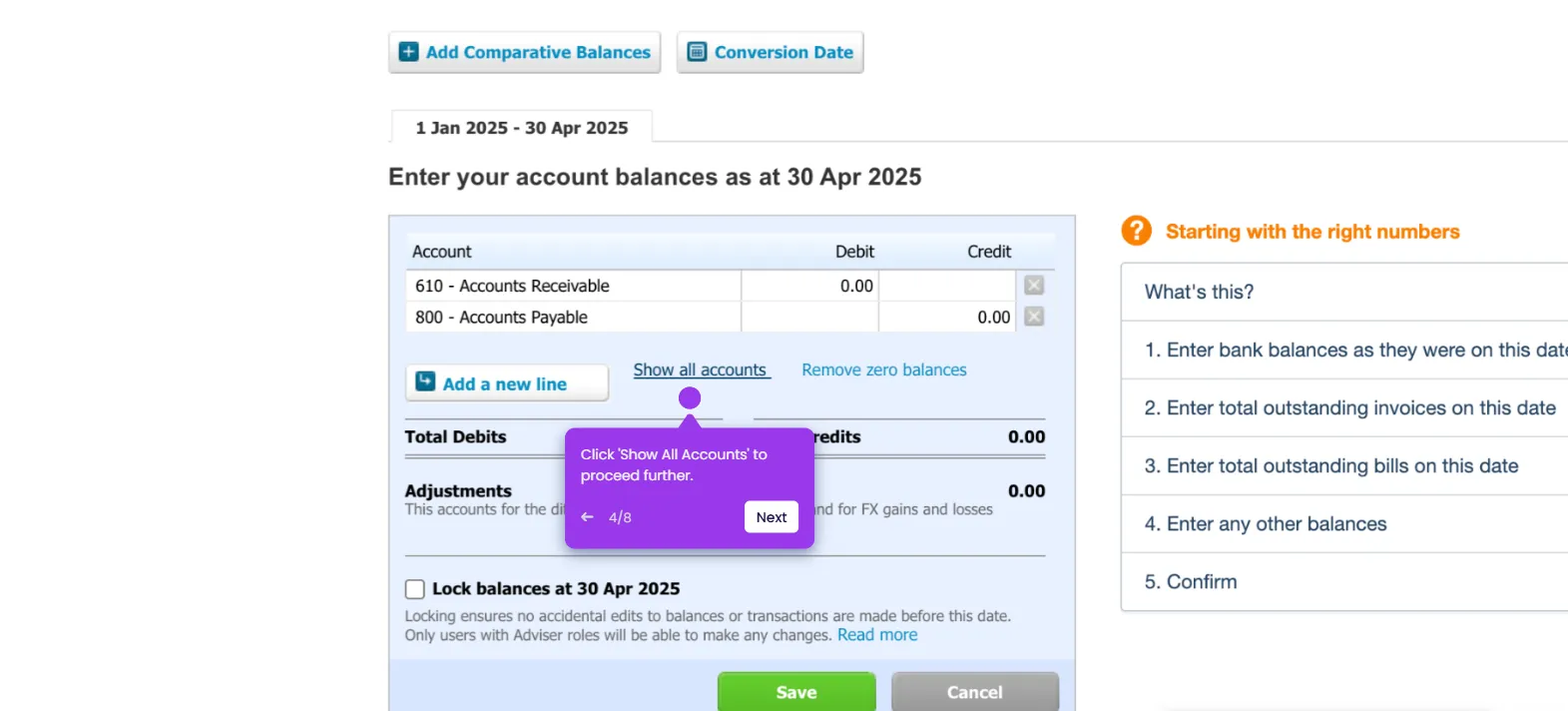
This interactive demo was created free with Storylane in 2 minutes. Create your own demo
Start free
All Tutorials /Xero

How to Link Xero to Dext

Updated on:
June 5, 2026
By:
Madhav Bhandari
Use this interactive demo to learn how to connect your Xero account to Dext in minutes.

Quick summary

Linking Xero to Dext lets you sync your accounting software directly with your expense management workflow, eliminating manual data entry. This integration is completed in a few steps from Dext's Business Settings, requiring only your Xero login and permission approval.


Steps

  1. On Dext's main dashboard, go to the left-side panel and click Business Settings.
  2. Under the Accounting Software section, tap Connect.
  3. Find Xero in the list and click its corresponding Connect button.
  4. Click Connect Software and then log into your active Xero account.
  5. Click Allow Access to agree with the terms and grant the necessary permissions.
  6. Specify the Xero organization you wish to use, then tap Next to proceed.
  7. After completing these steps, your Xero organization will be fully linked to Dext.

📌 Why this matters

Connecting Xero to Dext creates a seamless two-way integration between your expense capture tool and your accounting software, reducing manual reconciliation time. Dext automatically pushes receipt data, supplier details, and transaction records directly into Xero, keeping your books accurate and up to date. For accountants and small business owners, this integration is essential for streamlining bookkeeping workflows and maintaining real-time financial visibility. Setting up the Dext and Xero connection takes under five minutes and requires no technical expertise.
Your product deserves an interactive demo
Start free
Similar Articles
Xero

How to Unlock Accounts in Xero When the Password is Forgotten

Madhav Bhandari
Director of Marketing @ Storylane
Xero

How to Record an Overpayment in Xero

Madhav Bhandari
Director of Marketing @ Storylane
Xero

How to Enter Conversion Balances in Xero

Madhav Bhandari
Director of Marketing @ Storylane
No items found.
Platform
Interactive Demos
Sandbox Demos
Hubs
RepX
Integrations
Solutions
Product Marketers
Growth & Demand Gen
Sales Reps & AEs
Presales & SEs
Customer Success
Product Managers
Customers
Demo Showcase
Customer Stories
Finer Demos Club
Features
Demo Signals
Personalization
Deal Intelligence
Resources
Blog
The Plot
Tutorials
Help Docs
What’s New
Demo Dundies
Company
Careers
Pricing
Partners
Contact
Trust Center
Backed by
Chrome Extension Icon
Chrome extension
Download
Desktop app
Download
Built in San Francisco Bay Area - ©2026 Storylane
Privacy PolicyTerms & Conditions
X Corp (formerly Twitter)LinkedIn
This website uses cookies to ensure you get the best experience on our website. Learn More
Got it
This website uses cookies to ensure you get the best experience on our website. Learn More
Got it