This interactive demo was created free with Storylane in 2 minutes. Create your own demo
Start free
All Tutorials /Marketo

How to Manage Custom Objects in Marketo

Updated on:
June 9, 2026
By:
Madhav Bhandari
Try this guided demo to learn how to manage custom objects in Marketo.
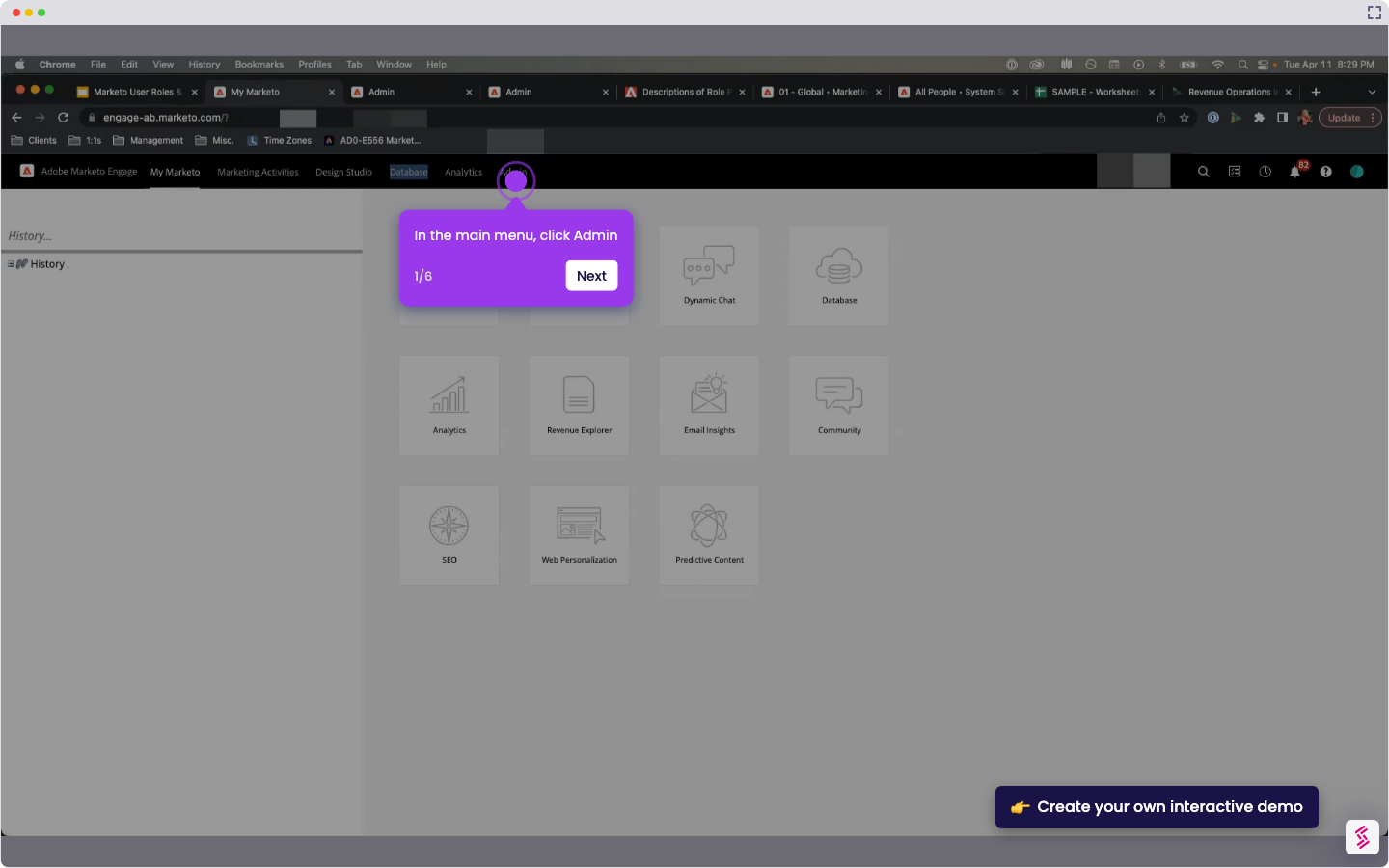
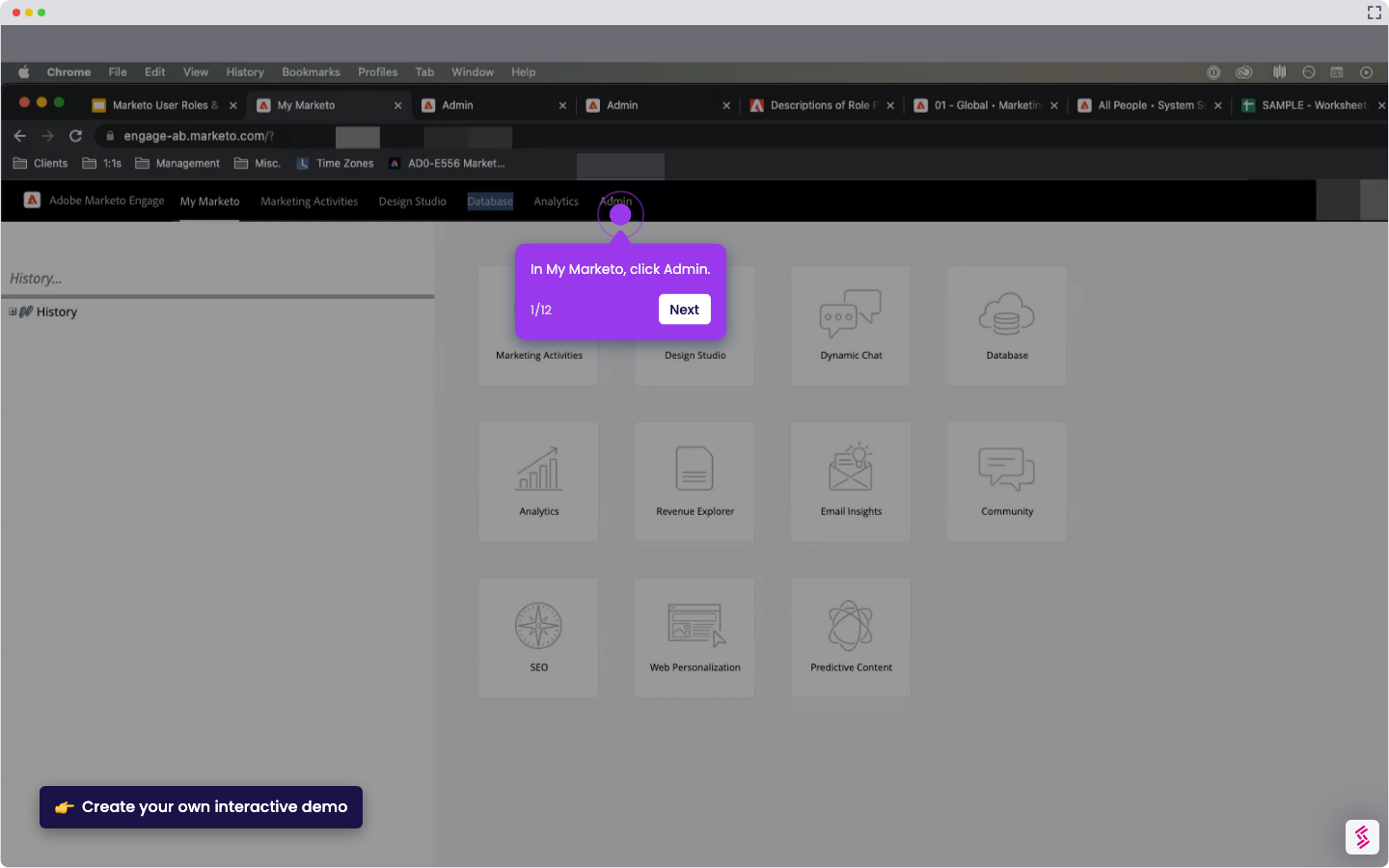
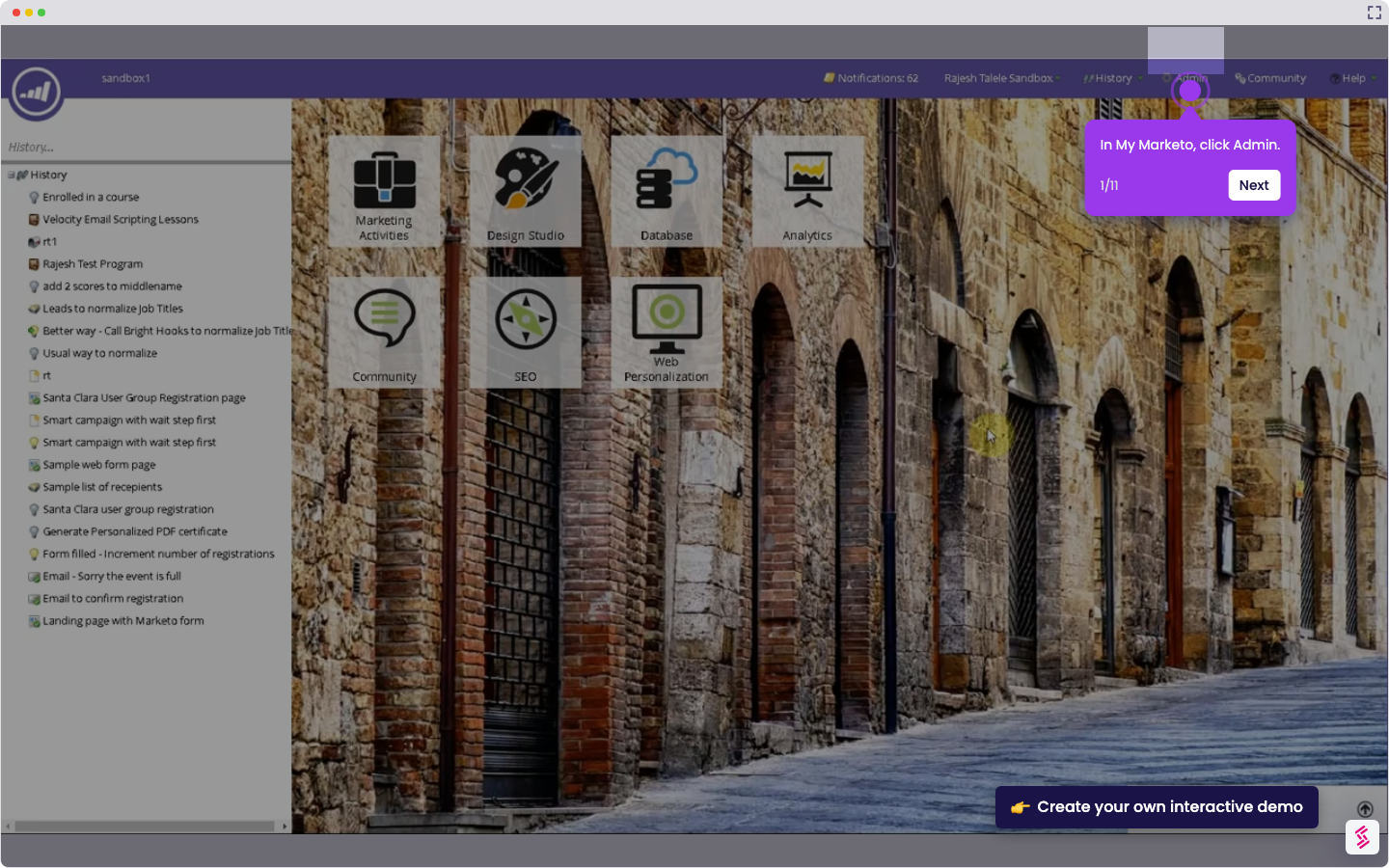
  1. In My Marketo, click Admin.
  2. In the left sidebar, under Database Management, click Marketo Custom Objects.
  3. On the top menu, click New Custom Object.
  4. In the Create Object window, enter the custom object details.
  5. Choose whether to show the custom object in Person Detail.
  6. Click Save.
  7. Review the custom object details.

📌 Why this matters

Why This Matters

Custom objects let you track complex business data that goes beyond standard lead and contact information—think product purchases, event registrations, or subscription details. You can then trigger sophisticated marketing campaigns based on this rich data, like targeting customers who bought specific products or attended certain events. The real power emerges when you realize these objects create a unified customer view across your entire revenue cycle, enabling sales and marketing teams to coordinate around complete customer behavior rather than fragmented touchpoints.

Demo: https://app.storylane.io/share/sbjozexbkzx4

Your product deserves an interactive demo
Start free
Similar Articles
Marketo

How to Integrate Marketo with Zoom

Madhav Bhandari
Director of Marketing @ Storylane
Marketo

How to Integrate Marketo with Google Ads

Madhav Bhandari
Director of Marketing @ Storylane
Marketo

How to Integrate Marketo with LinkedIn

Madhav Bhandari
Director of Marketing @ Storylane
No items found.
Platform
Interactive Demos
Sandbox Demos
Hubs
RepX
Integrations
Solutions
Product Marketers
Growth & Demand Gen
Sales Reps & AEs
Presales & SEs
Customer Success
Product Managers
Customers
Demo Showcase
Customer Stories
Finer Demos Club
Features
Demo Signals
Personalization
Deal Intelligence
Resources
Blog
The Plot
Tutorials
Help Docs
What’s New
Demo Dundies
Company
Careers
Pricing
Partners
Contact
Trust Center
Backed by
Chrome Extension Icon
Chrome extension
Download
Desktop app
Download
Built in San Francisco Bay Area - ©2026 Storylane
Privacy PolicyTerms & Conditions
X Corp (formerly Twitter)LinkedIn
This website uses cookies to ensure you get the best experience on our website. Learn More
Got it
This website uses cookies to ensure you get the best experience on our website. Learn More
Got it