This interactive demo was created free with Storylane in 2 minutes. Create your own demo
Start free
All Tutorials /Alteryx

How to Replace the Values in Alteryx

Updated on:
June 5, 2026
By:
Madhav Bhandari
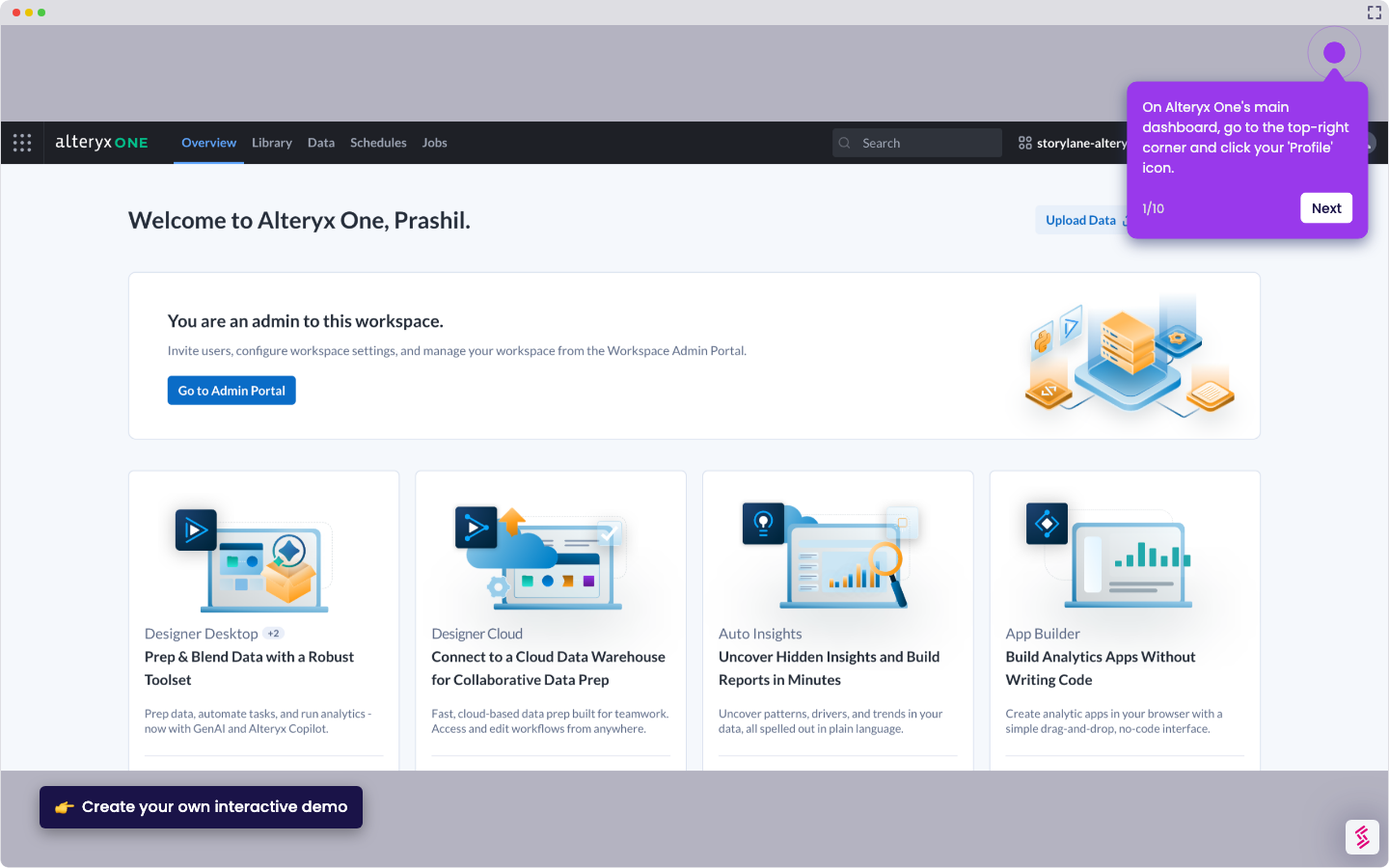
Try this interactive demo to learn how to replace the values in Alteryx.
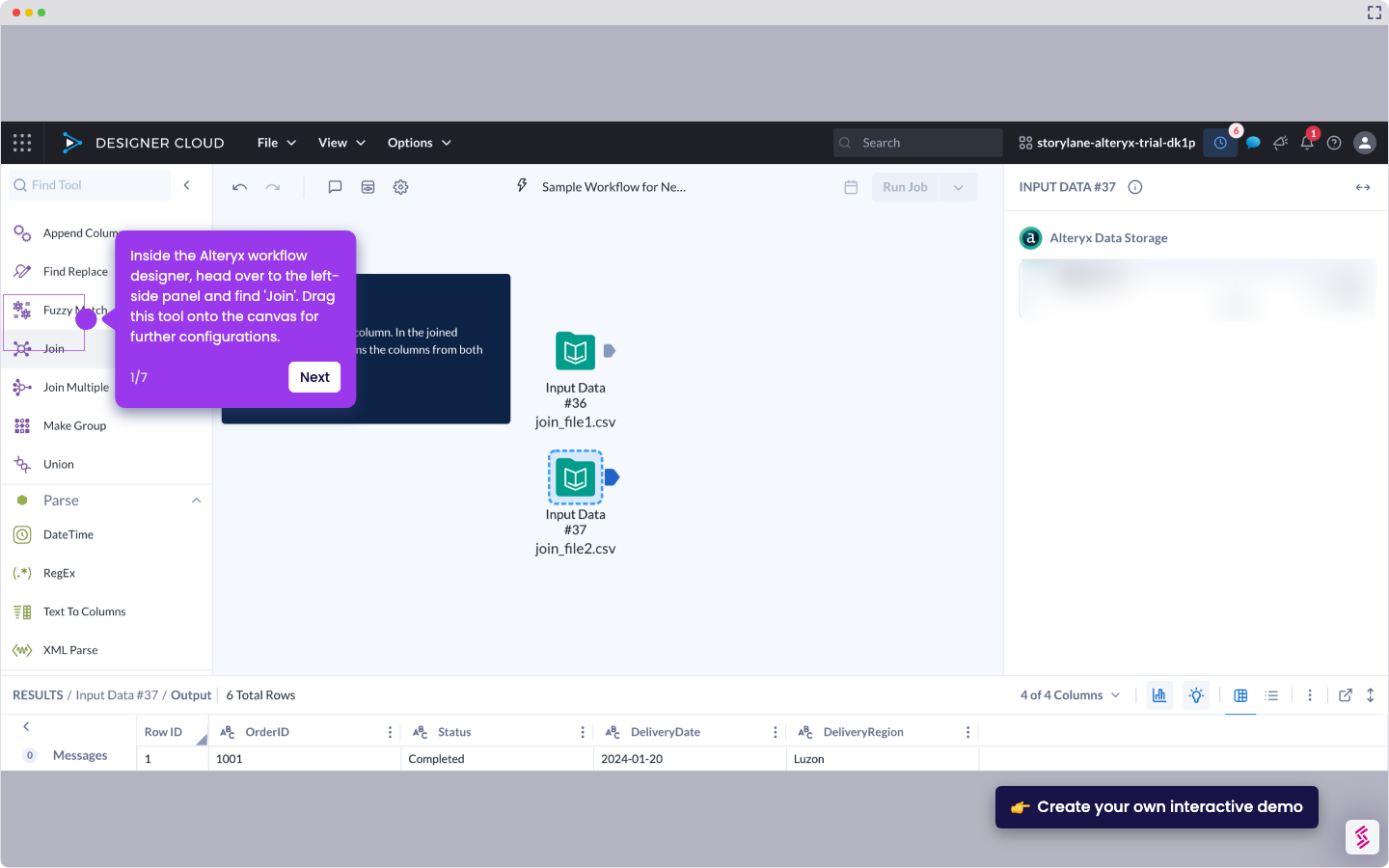
  1. Inside the Alteryx workflow designer, go to the canvas and tap the 'Find and Replace' tool.
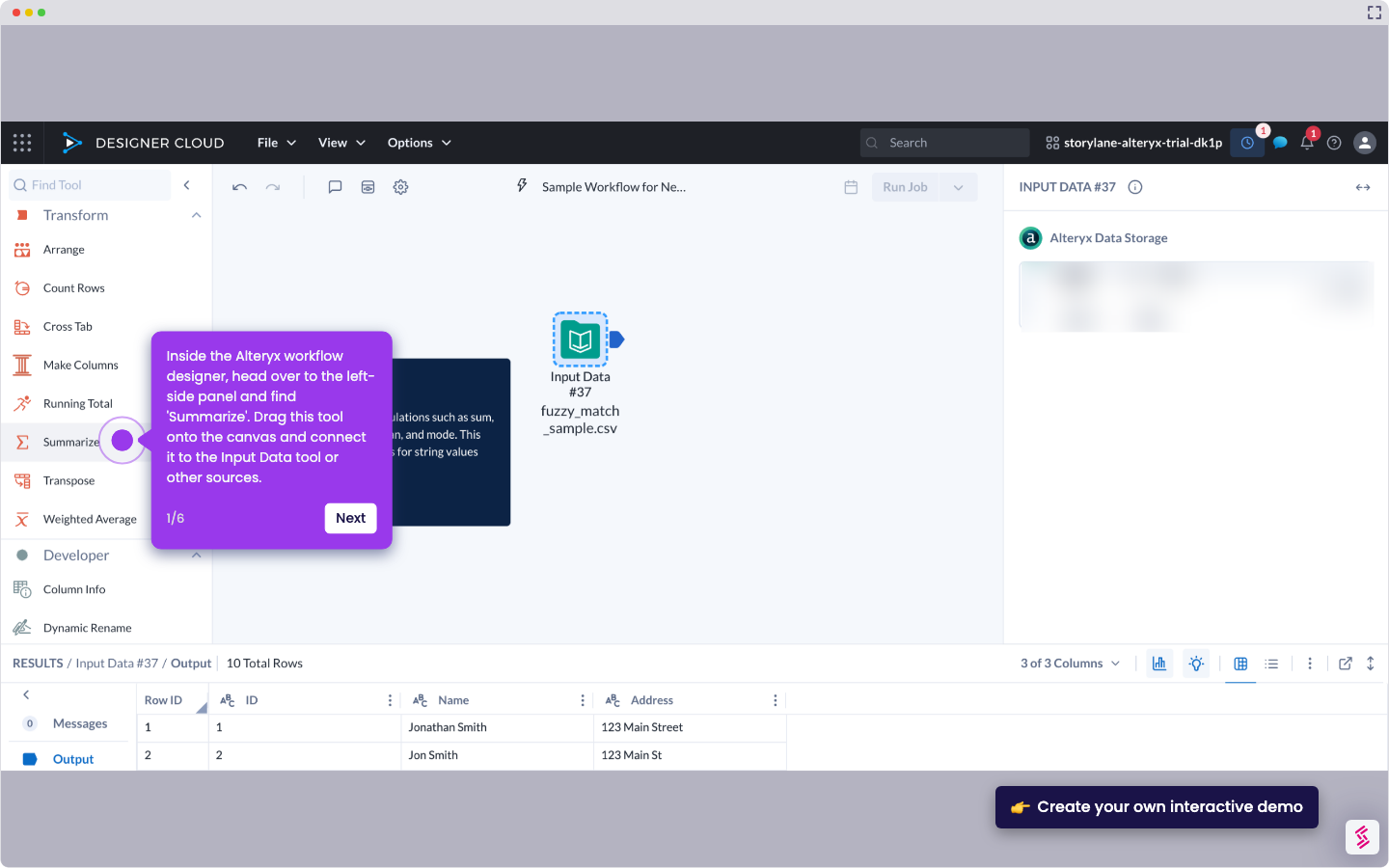
  2. After that, go to the right-hand panel and scroll down to the Replace section. Tap the 'Replace Value' menu to proceed.
  3. Subsequently, choose the field that contains the values to be used for replacement.
  4. Finally, the values under the selected field in your Alteryx workflow will be replaced accordingly.

📌 Why this matters

Replacing values transforms messy, inconsistent data into clean, standardized information that your analysis can actually use. When you receive datasets with spelling variations, outdated codes, or formatting inconsistencies, direct analysis becomes impossible. This technique lets you batch-correct thousands of entries instantly rather than manually editing each one. Beyond simple cleanup, you can recode categorical variables, standardize naming conventions across multiple data sources, and prepare datasets for integration. What makes this particularly powerful is that these replacements become part of your reusable workflow, automatically applying the same corrections to future data refreshes.

Your product deserves an interactive demo
Start free
Similar Articles
Alteryx

How to Integrate Alteryx with Snowflake

Madhav Bhandari
Director of Marketing @ Storylane
Alteryx

How to Compare Two Files in Alteryx

Madhav Bhandari
Director of Marketing @ Storylane
Alteryx

How to Use the Summarize Tool in Alteryx

Akshaya Chandramouli
Head of Brand at Storylane
No items found.
Platform
Interactive Demos
Sandbox Demos
Hubs
RepX
Integrations
Solutions
Product Marketers
Growth & Demand Gen
Sales Reps & AEs
Presales & SEs
Customer Success
Product Managers
Customers
Demo Showcase
Customer Stories
Finer Demos Club
Features
Demo Signals
Personalization
Deal Intelligence
Resources
Blog
The Plot
Tutorials
Help Docs
What’s New
Demo Dundies
Company
Careers
Pricing
Partners
Contact
Trust Center
Backed by
Chrome Extension Icon
Chrome extension
Download
Desktop app
Download
Built in San Francisco Bay Area - ©2026 Storylane
Privacy PolicyTerms & Conditions
X Corp (formerly Twitter)LinkedIn
This website uses cookies to ensure you get the best experience on our website. Learn More
Got it
This website uses cookies to ensure you get the best experience on our website. Learn More
Got it