Quick summary
NotebookLM lets you save chat responses directly to a note from the Chat tab, keeping your AI-generated insights organized alongside your source material. This feature helps users preserve important chat outputs without manually copying and pasting content.
Steps
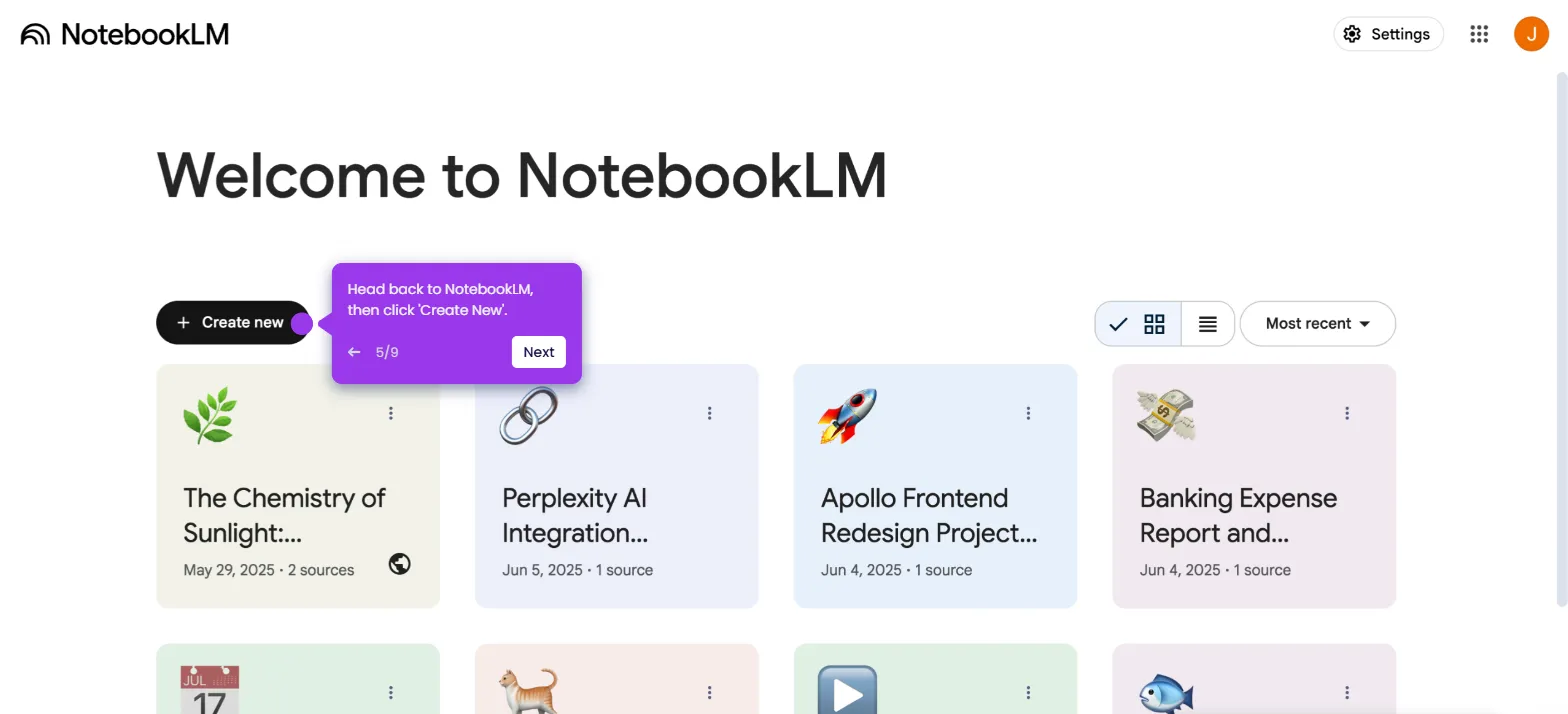
- On NotebookLM's main dashboard, select and open a notebook.
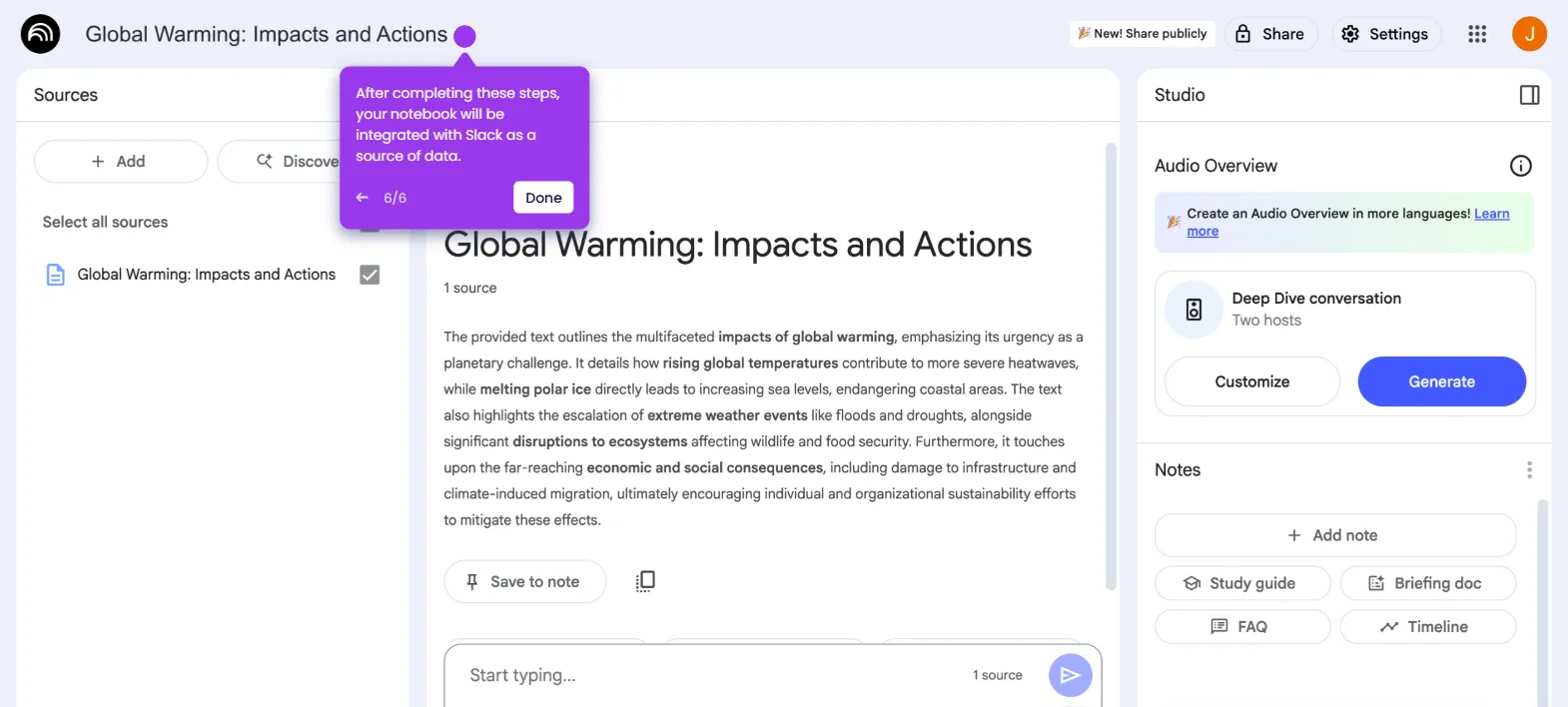
- Go to the Chat tab and tap 'Save to Note' right below the chat you wish to save.
- The selected chat will be saved to note and stored within your notebook.