This interactive demo was created free with Storylane in 2 minutes. Create your own demo
Start free
All Tutorials /Canva

How to Save Canva as PDF

Updated on:
June 5, 2026
By:
Madhav Bhandari
Use this interactive demo to learn how to export your Canva design as a PDF file.

Quick summary

To save a Canva design as a PDF, open your design, click Share, select Download, and choose either PDF Standard or PDF Print as the file type before downloading.


Steps

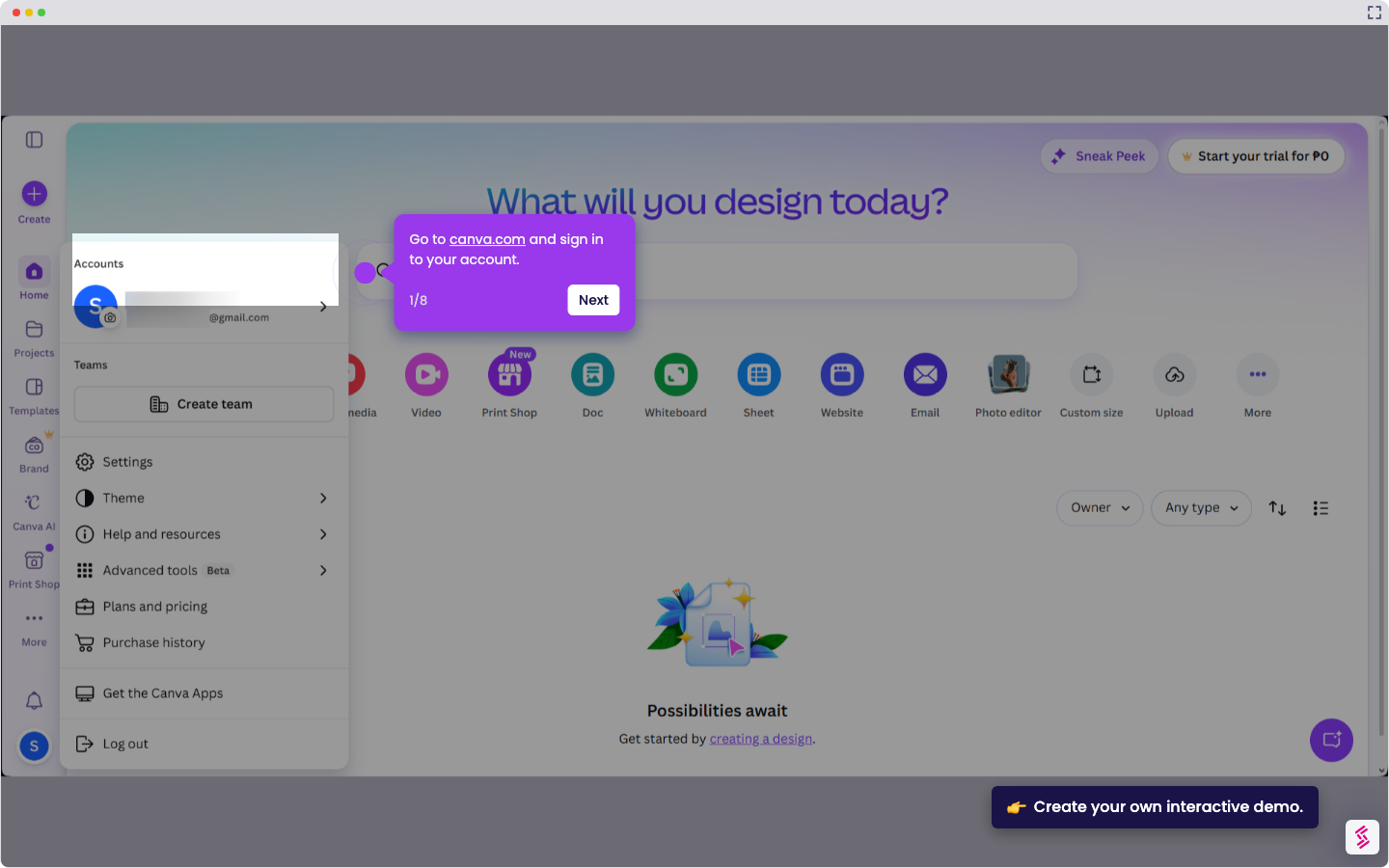
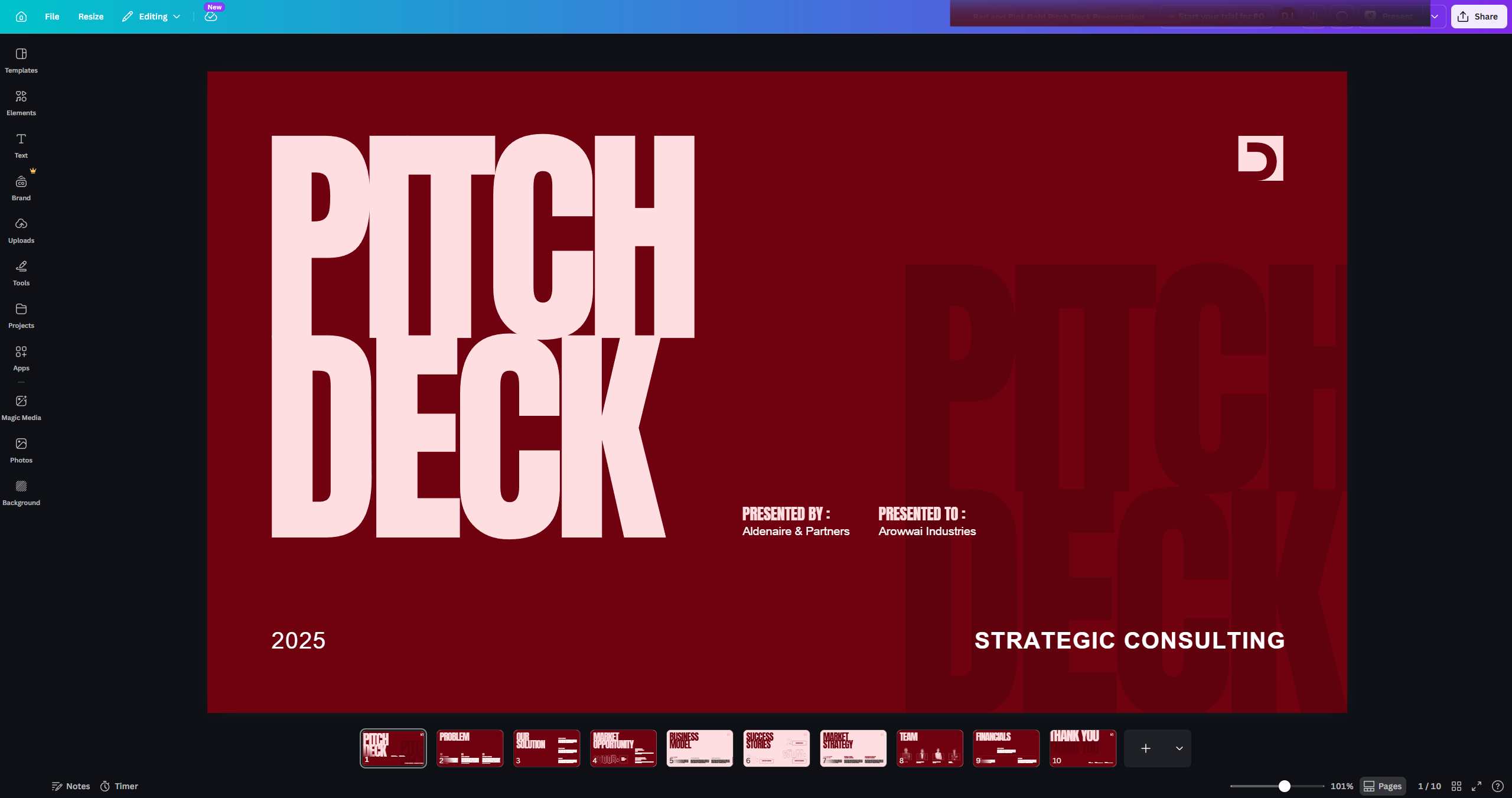
  1. Open an existing design that you want to save as a PDF.
  2. Above the editor, click Share.
  3. Select Download from the Share menu.
  4. Click on the file type dropdown to open the format options menu.
  5. Select PDF Standard or PDF Print from the dropdown menu.
  6. Check Flatten PDF to tick the checkbox and merge all layers.
  7. Once processing is complete, click the download prompt to save the PDF file to your computer.
📌 Why this matters

Knowing how to save a Canva design as a PDF is essential for anyone who needs to share, print, or publish professional-quality documents. Canva offers two PDF export options — PDF Standard for digital sharing and PDF Print for high-resolution printing — giving users precise control over output quality. The Flatten PDF option ensures all layers and interactive elements are merged, preventing formatting issues when the file is opened on other devices. This workflow makes Canva a reliable tool for creating print-ready flyers, presentations, and marketing materials without needing dedicated design software.
Your product deserves an interactive demo
Start free
Similar Articles
How to Use Canva Templates in Google SlidesHow to Use Canva Templates in Google Slides
Canva

How to Integrate Canva With Google Slides

Madhav Bhandari
Director of Marketing @ Storylane
Canva

How to Create a YouTube Intro

Madhav Bhandari
Director of Marketing @ Storylane
Canva

How to Import Slides from Google Slides to Canva

Madhav Bhandari
Director of Marketing @ Storylane
No items found.
Platform
Interactive Demos
Sandbox Demos
Hubs
RepX
Integrations
Solutions
Product Marketers
Growth & Demand Gen
Sales Reps & AEs
Presales & SEs
Customer Success
Product Managers
Customers
Demo Showcase
Customer Stories
Finer Demos Club
Features
Demo Signals
Personalization
Deal Intelligence
Resources
Blog
The Plot
Tutorials
Help Docs
What’s New
Demo Dundies
Company
Careers
Pricing
Partners
Contact
Trust Center
Backed by
Chrome Extension Icon
Chrome extension
Download
Desktop app
Download
Built in San Francisco Bay Area - ©2026 Storylane
Privacy PolicyTerms & Conditions
X Corp (formerly Twitter)LinkedIn
This website uses cookies to ensure you get the best experience on our website. Learn More
Got it
This website uses cookies to ensure you get the best experience on our website. Learn More
Got it