This interactive demo was created free with Storylane in 2 minutes. Create your own demo
Start free
All Tutorials /Xero

How to Send Bulk Invoices in Xero

Updated on:
June 5, 2026
By:
Madhav Bhandari
Use this interactive demo to learn how to bulk send invoices to multiple contacts in Xero.

Quick summary

Xero's bulk invoice feature lets you create and send invoices to an entire contact group in a few clicks, eliminating the need to generate each invoice individually. This step-by-step walkthrough covers everything from selecting the Invoice To group to approving and dispatching all invoices at once.


Steps

  1. From Xero's main dashboard, click 'Business' in the top menu bar.
  2. Select 'Invoices' from the dropdown list of options.
  3. Click the drop-down arrow next to 'New Invoice' to reveal bulk invoice options.
  4. Under the Invoice To section, choose the contact group you want to bulk send invoices to.
  5. Enter all required invoice details — such as issue date and other relevant fields — into their respective input fields.
  6. Click 'Create Draft Invoices' in the top-right corner to generate the invoices.
  7. Tick the checkbox beside each newly created draft invoice you want to bulk send.
  8. Click 'Approve' to approve the selected invoices.
  9. Tap 'OK' to confirm — the selected invoices will be bulk sent immediately to all intended recipients.


📌 Why this matters

Sending invoices one by one wastes time and increases the risk of errors for businesses managing multiple clients. Xero's bulk invoicing feature lets finance teams create, approve, and send invoices to an entire contact group in a single workflow, dramatically reducing manual effort. This is especially valuable for subscription businesses, membership organisations, and agencies that bill large numbers of contacts on the same cycle. Mastering bulk invoicing in Xero helps teams close billing runs faster and maintain consistent, professional communication with all clients at once.
Your product deserves an interactive demo
Start free
Similar Articles
Xero

How to Unlock Accounts in Xero When the Password is Forgotten

Madhav Bhandari
Director of Marketing @ Storylane
Xero

How to Record an Overpayment in Xero

Madhav Bhandari
Director of Marketing @ Storylane
Xero

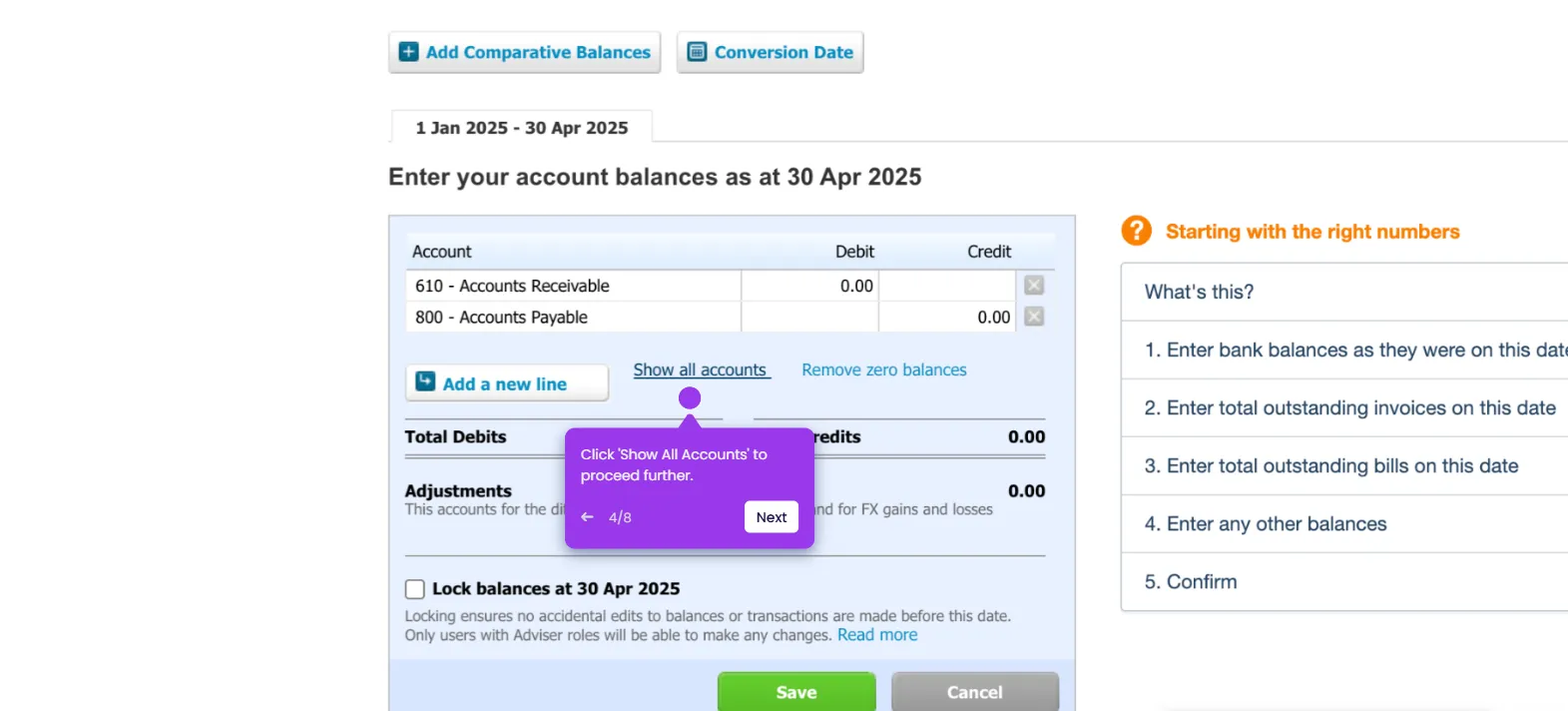
How to Enter Conversion Balances in Xero

Madhav Bhandari
Director of Marketing @ Storylane
No items found.
Platform
Interactive Demos
Sandbox Demos
Hubs
RepX
Integrations
Solutions
Product Marketers
Growth & Demand Gen
Sales Reps & AEs
Presales & SEs
Customer Success
Product Managers
Customers
Demo Showcase
Customer Stories
Finer Demos Club
Features
Demo Signals
Personalization
Deal Intelligence
Resources
Blog
The Plot
Tutorials
Help Docs
What’s New
Demo Dundies
Company
Careers
Pricing
Partners
Contact
Trust Center
Backed by
Chrome Extension Icon
Chrome extension
Download
Desktop app
Download
Built in San Francisco Bay Area - ©2026 Storylane
Privacy PolicyTerms & Conditions
X Corp (formerly Twitter)LinkedIn
This website uses cookies to ensure you get the best experience on our website. Learn More
Got it
This website uses cookies to ensure you get the best experience on our website. Learn More
Got it