This interactive demo was created free with Storylane in 2 minutes. Create your own demo
Start free
All Tutorials /Marketo

How to Set Up Webhook in Marketo

Updated on:
June 9, 2026
By:
Madhav Bhandari
Try this guided demo to learn how to set up webhook in Marketo.
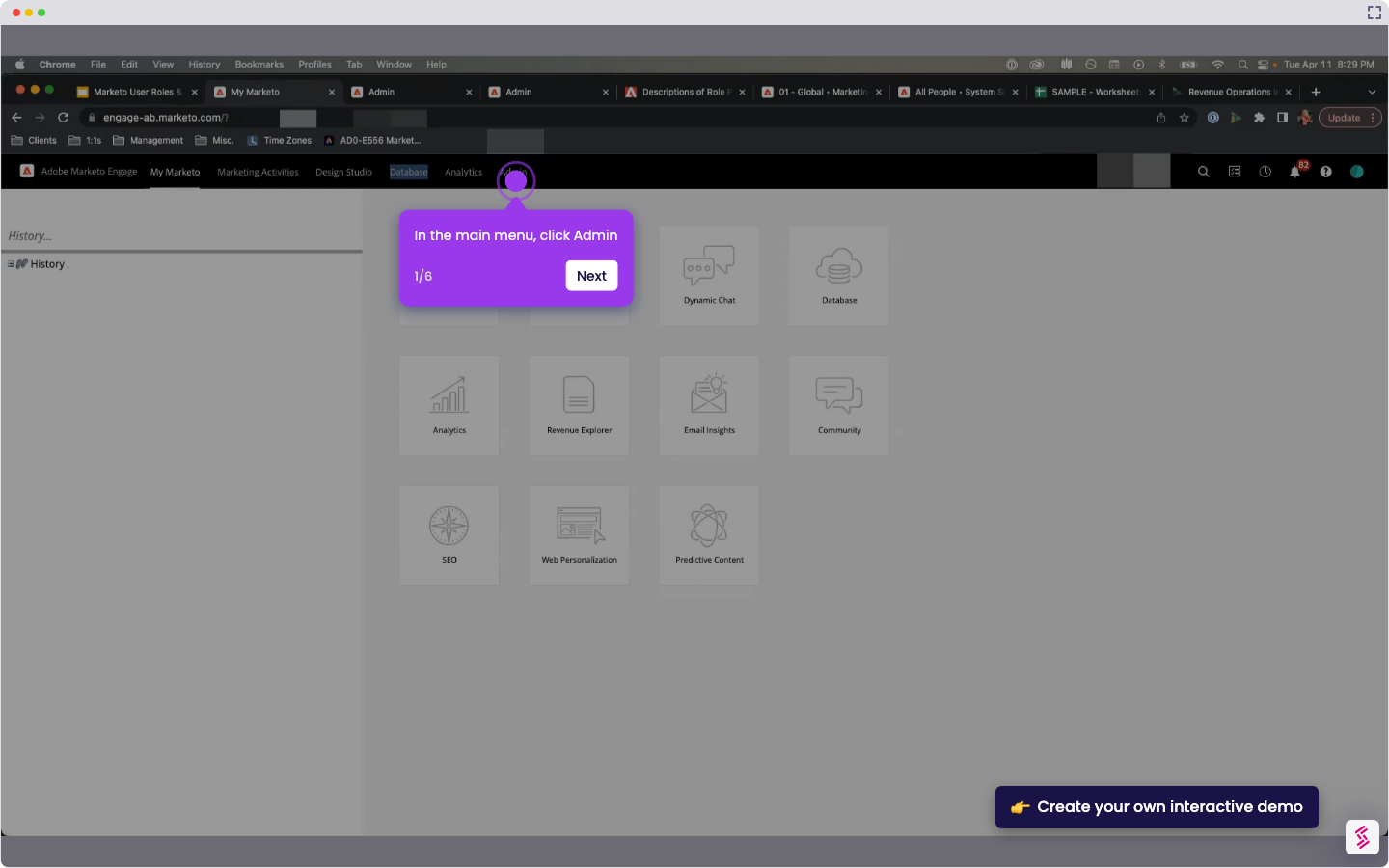
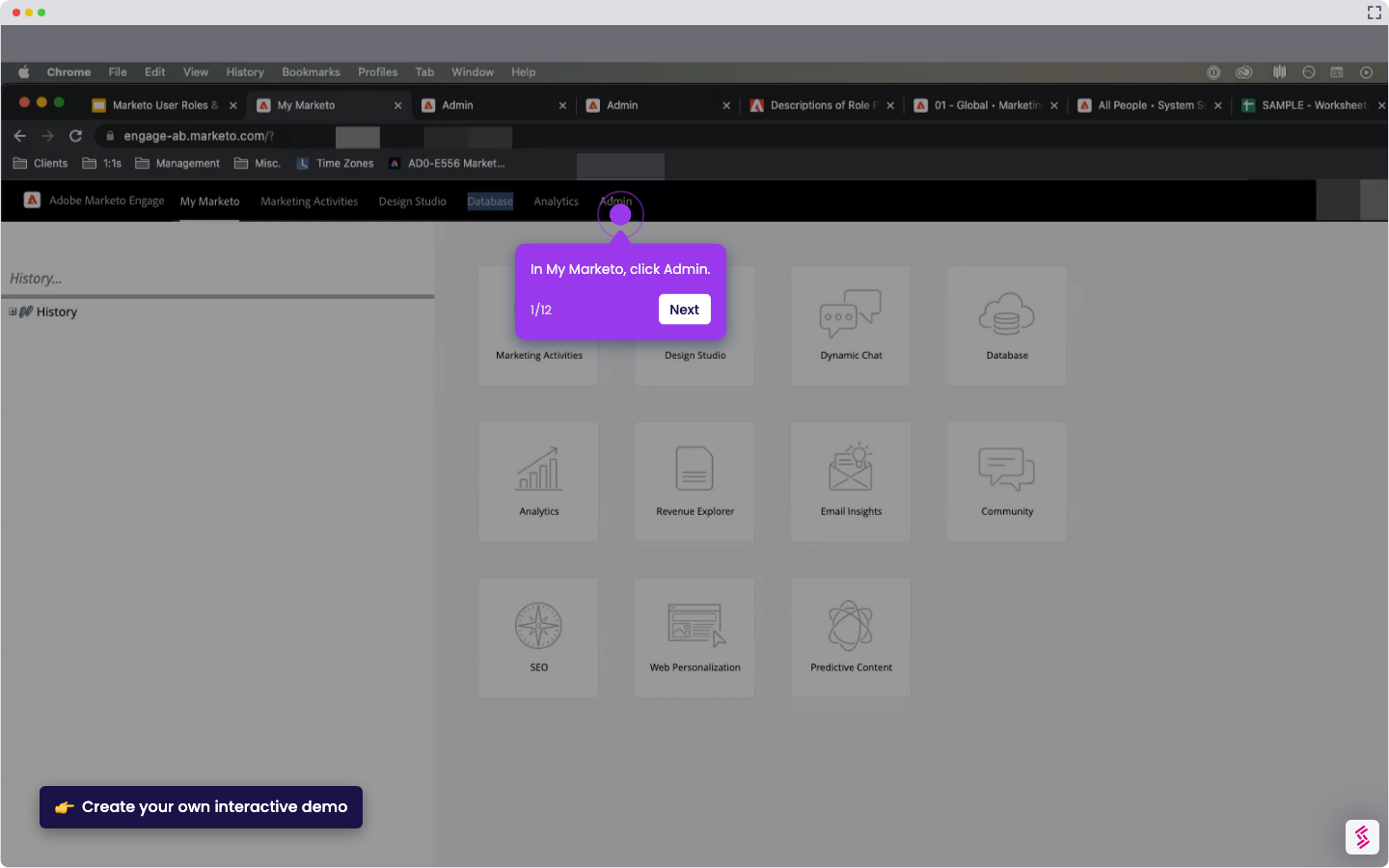
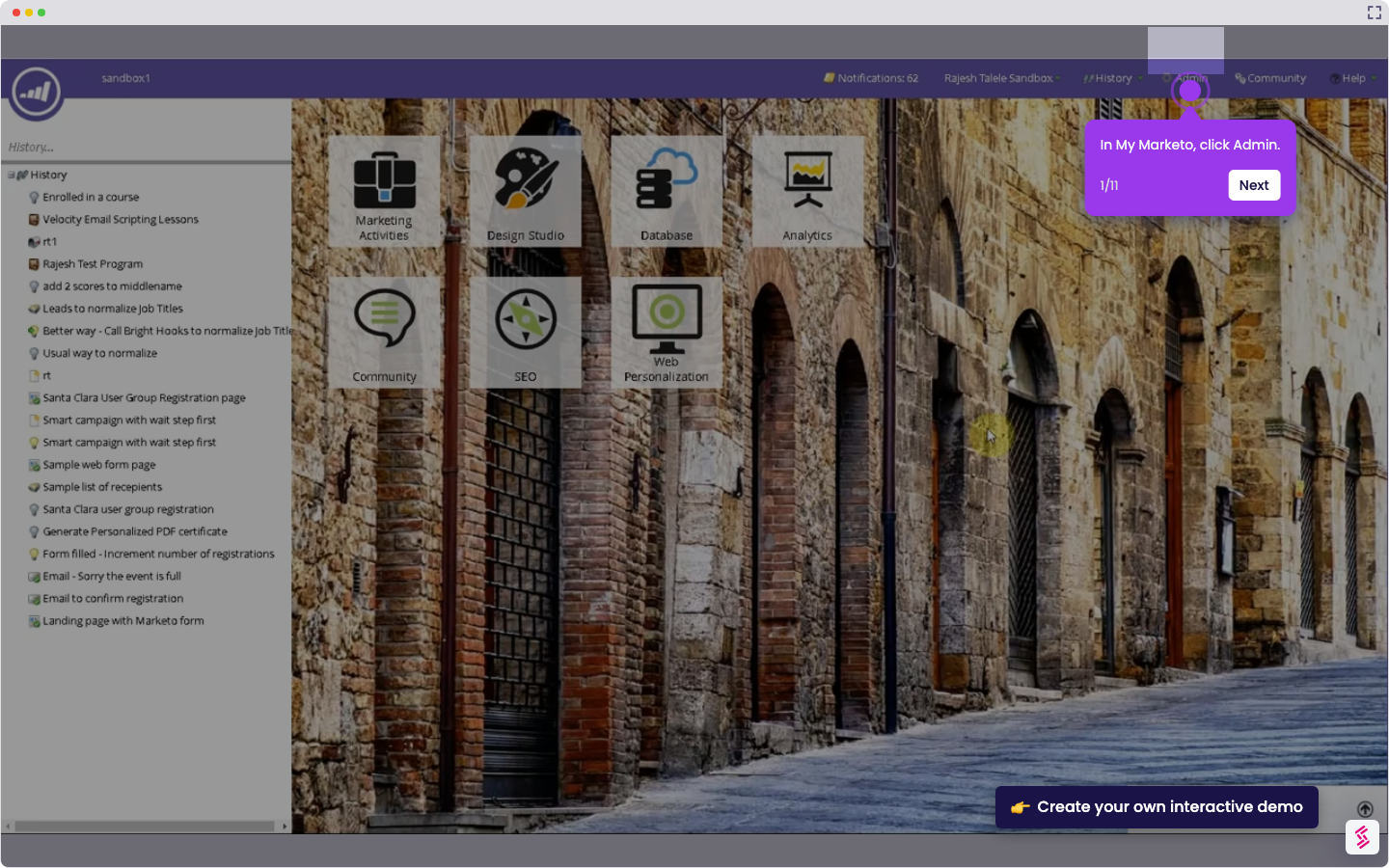
  1. On the top menu, click Admin.
  2. In the left sidebar, click Webhooks.
  3. At the top of the page, click New Webhook.
  4. In the webhook setup window, enter a name for the webhook.
  5. In the URL field, enter the web service endpoint you want to use.
  6. If needed, click Insert Token to add a token to the URL.
  7. If you want to send data in the request body, enter it in the Template field.
  8. Select the Request Token Encoding, Response Type, and Request Type for the webhook.
  9. Click Create.

📌 Why this matters

Setting up webhooks lets you automatically send lead data, form submissions, and campaign triggers to external systems like your CRM, analytics platforms, or custom applications in real-time. Beyond simple data syncing, webhooks transform Marketo into a central hub that can orchestrate complex workflows across your entire marketing stack. When a prospect reaches a specific score or completes a key action, you can instantly update inventory systems, trigger personalized SMS campaigns, or alert sales reps—creating seamless experiences that would otherwise require manual intervention or delayed batch processing.

Demo: https://app.storylane.io/share/u7ibk9ibz9p0

Your product deserves an interactive demo
Start free
Similar Articles
Marketo

How to Integrate Marketo with Zoom

Madhav Bhandari
Director of Marketing @ Storylane
Marketo

How to Integrate Marketo with Google Ads

Madhav Bhandari
Director of Marketing @ Storylane
Marketo

How to Integrate Marketo with LinkedIn

Madhav Bhandari
Director of Marketing @ Storylane
No items found.
Platform
Interactive Demos
Sandbox Demos
Hubs
RepX
Integrations
Solutions
Product Marketers
Growth & Demand Gen
Sales Reps & AEs
Presales & SEs
Customer Success
Product Managers
Customers
Demo Showcase
Customer Stories
Finer Demos Club
Features
Demo Signals
Personalization
Deal Intelligence
Resources
Blog
The Plot
Tutorials
Help Docs
What’s New
Demo Dundies
Company
Careers
Pricing
Partners
Contact
Trust Center
Backed by
Chrome Extension Icon
Chrome extension
Download
Desktop app
Download
Built in San Francisco Bay Area - ©2026 Storylane
Privacy PolicyTerms & Conditions
X Corp (formerly Twitter)LinkedIn
This website uses cookies to ensure you get the best experience on our website. Learn More
Got it
This website uses cookies to ensure you get the best experience on our website. Learn More
Got it