
This interactive demo was created free with Storylane in 2 minutes. Create your own demo
Start free
All Tutorials /Linear

How to Use Emoji Reactions in Linear

Updated on:
June 5, 2026
By:
Madhav Bhandari
Use this interactive demo to learn how to add emoji reactions to issues and comments in Linear.

Quick summary

Emoji reactions in Linear let team members respond to issues and comments instantly without typing a reply. This lightweight feedback mechanism improves team engagement and keeps project communication streamlined.


Steps

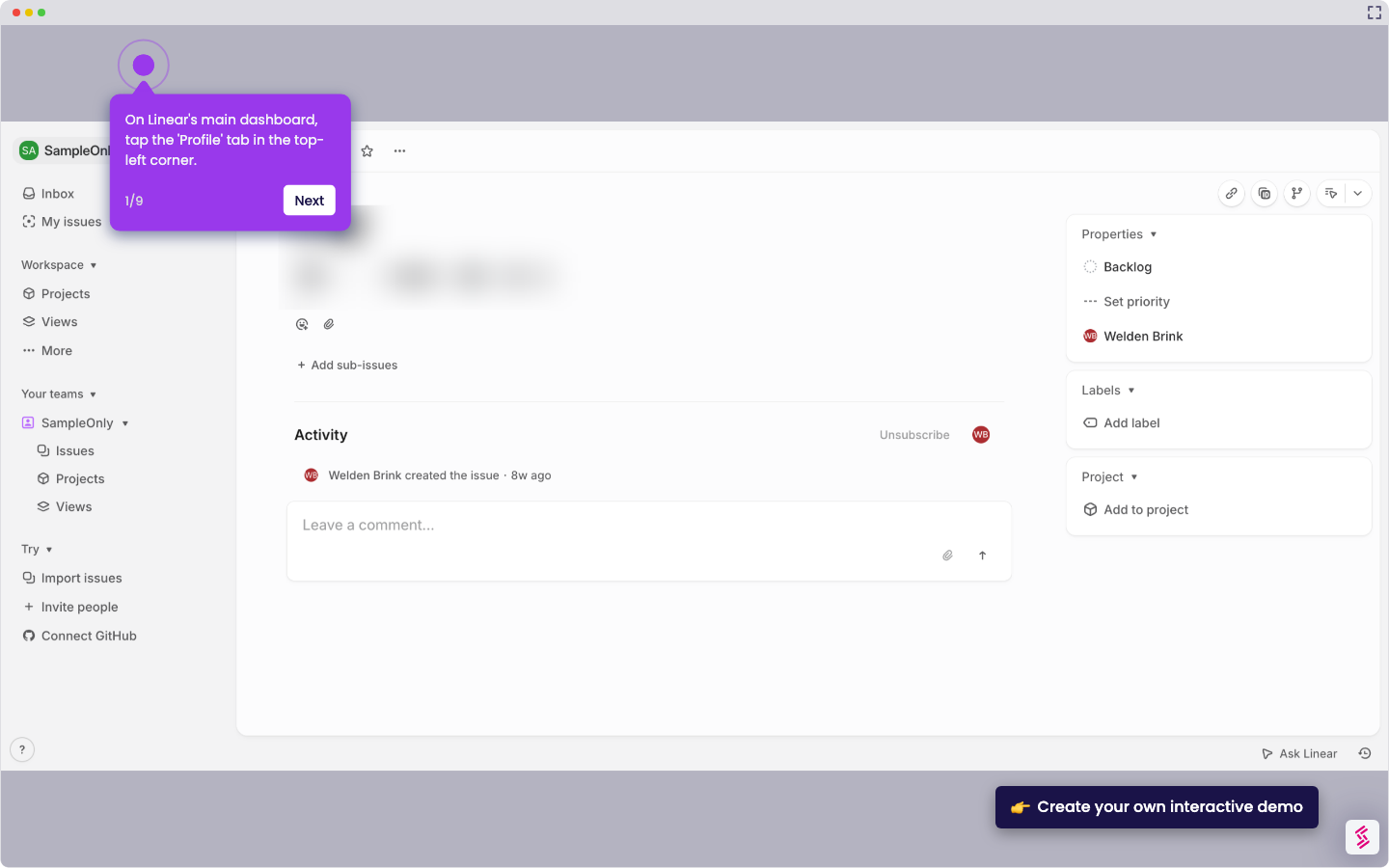
  1. Open your Linear inbox and click on a preferred issue to view its details.
  2. Under the issue description, click the emoji icon to open the reaction picker.
  3. Select an emoji from the list of available reactions to react to the issue.
  4. Hover over a comment and click the emoji icon that appears alongside it.
  5. Select an emoji from the reaction list to react to the comment.
  6. The emoji reaction automatically appears under the comment, enabling quick feedback and team engagement.
📌 Why this matters

Emoji reactions in Linear give engineering and product teams a fast, low-friction way to acknowledge issues and comments without breaking their workflow. Instead of writing a full reply, team members can signal agreement, approval, or awareness with a single click, reducing notification noise across busy projects. This feature is especially valuable for distributed teams who need asynchronous communication tools that keep collaboration visible and lightweight. By enabling emoji reactions on both issues and comments, Linear helps teams maintain momentum and context without unnecessary back-and-forth.
Your product deserves an interactive demo
Start free
Similar Articles
Linear

How to Integrate Jira with Linear

Madhav Bhandari
Director of Marketing @ Storylane
Linear

How to Create Personal To-Do Lists in Linear

Madhav Bhandari
Director of Marketing @ Storylane
Linear

How to Set Personal Preferences in Linear

Madhav Bhandari
Director of Marketing @ Storylane
No items found.
Platform
Interactive Demos
Sandbox Demos
Hubs
RepX
Integrations
Solutions
Product Marketers
Growth & Demand Gen
Sales Reps & AEs
Presales & SEs
Customer Success
Product Managers
Customers
Demo Showcase
Customer Stories
Finer Demos Club
Features
Demo Signals
Personalization
Deal Intelligence
Resources
Blog
The Plot
Tutorials
Help Docs
What’s New
Demo Dundies
Company
Careers
Pricing
Partners
Contact
Trust Center
Backed by
Chrome Extension Icon
Chrome extension
Download
Desktop app
Download
Built in San Francisco Bay Area - ©2026 Storylane
Privacy PolicyTerms & Conditions
X Corp (formerly Twitter)LinkedIn
This website uses cookies to ensure you get the best experience on our website. Learn More
Got it
This website uses cookies to ensure you get the best experience on our website. Learn More
Got it