This interactive demo was created free with Storylane in 2 minutes. Create your own demo
Start free
All Tutorials /Alteryx

How to Use Fuzzy Match in Alteryx

Updated on:
June 5, 2026
By:
Akshaya Chandramouli
Use this interactive demo to learn how to perform fuzzy matching inside an Alteryx workflow.

Quick summary

The Fuzzy Match tool in Alteryx lets you identify near-duplicate records across datasets using configurable match methods and thresholds. This step-by-step walkthrough shows how to configure and run Fuzzy Match inside the Alteryx workflow designer from start to finish.


Steps

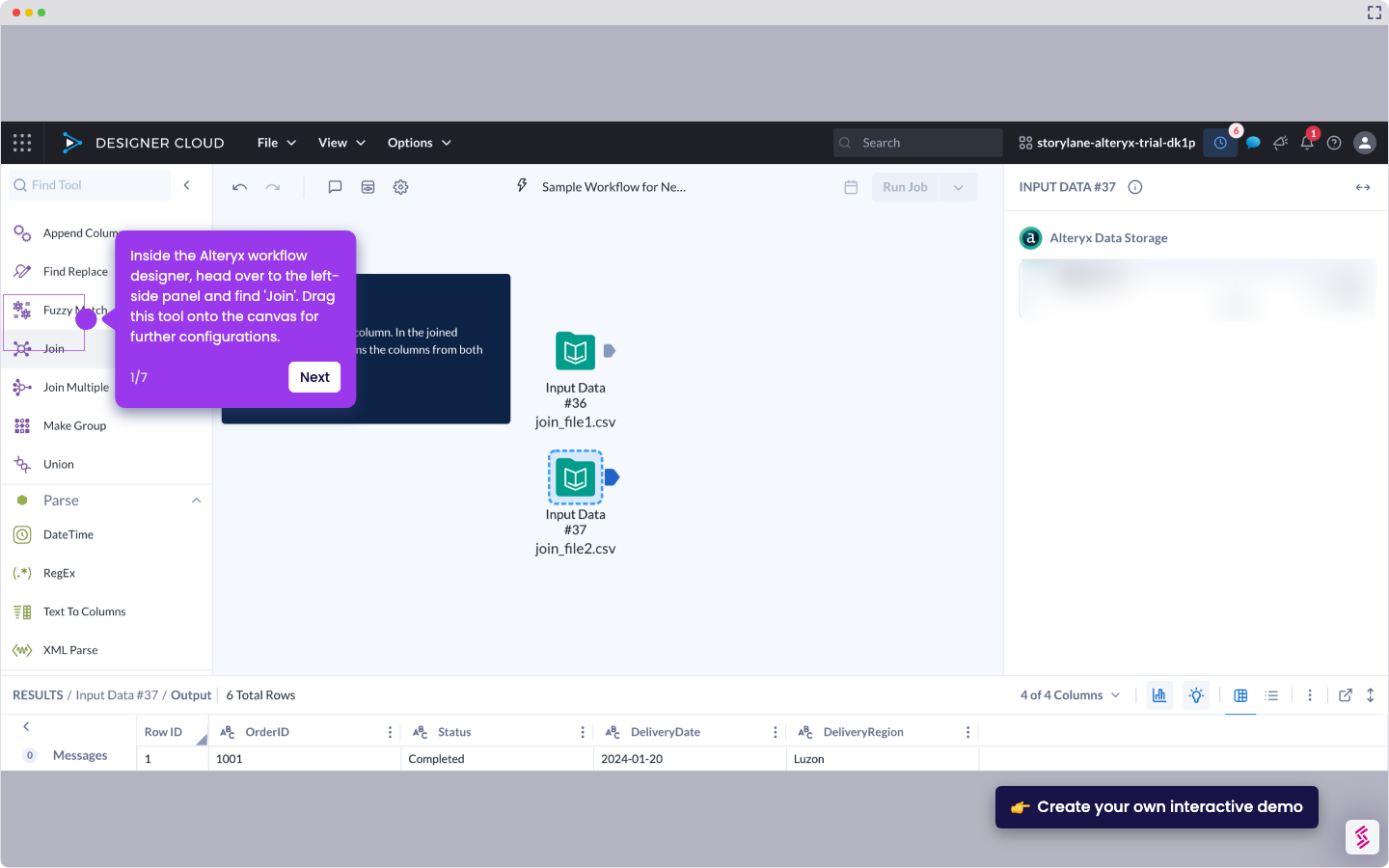
  1. In the Alteryx workflow designer, locate Fuzzy Match in the left-side panel, drag it onto the canvas, and connect it to your Input Data tool or other data sources.
  2. In the right-hand panel, begin configuring the tool by choosing your preferred Find Method.
  3. Select your preferred Row ID Column and set your desired Match Threshold.
  4. Scroll down to the Match Criteria section and specify your preferred Match Column and Match Style using the dropdown menus.
  5. Click Edit Match Options to access additional configuration settings.
  6. Configure the available match settings according to your requirements.
  7. Navigate to the Output Options section and tick the checkbox beside the output option you wish to enable.
  8. The Fuzzy Match tool will process your data and generate output results based on your configured settings.

📌 Why this matters

Alteryx's Fuzzy Match tool solves one of the most persistent data quality challenges: identifying near-duplicate records that exact matching misses. By enabling teams to configure match methods, thresholds, and criteria without writing code, Alteryx makes advanced data deduplication and record linkage accessible to business analysts and data engineers alike. This is critical for organizations that need clean, consolidated datasets for accurate reporting, CRM hygiene, or compliance. Fuzzy matching in Alteryx directly reduces manual data-cleansing effort and improves the reliability of downstream analytics.
Your product deserves an interactive demo
Start free
Similar Articles
Alteryx

How to Integrate Alteryx with Snowflake

Madhav Bhandari
Director of Marketing @ Storylane
Alteryx

How to Compare Two Files in Alteryx

Madhav Bhandari
Director of Marketing @ Storylane
Alteryx

How to Use the Summarize Tool in Alteryx

Akshaya Chandramouli
Head of Brand at Storylane
No items found.
Platform
Interactive Demos
Sandbox Demos
Hubs
RepX
Integrations
Solutions
Product Marketers
Growth & Demand Gen
Sales Reps & AEs
Presales & SEs
Customer Success
Product Managers
Customers
Demo Showcase
Customer Stories
Finer Demos Club
Features
Demo Signals
Personalization
Deal Intelligence
Resources
Blog
The Plot
Tutorials
Help Docs
What’s New
Demo Dundies
Company
Careers
Pricing
Partners
Contact
Trust Center
Backed by
Chrome Extension Icon
Chrome extension
Download
Desktop app
Download
Built in San Francisco Bay Area - ©2026 Storylane
Privacy PolicyTerms & Conditions
X Corp (formerly Twitter)LinkedIn
This website uses cookies to ensure you get the best experience on our website. Learn More
Got it
This website uses cookies to ensure you get the best experience on our website. Learn More
Got it